Enable and Query OLAP Database
Enable OLAP Database
You can enable the OLAP database for a Catalyst project as a whole. All the tables created in the Data Store in this project will then be automatically synchronized to the OLAP database.
To enable the OLAP database for your project:
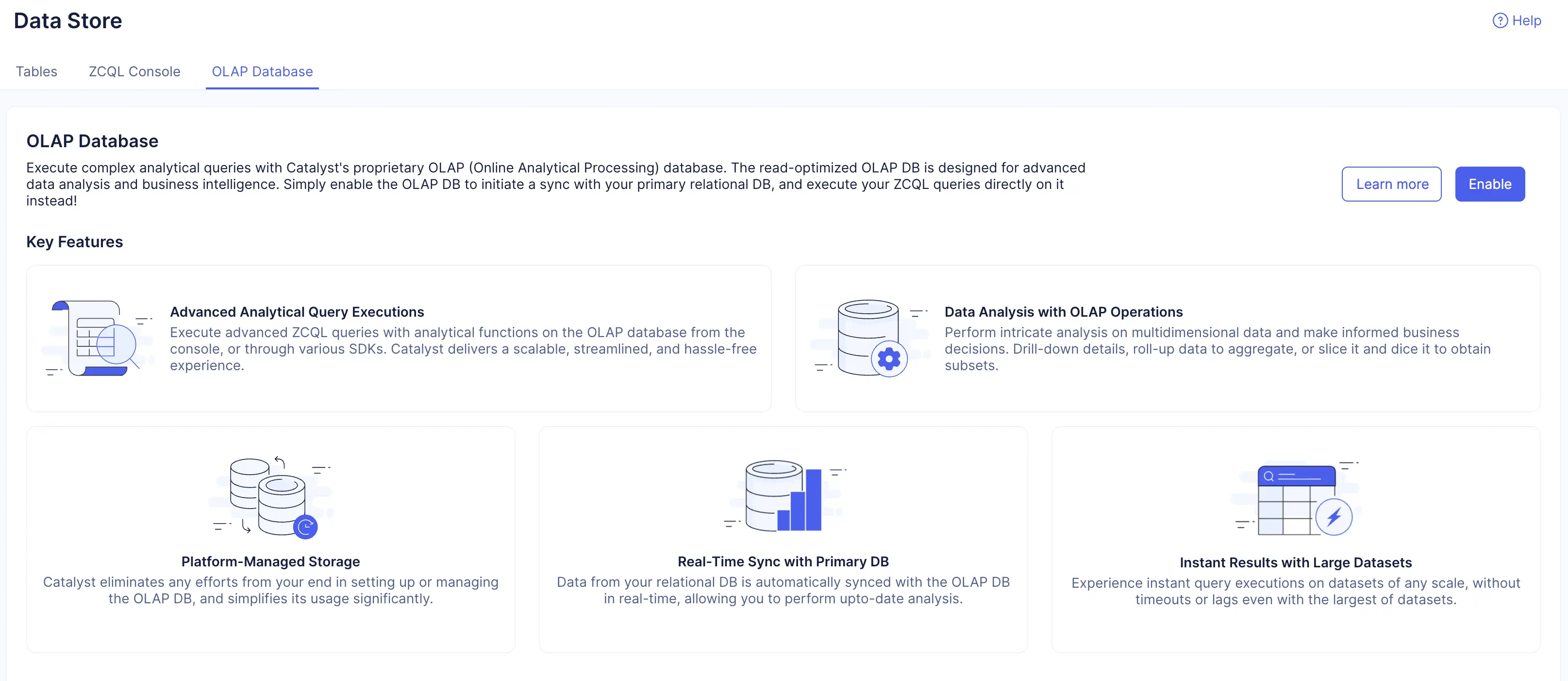
- Navigate to Data Store in CloudScale, then click the OLAP Database tab.
- Click Enable from this section.
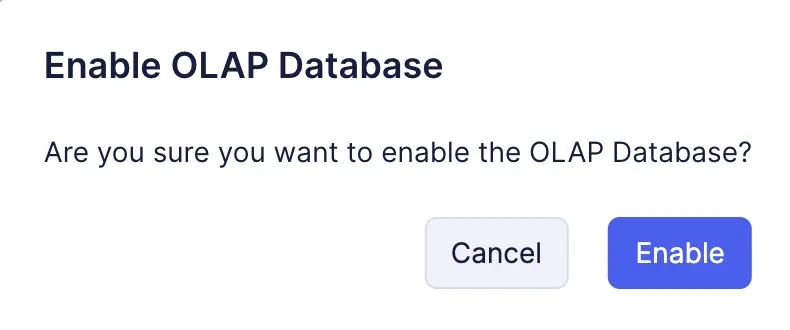
- Click Enable in the confirmation pop-up.
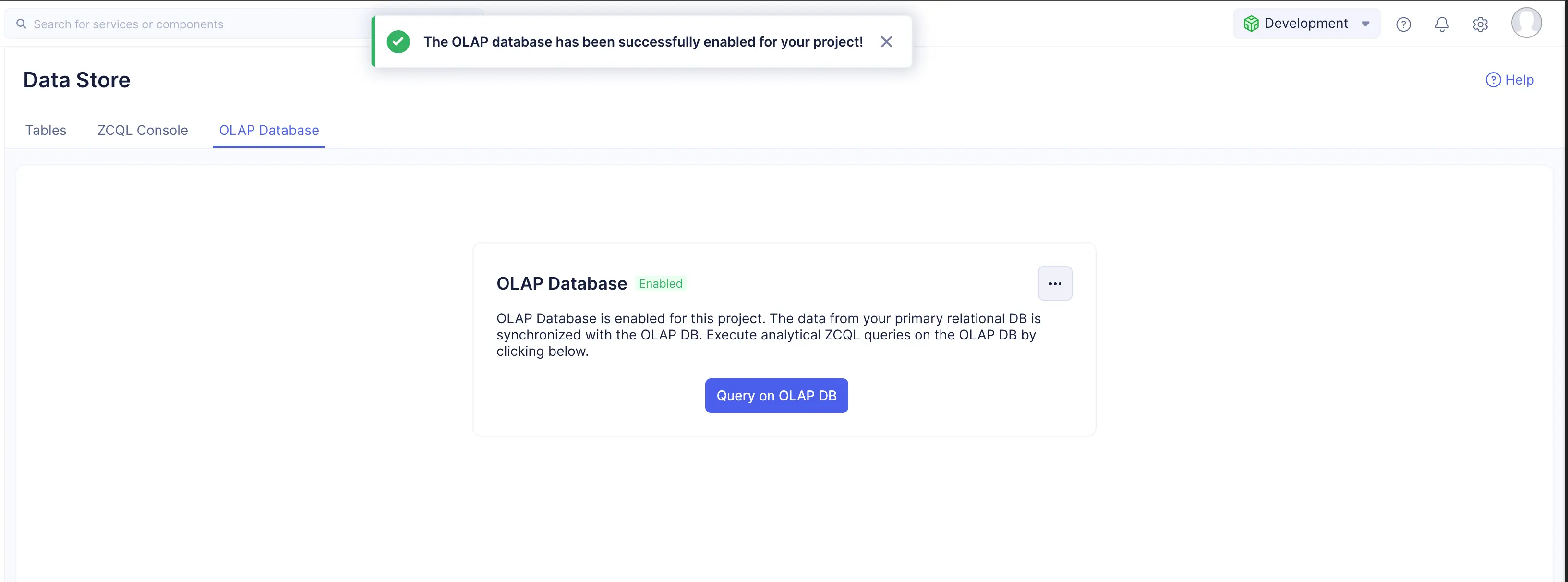
The OLAP Database will be enabled and Catalyst will start syncing your data from the primary Data Store.
Disable OLAP Database
You can disable the OLAP database whenever you require it. Typically, you can disable this when you do not have any requirements to execute analytical queries and would prefer querying the primary Data Store alone.
Your data from the primary Data Store will not be synchronized with the OLAP database when it is disabled. If you choose to re-enable it later again, Catalyst will synchronize the updated data then.
To disable the OLAP database for your project:
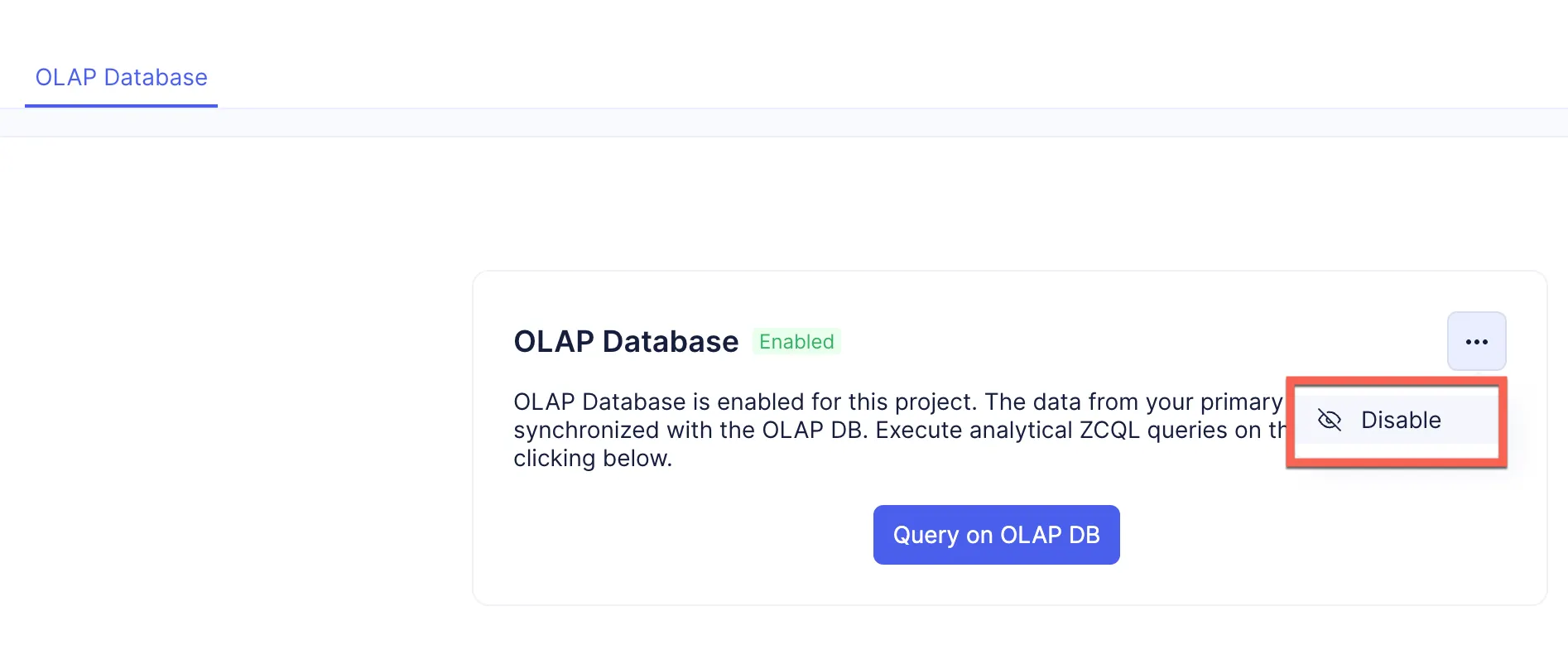
- From the OLAP Database tab in the Data Store, click the ellipsis icon in the window. Click Disable.
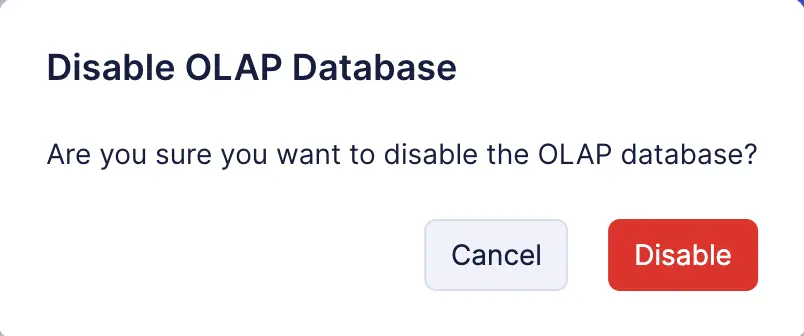
- Click Disable in the confirmation pop-up window.
Querying on the OLAP Database
When the OLAP database is enabled, you can execute queries on it the same way you execute queries on the primary Data Store with ZCQL programmatically. Catalyst auto-synchronizes data from the primary Data Store in real-time, so the queries will be run on the up-to date data from your tables.
You can construct ZCQL queries and execute them using the Catalyst server-side SDKs (Java, Node.js, Python) or the client-side SDKs (Web, Android, iOS, Flutter), as well as our REST API. Refer to the respective help pages for the syntax to execute queries on the OLAP database using these SDKs.
Catalyst provides a ZCQL console tool that allows you to execute ZCQL queries on the data stored from the Data Store, in the Catalyst console. You can avail features like code-completion, code saver, ZCQL explorer to reuse saved queries, and more.
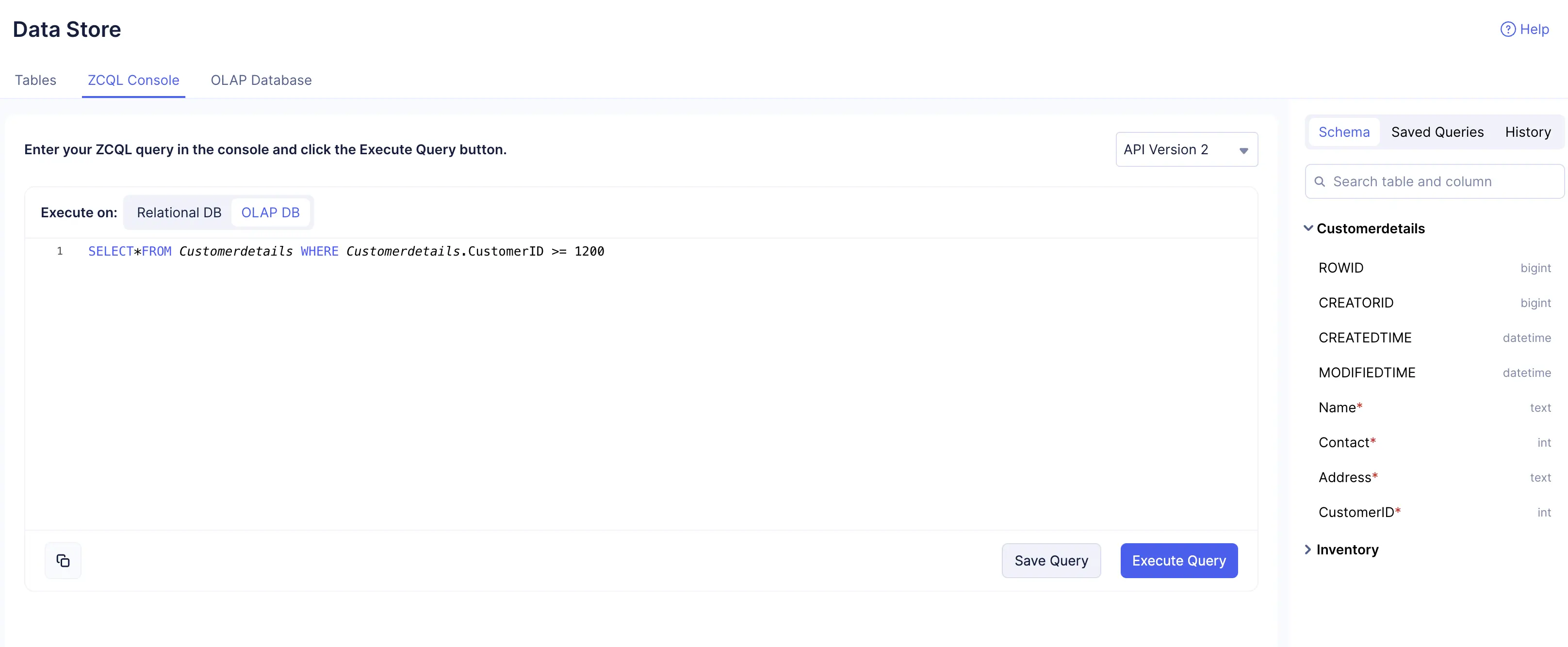
You can choose to execute queries on the primary database or the OLAP database in the ZCQL console. Click the ZCQL Console tab in the Data Store, then click OLAP DB next to Execute on. You can now type in your analytical query and click Execute Query.
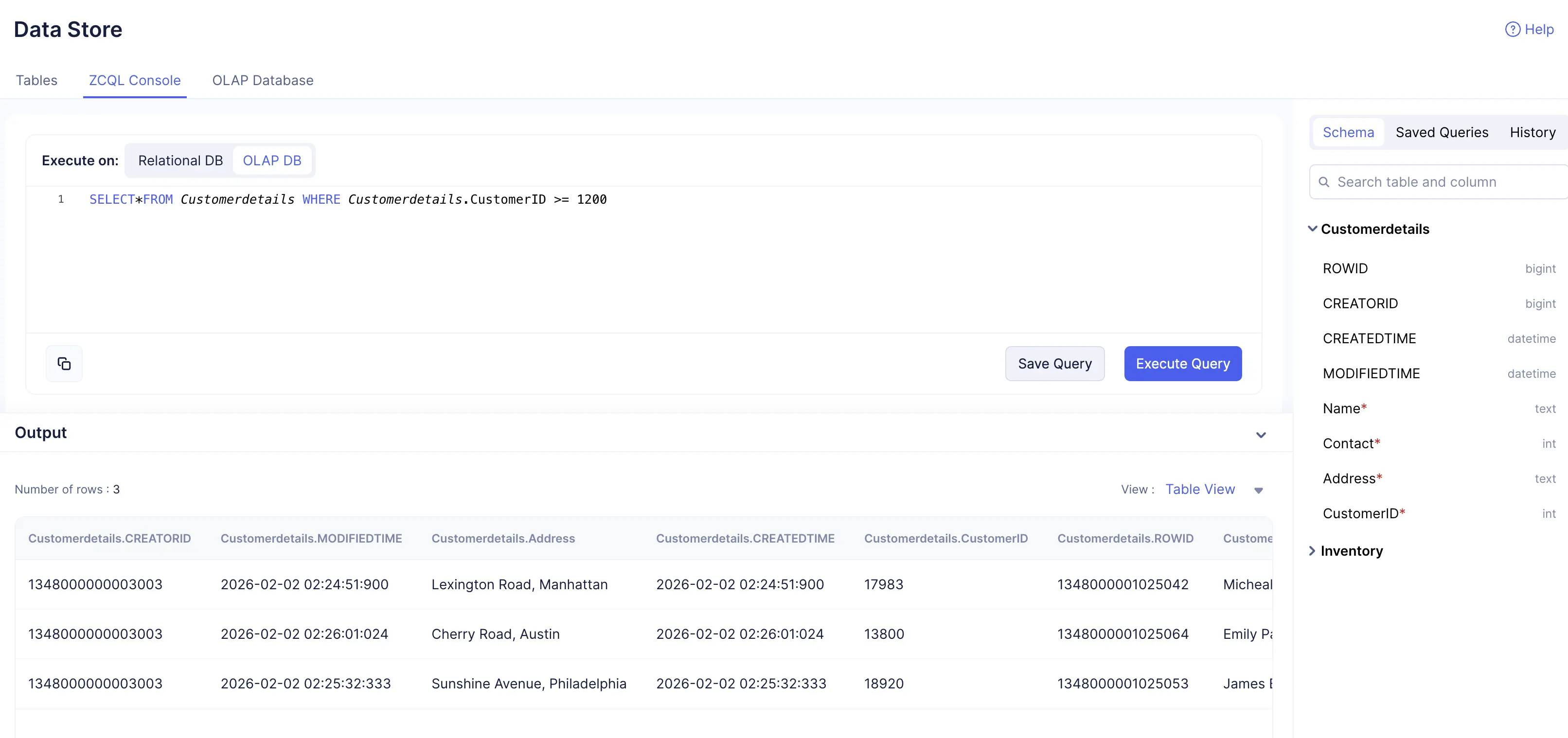
The console will return the query result, that you can choose to view in a table format or the JSON format using the drop-down.
Refer to the ZCQL console help section for details about the various features available in the console.
Last Updated 2026-03-06 21:49:28 +0530 IST
Yes
No
Send your feedback to us