バケットからのオブジェクトのダウンロード
バケットからオブジェクトをダウンロードするには:
-
必要なオブジェクトをクリックまたは選択します。
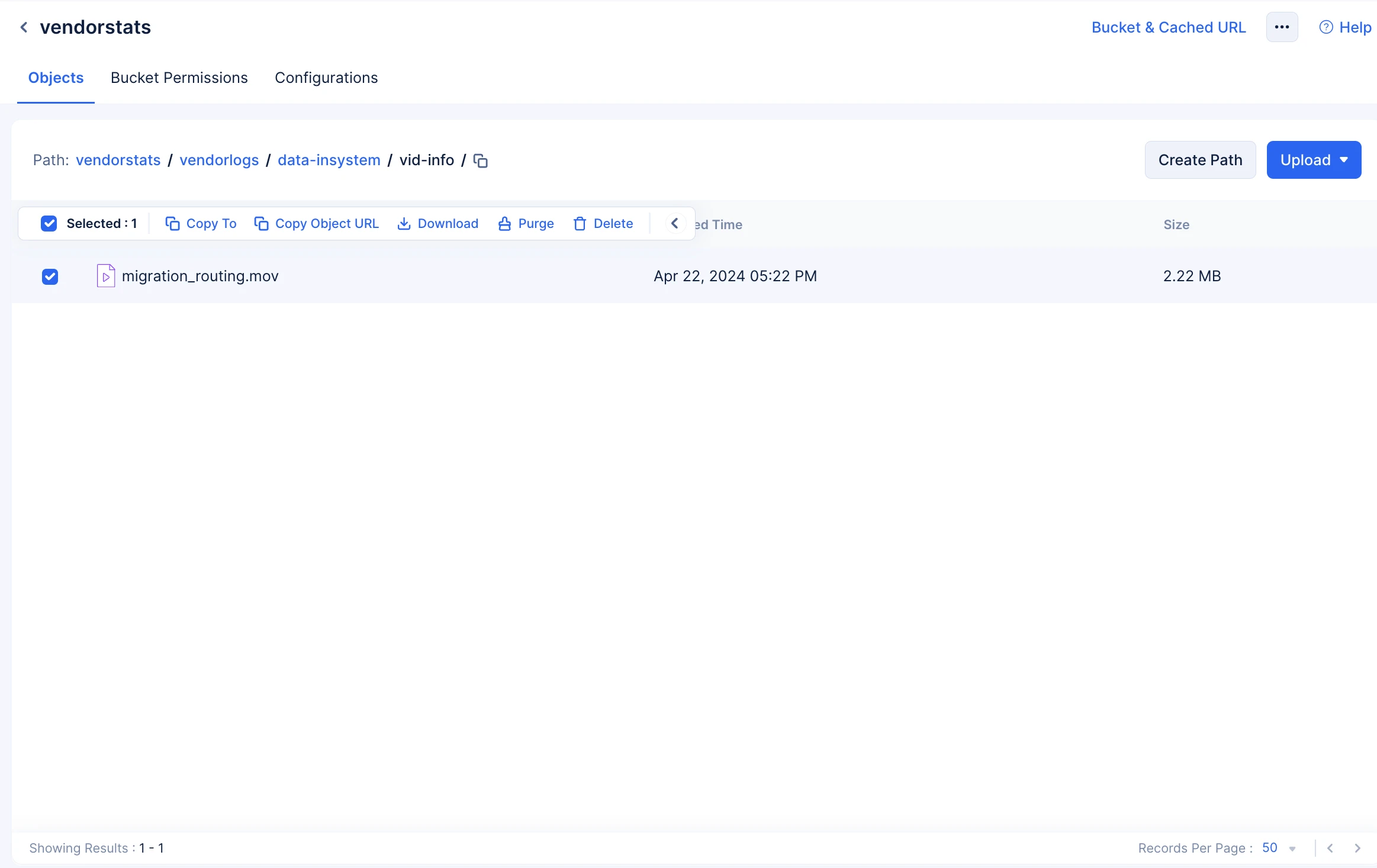
-
Downloadをクリックします。
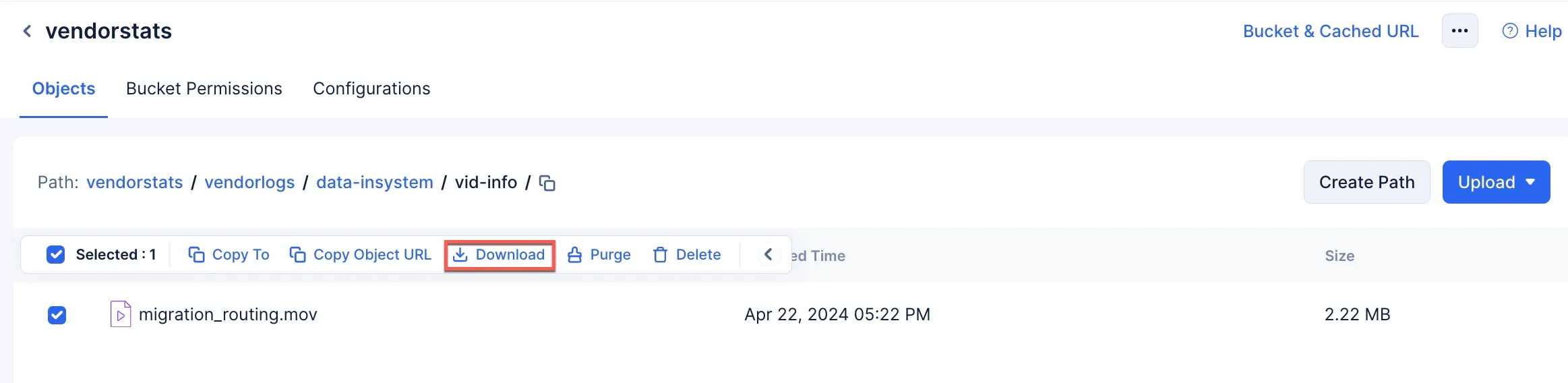
-
システムプロンプトでSaveをクリックします。
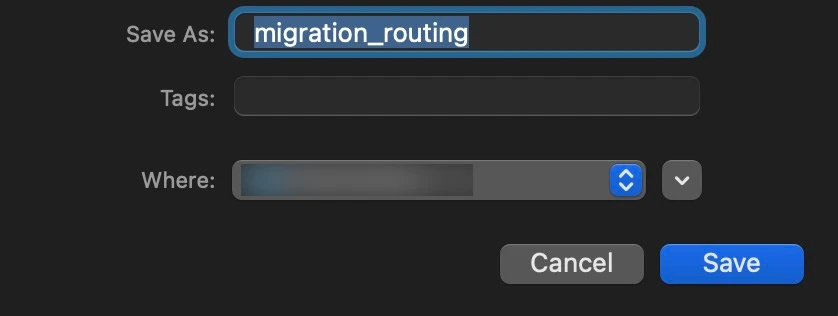
オブジェクトがローカルシステムにダウンロードされます。
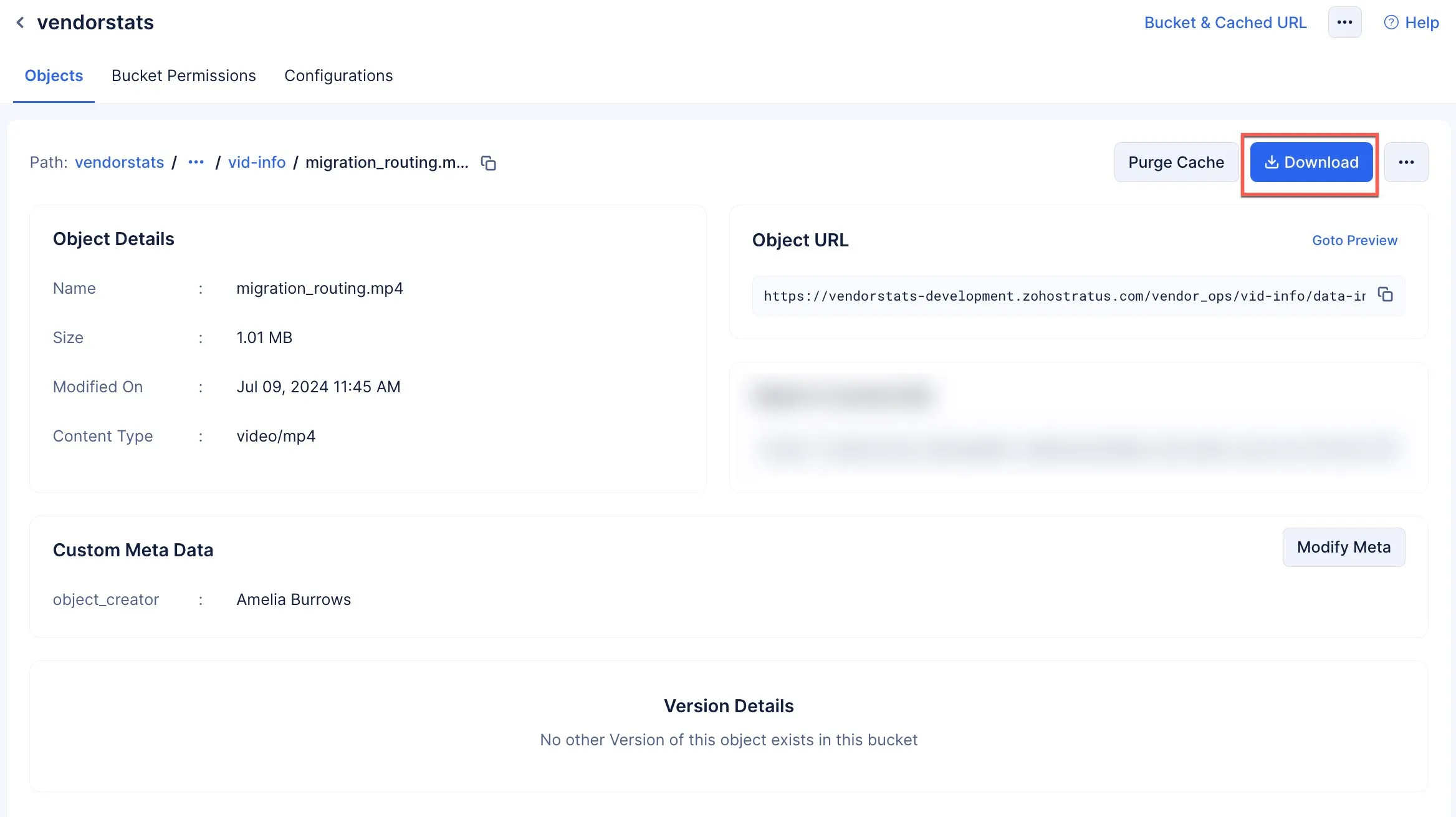
オブジェクト詳細ビューにあるDownloadボタンを使用して、オブジェクトをダウンロードすることもできます。
以下のパッケージがインポートされていることを確認してください
import com.zc.component.stratus.beans.ZCGetObjectOptions;
import java.nio.file.Path;
import java.nio.file.Files;
import java.nio.file.StandardCopyOption;
import java.io.*;
InputStream dataStream = bucket.getObject(“objectName”);
// オブジェクトをローカルマシンにダウンロードする
Path path = Path.of(“file_path”);  // ダウンロードしたオブジェクトを保存するパスを指定する
Files.copy(dataStream, path, StandardCopyOption.REPLACE_EXISTING);
const res = await bucket.getObject(“objectName”);
// オブジェクトをローカルマシンにダウンロードする
const files = fs.createWriteStream(‘filePath’);
res.on(‘data’, (data) => {
files.write(data)
});
res = bucket.get_object(‘object_name’)
# オブジェクトをローカルマシンにダウンロードする
file = open(‘file_path’,‘wb’)
file.write(res)
objectInstance.download(fromCache : true) {
result in switch result {
    case.success(let url):
    do {
        let data = Data(contentsOf : url) DispatchQueue.main.sync {
        self.imageView.image = UIImage(date : data)
        }
    }
    catch {
        print("Error : \( error )")
    }
    case.error(let error):
    print("Error : \( error )")
}
}
bucketInstance.getObject("SunSet.jpeg", "2823000000044005", //これをあなたのフォルダIDに置き換えてください and File ID
    {
object->object.download({println("File download success ${it.available()}")},
                        {println("File download failed $it")})
try {
ZCatalystBucket bucket = stratus.bucket("testing");
var(response, object) = await bucket.getObject("SunSet.jpeg");
final downloadsDir = await getExternalStorageDirectory();
final filePath = downloadsDir !.absolute.path;
var fileResponse = await object.download(
    pathToDownload
    : filePath, onProgress
    : (bytesWritten, contentLength, percentage) {
        print("Downloaded Percentage: $percentage");
    }, );
print("Download Status: ${fileResponse.statusCode}");
OpenFile.open(filePath + '/SunSet.jpeg');
}
on ZCatalystException catch (ex) { print(ex.toString()); }
最終更新日 2026-08-17 17:46:04 +0530 IST
Yes
No
Send your feedback to us
 Ask ChatGPT
 Ask Claude
 Ask Perplexity