WebSDK Bundle for Catalyst JavaScript SDK
Using the Catalyst CLI, you can generate a webSDK bundler called Catalyst Bundle Studio that will contain required SDK methods that can be accessed using the User scope. This bundler will be hosted locally on an available port in your machine.
The WebSDK bundle offers you:
- A user-friendly UI to select and install specific packages and versions.
- Organized list of all the required SDKs with detailed information on each bundle and its associated method.
- Extensive UI options to update existing bundle, remove, or add packages and generate updated bundles.
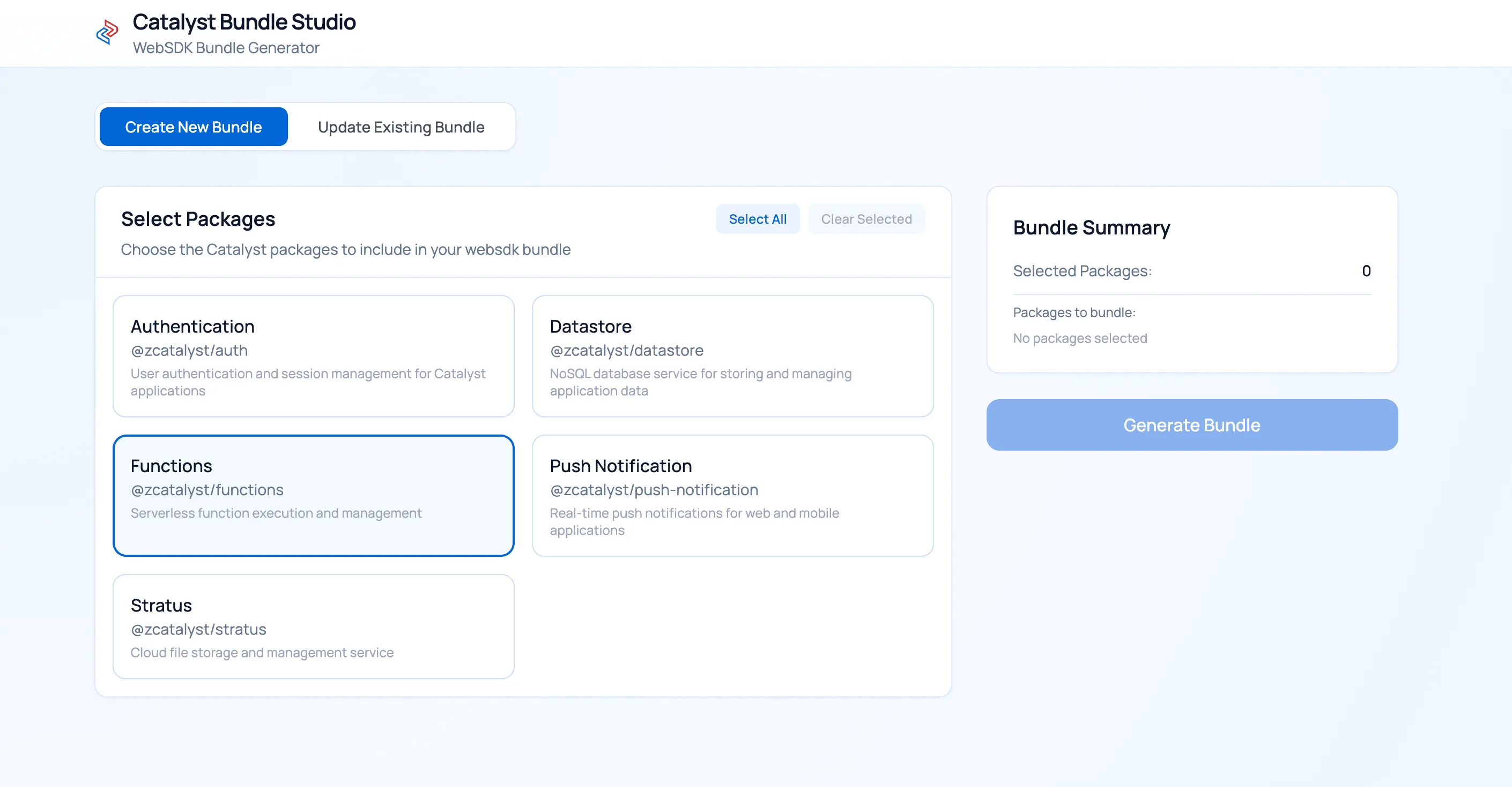
The Catalyst Bundle Studio will ensure that all SDK methods required for the front-end work of your Catalyst application is provided in an easy-to-use manner. You can directly use the SDK method from the webSDK bundle without meeting the prerequisites typically required for SDK methods that require Admin scope.
Generate Catalyst WebSDK
To generate and access the webSDK bundle:
- Open the terminal present in your system and execute the following command.

- Open the localhost endpoint in your preferred browser.
The webSDK for Catalyst JavaScript SDK has been generated and can be used to download the required package.
Download the Required Bundle
To download the required bundle from the Catalyst webSDK generator:
-
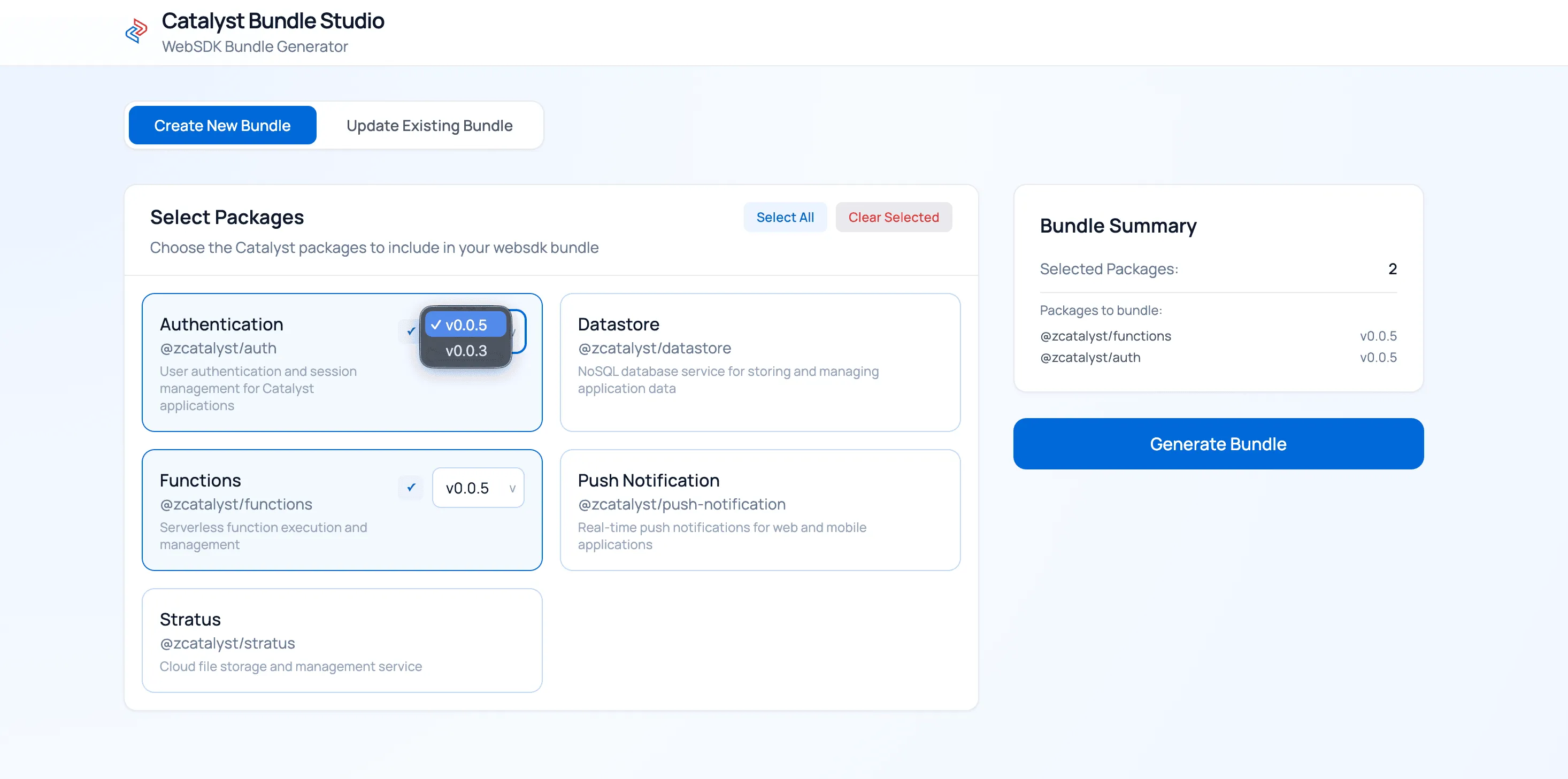
Select the required package and version from the bundle, and click Generate WebSDK Bundle.
-
Once the bundle is generated, click Download to download the generated bundle.
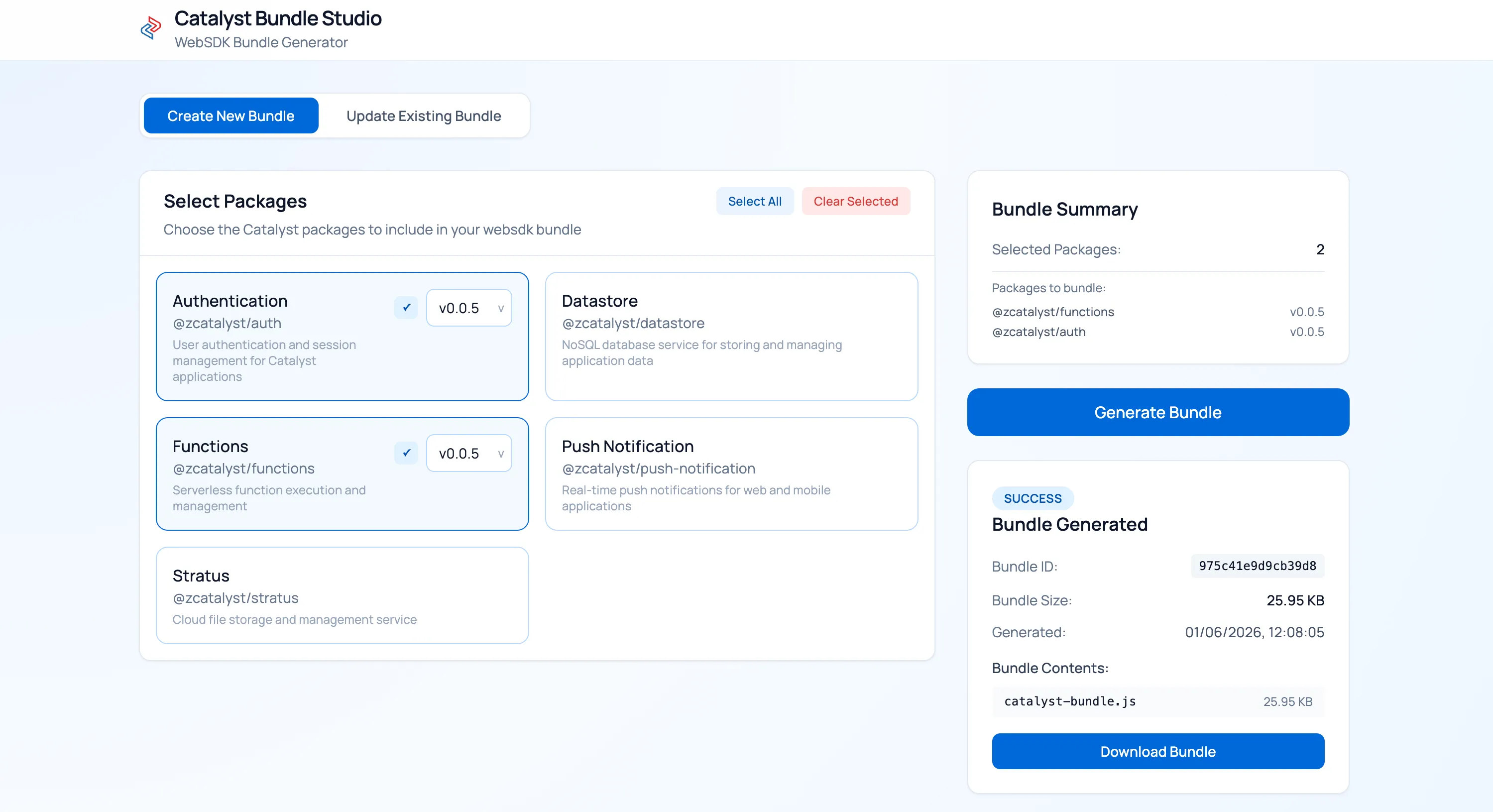
You have the option to press CTRL+C in your CLI to terminate your bundle download.

Along with the SDK bundle, the following files will be downloaded and stored in your local system.
- catalyst-bundle.js - Contains the webSDK bundle in the compressed form.
- manifest.json - Contains detailed information on the packages that were downloaded in the bundle.
- package.json - Contains a list of dependencies of the packages that were downloaded in the bundle.
The required packages have been downloaded from the webSDK generated using the Catalyst CLI.
Update the Generated Bundle
To update the version or add more packages to your downloaded bundle:
- Execute the following command in your Catalyst CLI to update the packages present in your webpack bundle.

-
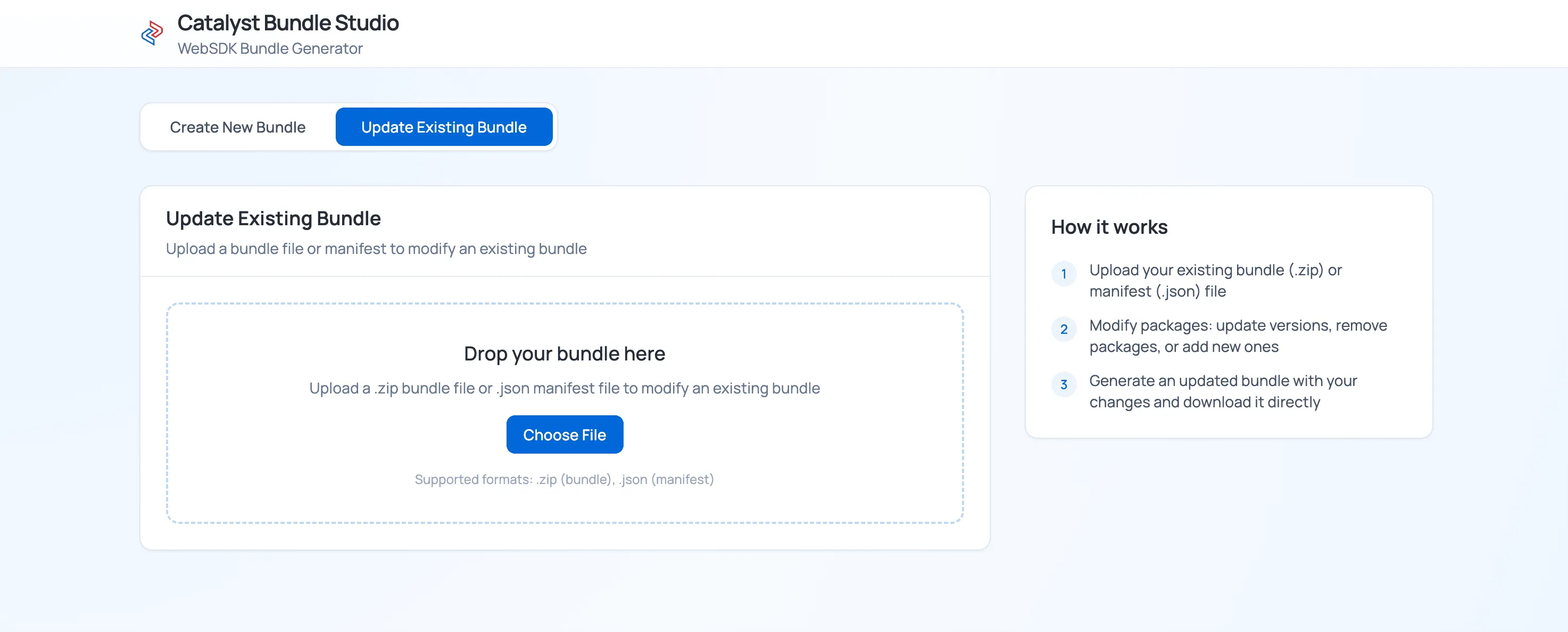
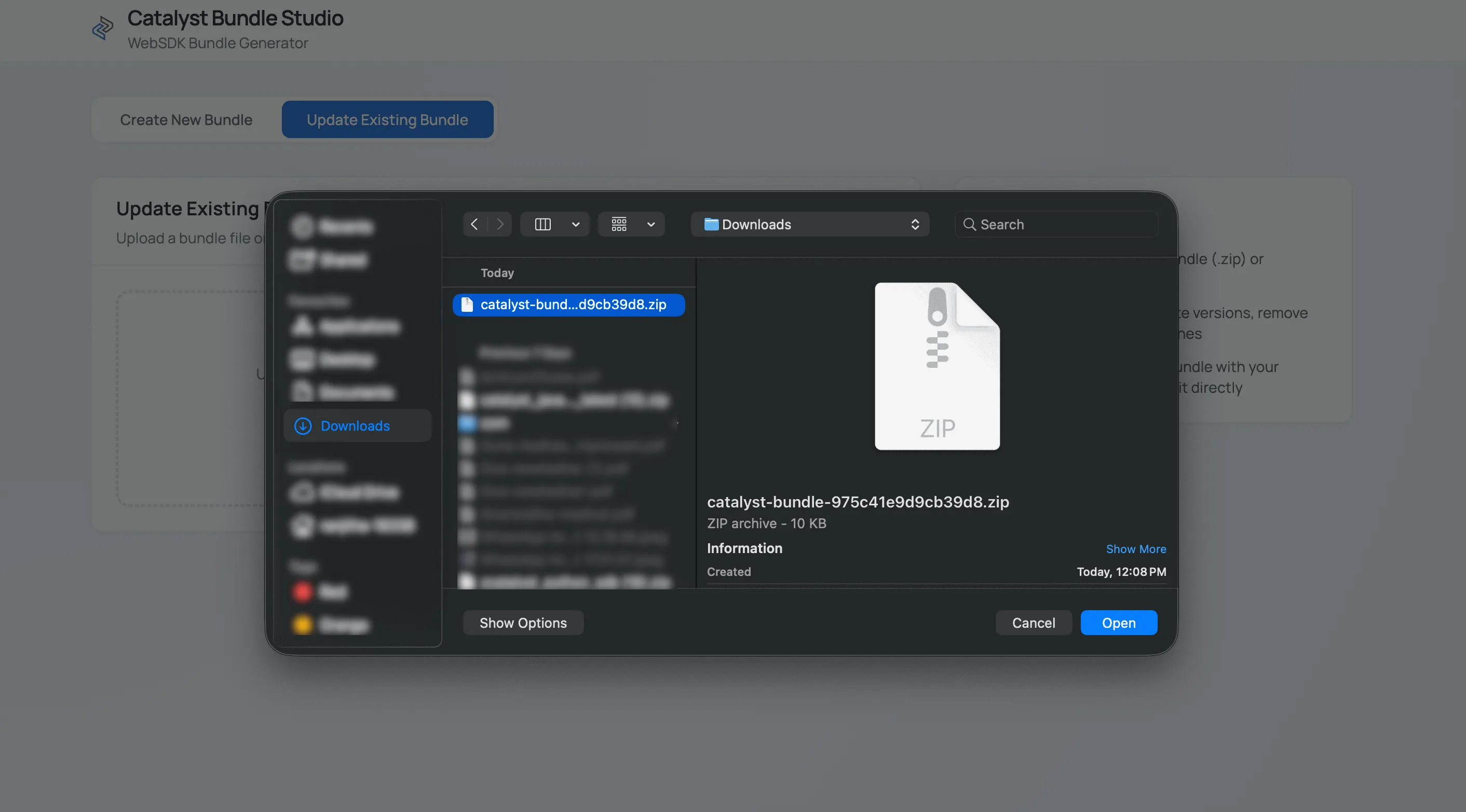
Open the localhost endpoint in your preferred browser, and click the Update Existing Bundle tab. Click the Choose File option.
-
Select the manifest.json file from your downloaded bundle directory.
-
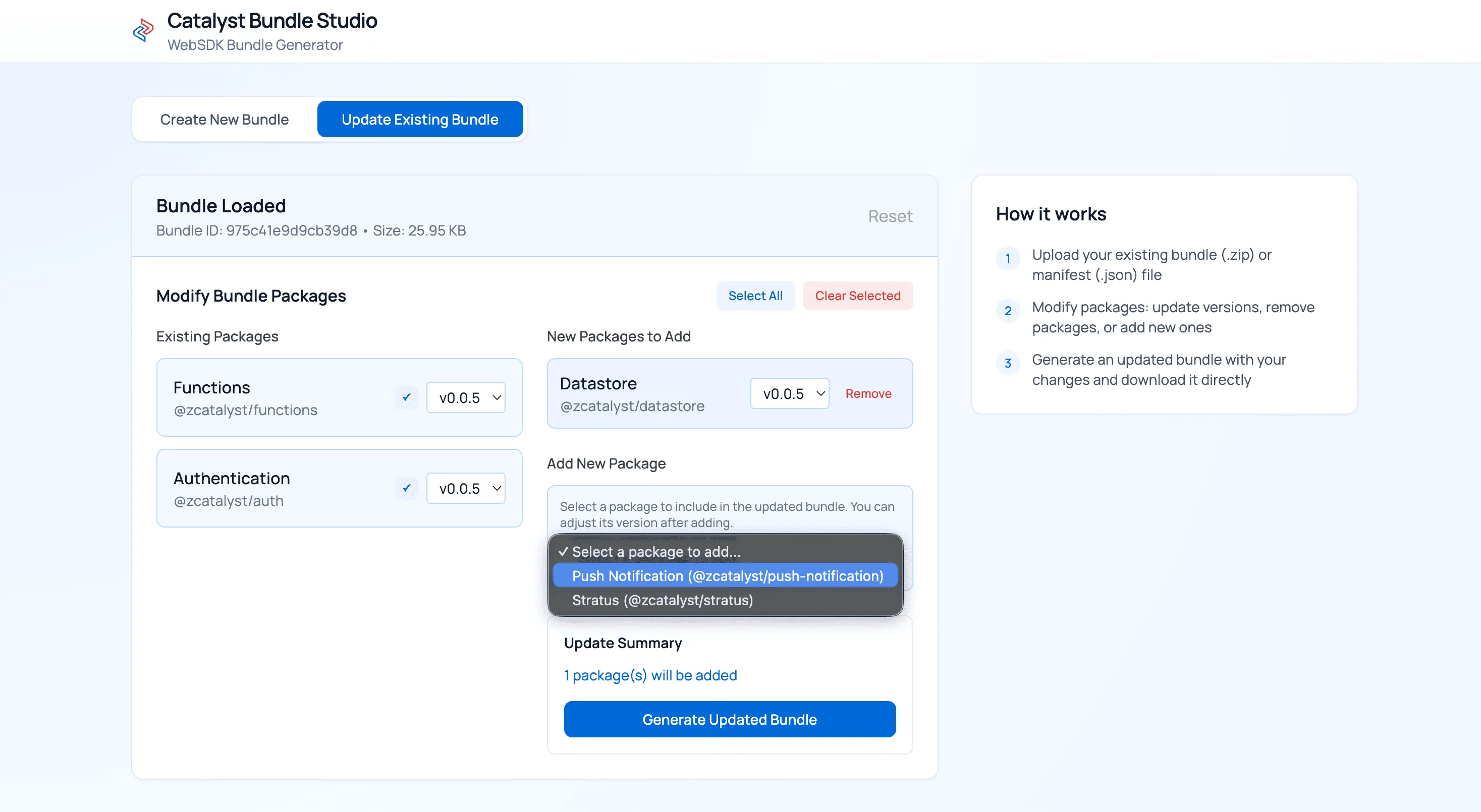
Make the required updates and click Generate Updated Bundle.
-
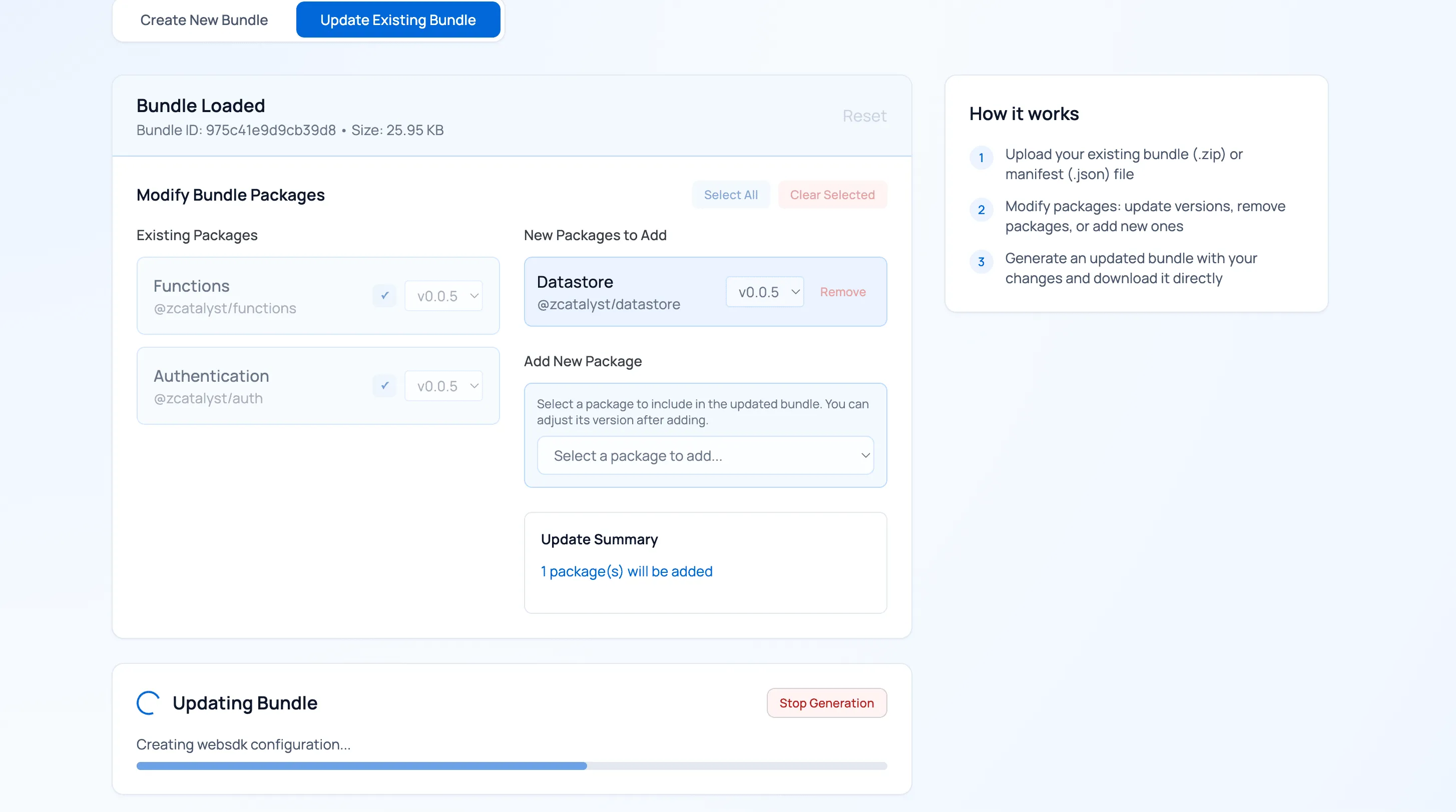
Now, the required packages will be built.
-
Click Download Updated Bundle to download the generated bundle.
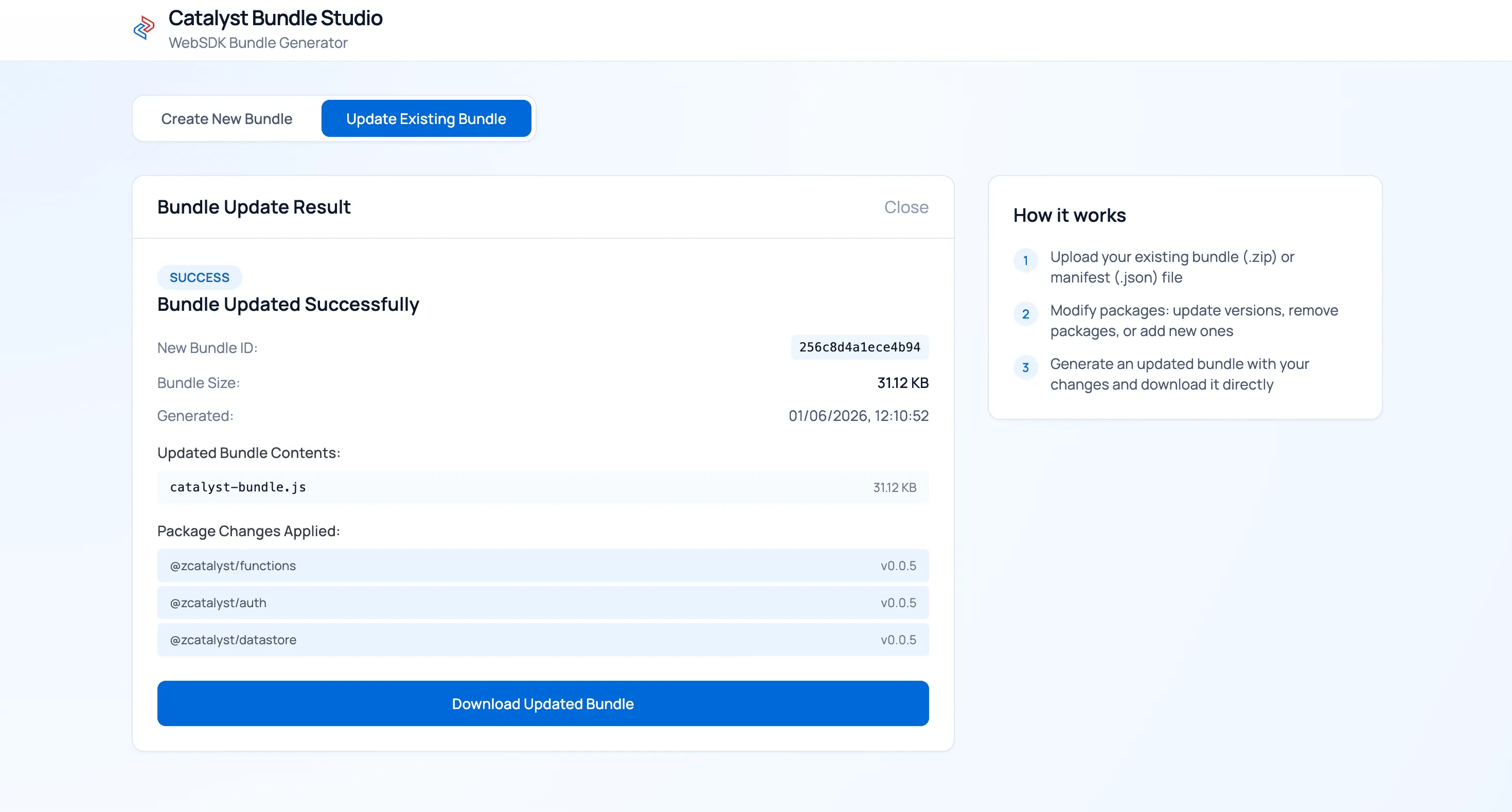
The updated bundle will be downloaded.
Once, you’ve completed your required operation, ensure you press CTRL+C in your CLI to terminate the Catalyst Bundle Studio application.
Browser-Supported JavaScript Methods
The following table lists the Catalyst JavaScript SDK methods that can be accessed using the User Scope.
Last Updated 2026-09-09 16:15:38 +0530 IST
Yes
No
Send your feedback to us
 Ask ChatGPT
 Ask Claude
 Ask Perplexity