Regenerate API Key
Once your Browser Grid is created, SmartBrowz will generate a CDP/Webdriver endpoint, along with an API key.
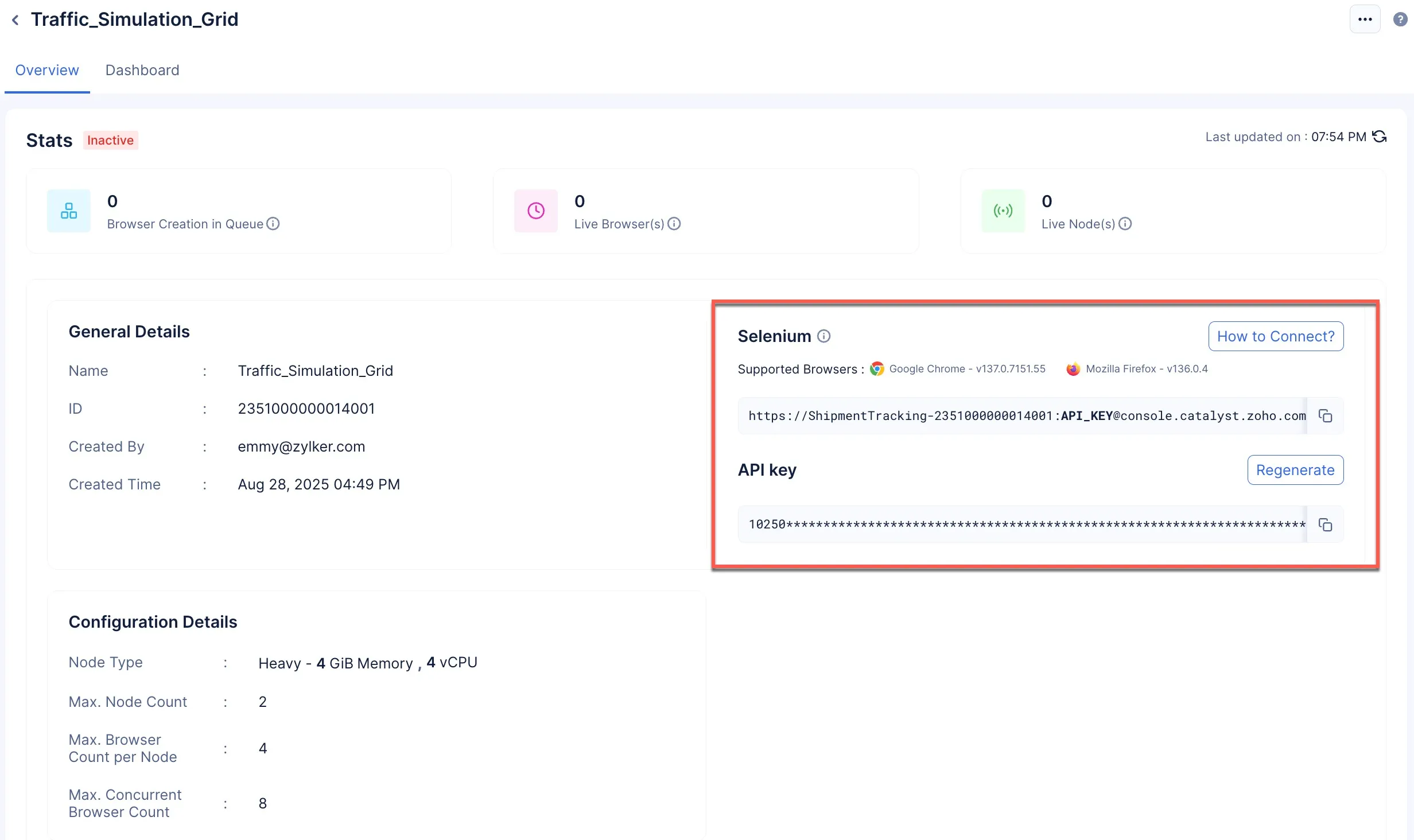
The API key ensures that the endpoint is secure. If at any point you have a requirement to regenerate your API key, you need to be informed of the following consequences:
-
You need to stop the grid and make it inactive. You will not be allowed to regenerate your API key while the grid is active.
-
Once you regenerate an API key, you need to apply the new endpoint to your code.
-
When you reconnect to your browser grid through code, the stats of the old grid will be erased, and the dashboard and grid set up will consider your reconnection as the first request.
To regenerate your API key:
-
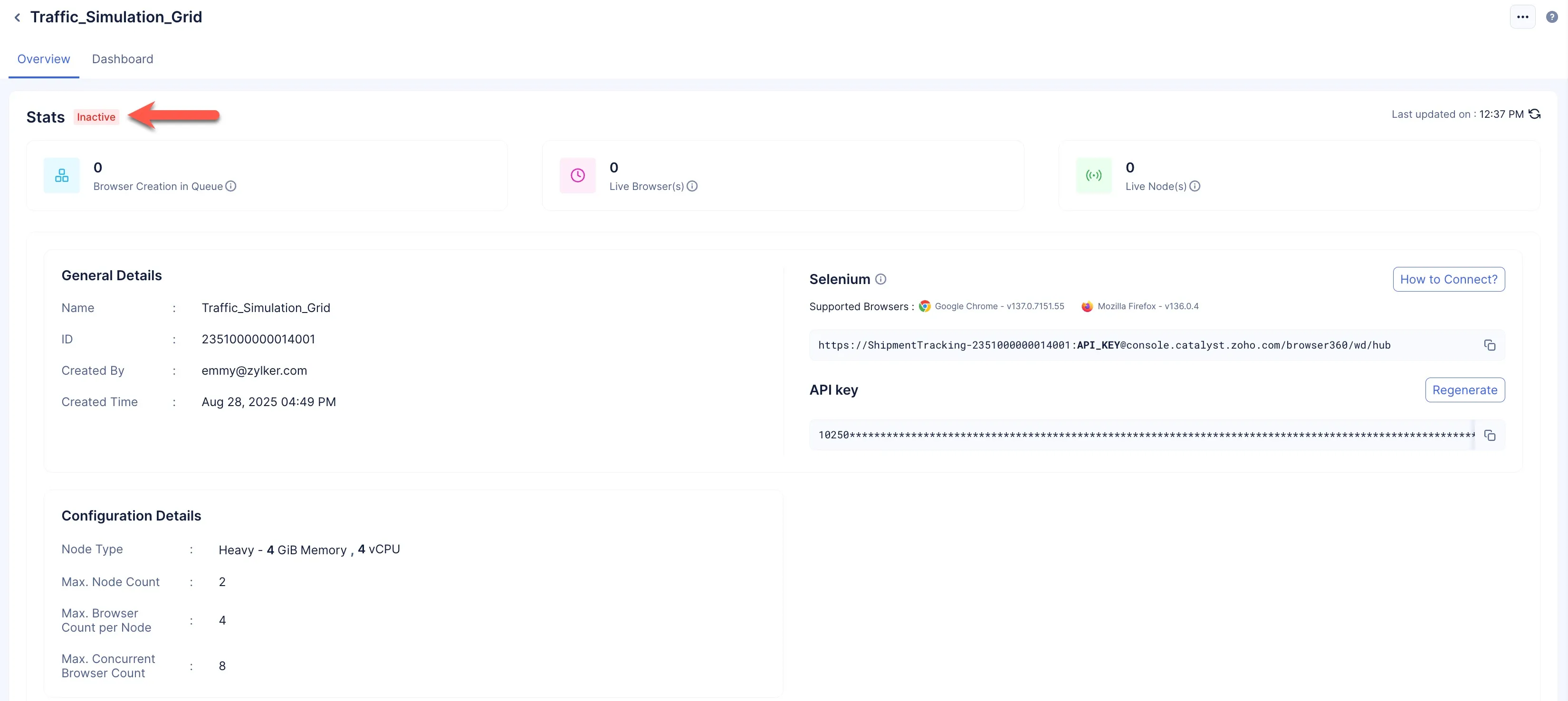
Navigate to the Overview section of your required browser grid, and ensure that the grid is Inactive.
-
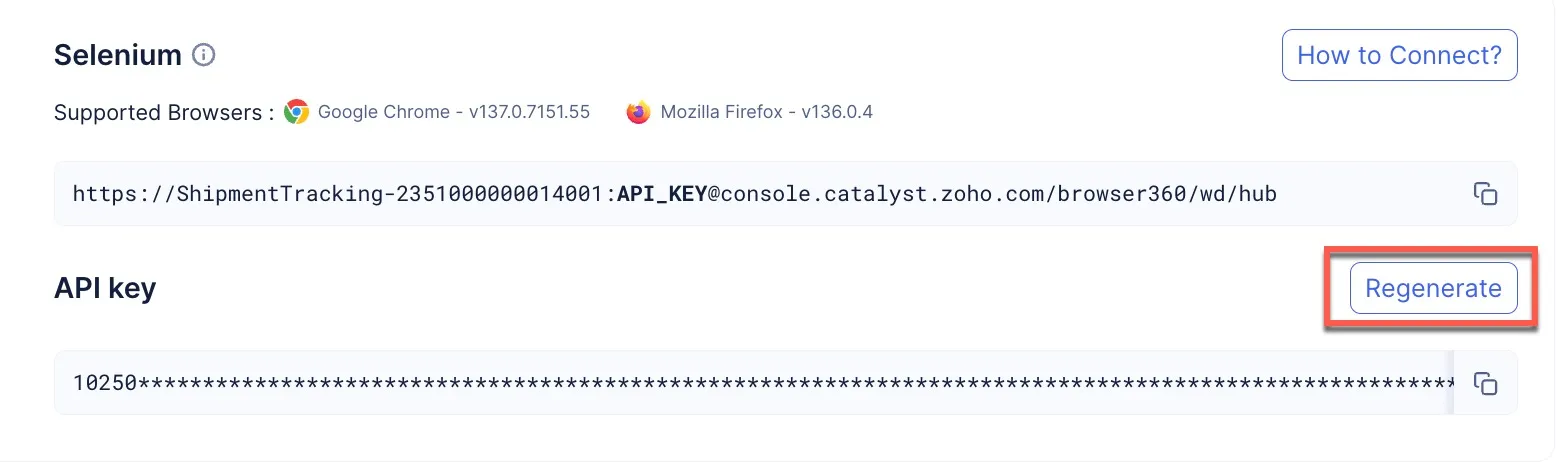
Click Regenerate.
-
Click Confirm to regenerate the key.
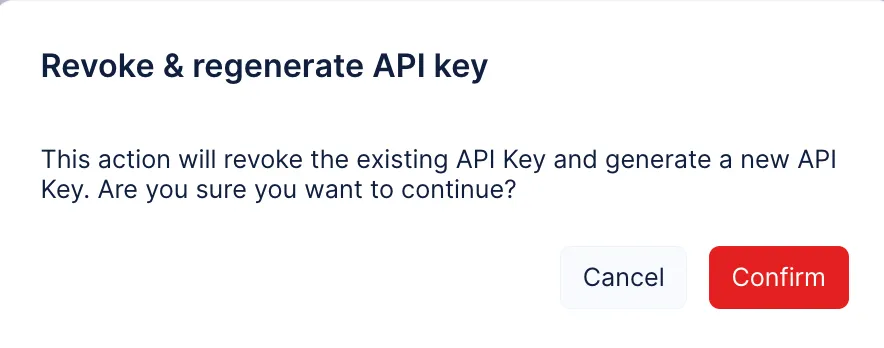
A new API key will be generated for you.
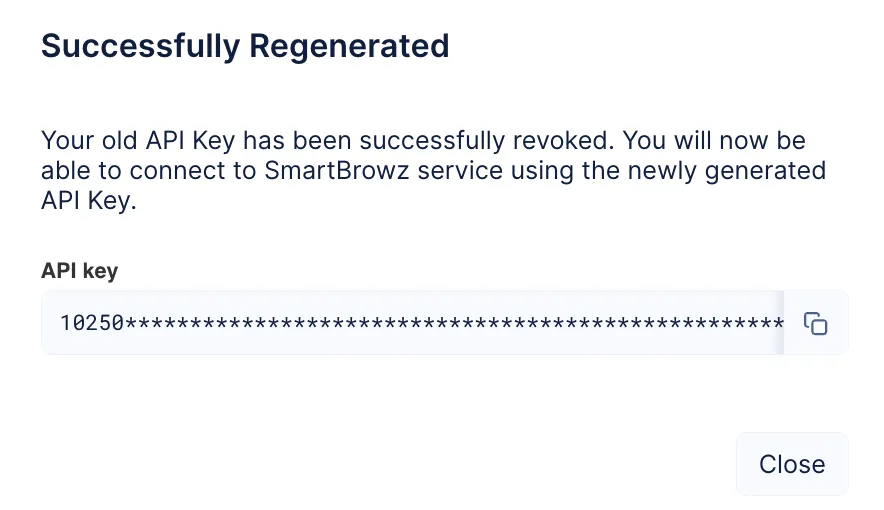
You can either replace just the new API key in your endpoints, or you can copy the endpoint from the console with the new API key and replace it accordingly in your code.
Last Updated 2025-12-19 11:24:47 +0530 IST
Yes
No
Send your feedback to us