How will I know when there is a Catalyst CLI update?
When a newer version of the Catalyst CLI is available, your terminal will display a message alerting you of it after you execute a CLI command successfully.
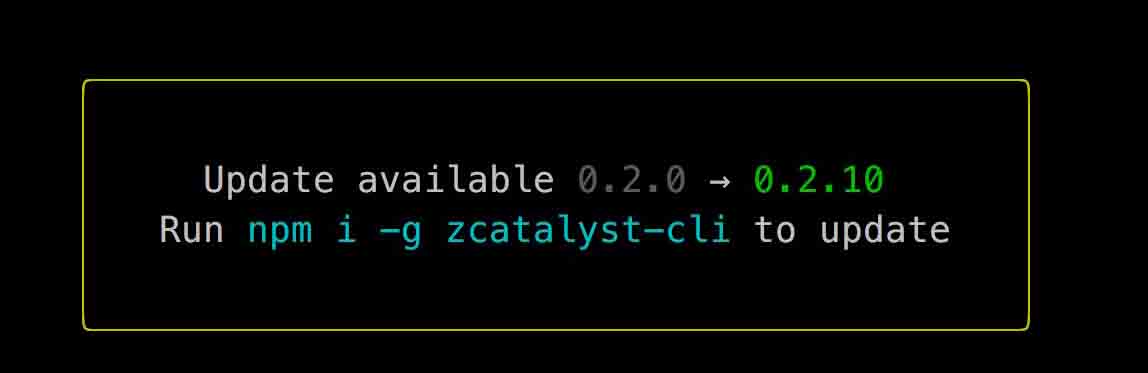
To update your CLI, execute the following command:
-
In rare cases, your system’s registry values might not reflect the latest version of Catalyst CLI. This might cause your system to retain the older version of the CLI. To avoid this, mention the version number while executing the command. For example, to update to the version 1.14.1, run $ npm install -g zcatalyst-cli @1.14.1
-
If you are unable to update Catalyst CLI, execute the command using sudo.
Alternatively, you can visit the NPM website to check whether you are using the latest version.
Updated
Yes
No
Send your feedback to us
Ask AI about this answer
 Ask ChatGPT
 Ask Claude
 Ask Perplexity