Create a Project
Let’s create a Catalyst project from the Catalyst console.
-
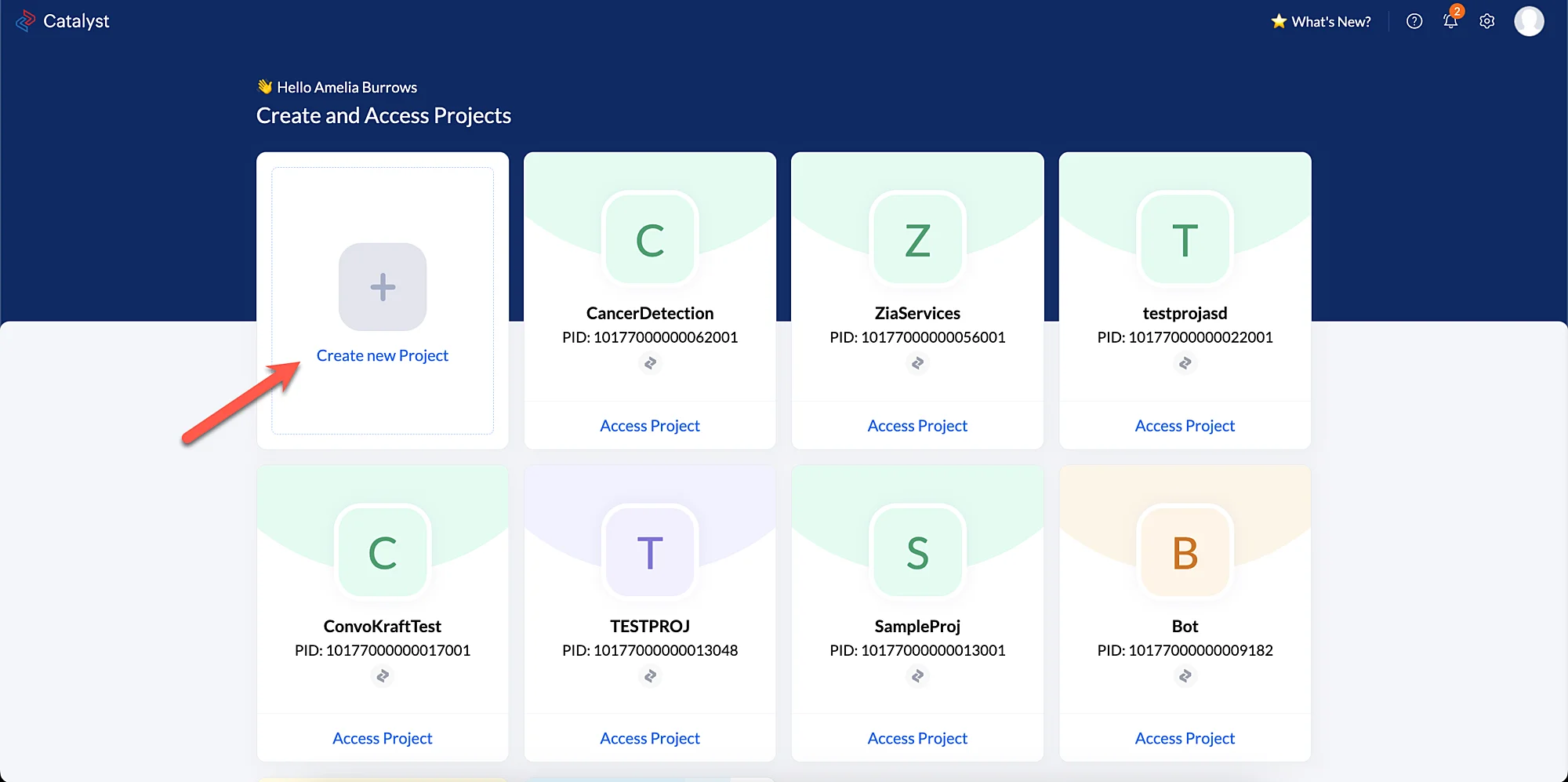
Log in to the Catalyst console, then click Create a new Project
-
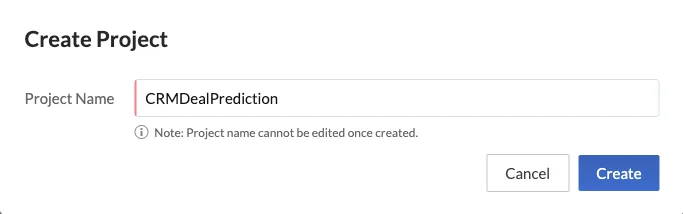
Enter the project’s name as CRMDealPrediction in the pop-up window that appears.
-
Click Create.
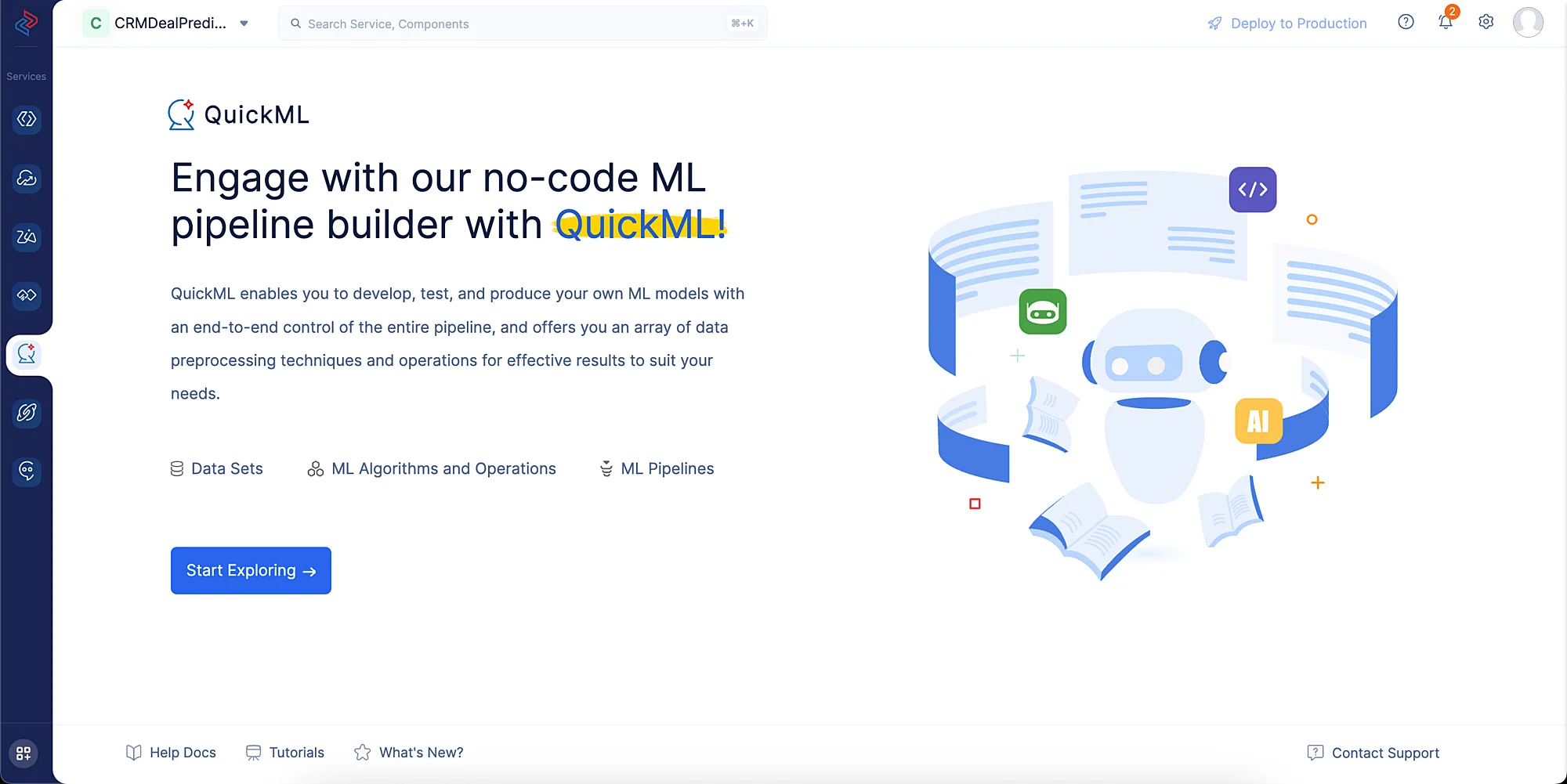
Your project will be created and automatically opened. To access your project later, simply click on the Access Project button.
Last Updated 2026-08-17 17:46:04 +0530 IST