Initialize the Project
You can now begin working on your Catalyst project from the CLI. The first step is to initialize the project in an empty directory. This will be the home directory of your project, and all of the project files will be saved in it.
For this application, we will be initializing the project, an Advanced IO function, and React client components.
-
Create a folder for the project on your local machine and navigate to it from the terminal.
-
Initialize the project by executing the following command from that directory:
- Navigate using the arrow keys and select your preferred portal and click Enter. If you have no other organizations associated with the account, then the default will be selected automatically.
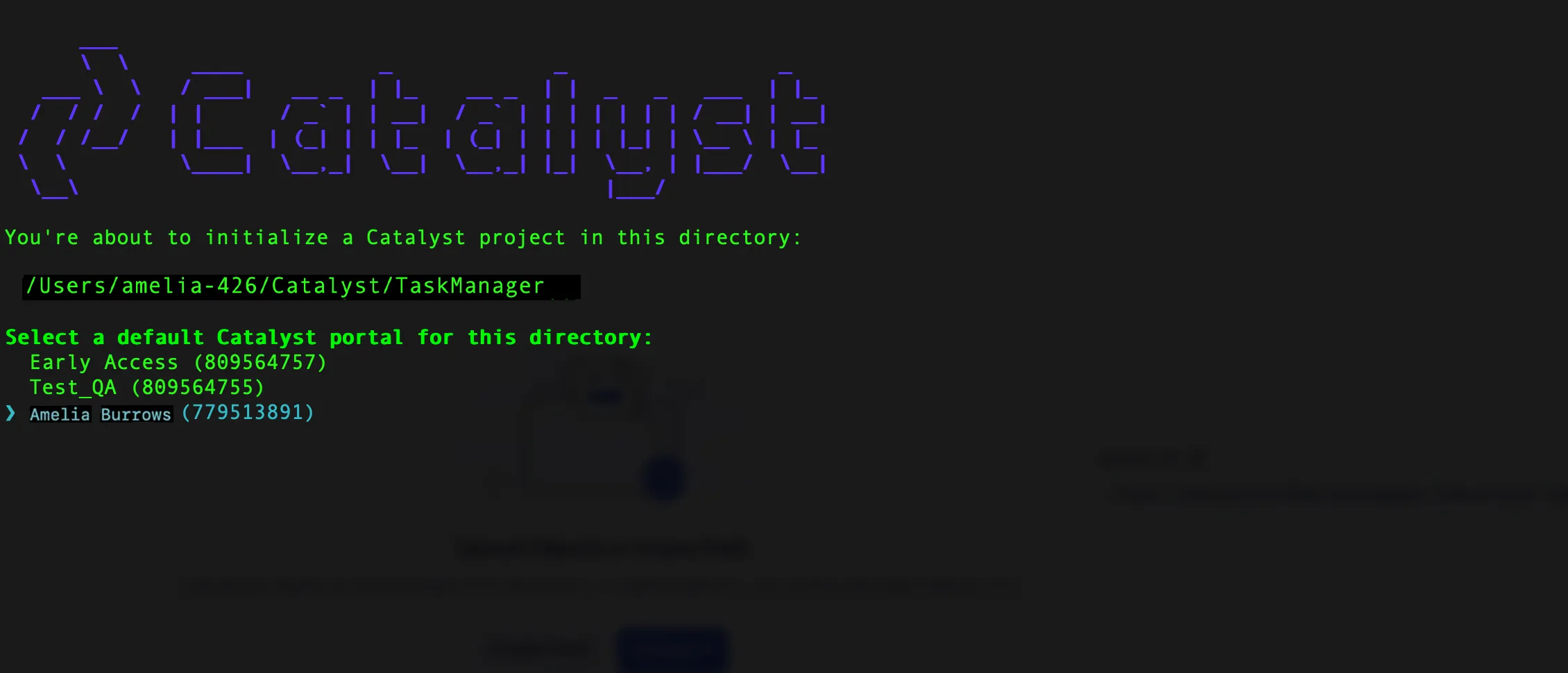
-
The CLI will now ask you to associate a Catalyst project with the directory. Associate it with the project that we created earlier from the console. Select TaskManager from the list and click Enter.
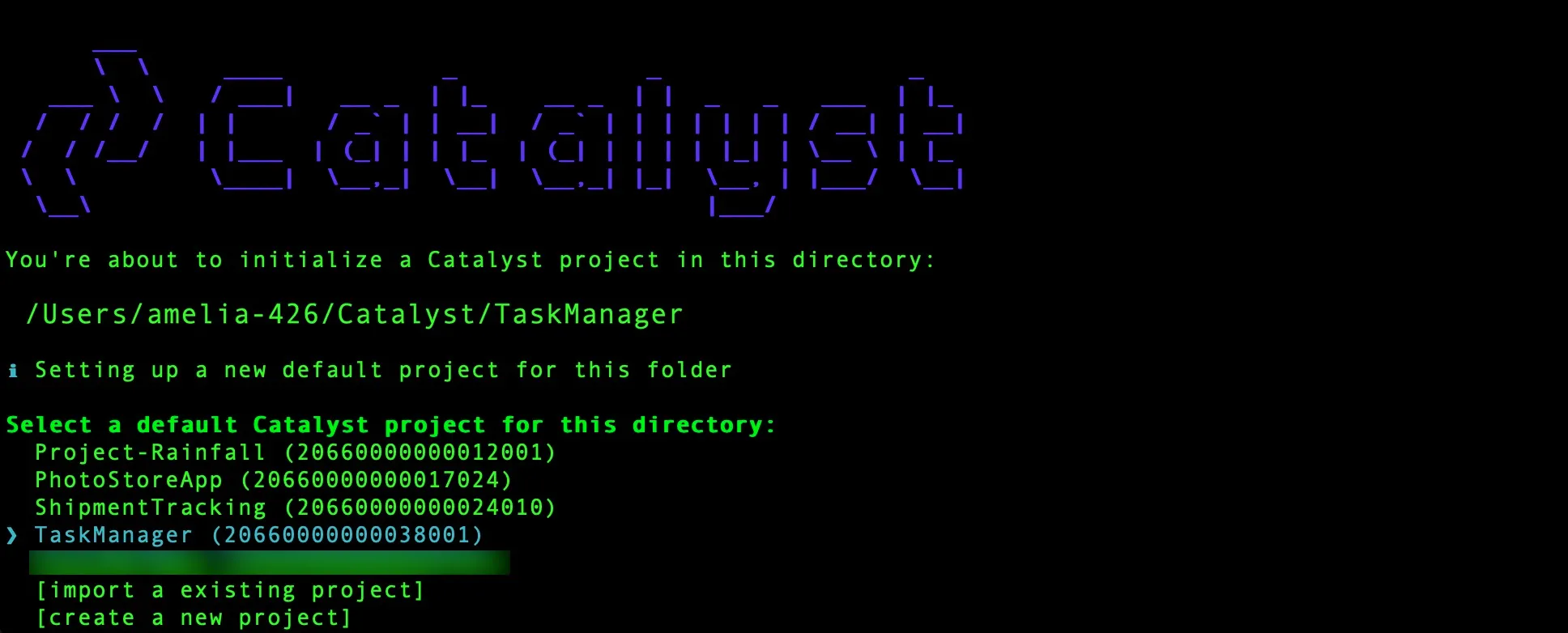
-
Navigate using the arrow keys and select Functions, Client using the space bar. Press Enter to initialize.
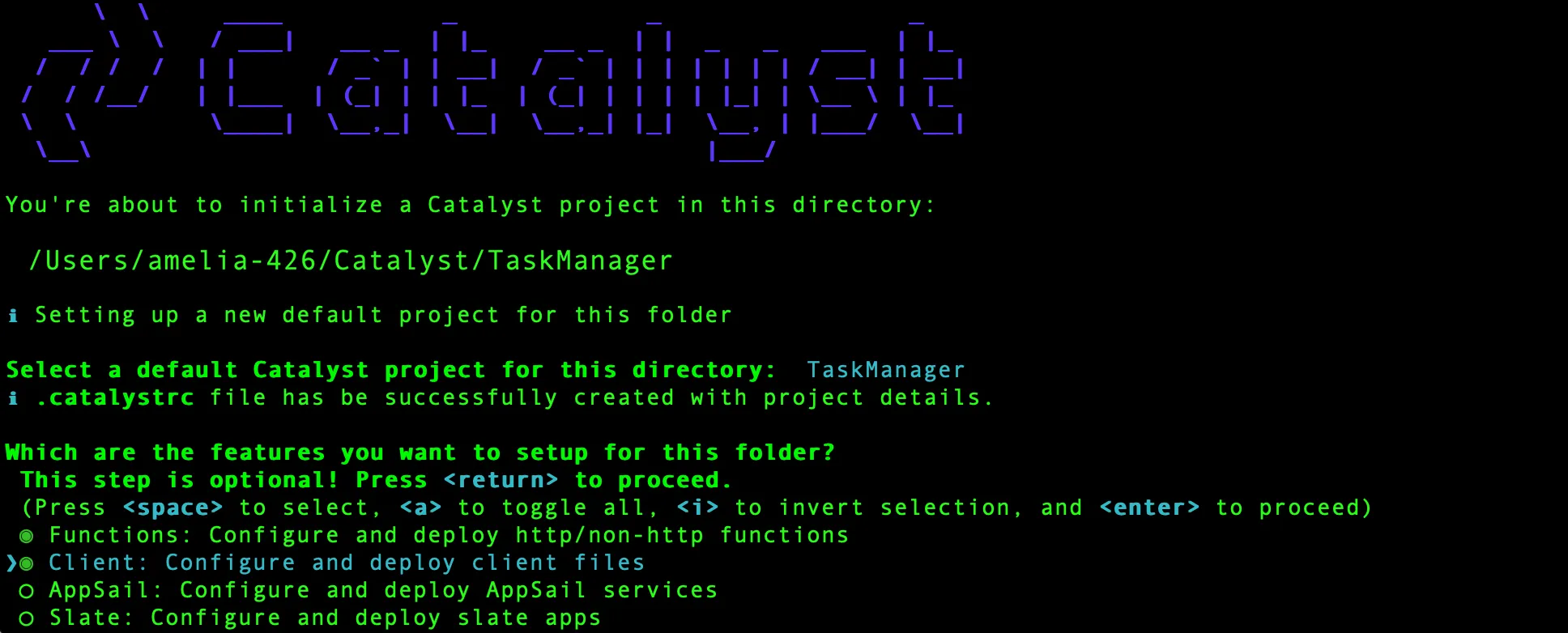
-
The CLI will initiate the function setup. Select Advanced IO as the function type to code your backend logic.

-
Select the latest runtime of Node.js as the function stack.
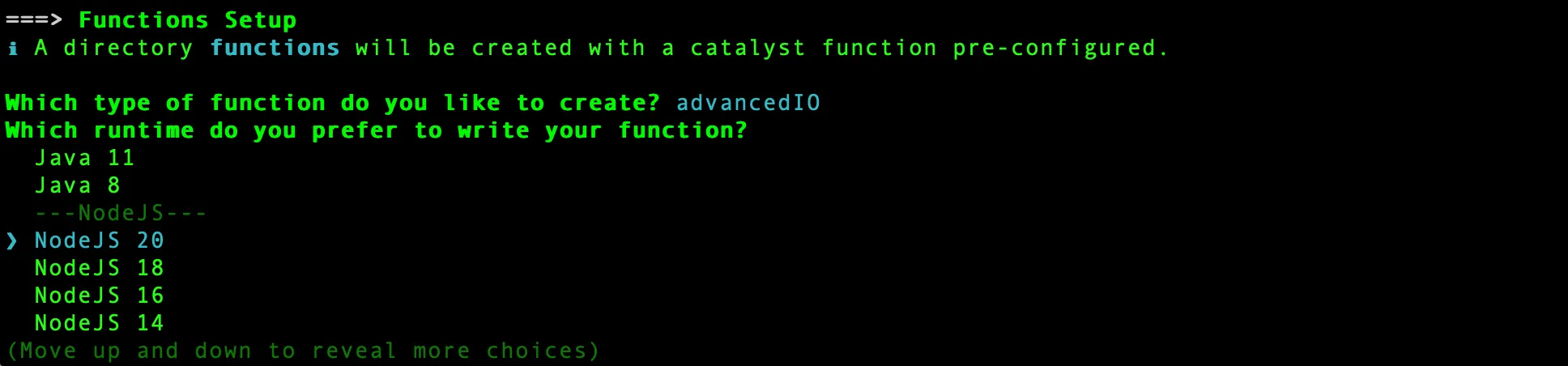
-
Enter “task_manager_function” as the package name, “index.js” as the entry point, and your email address as the author, then press Enter. Alternatively, you can press Enter without entering inputs to fill in the default values. The CLI will prompt the initialization of the Node dependencies. Press Y to confirm the installation, and press Enter to confirm your choice. The Node modules will be installed.
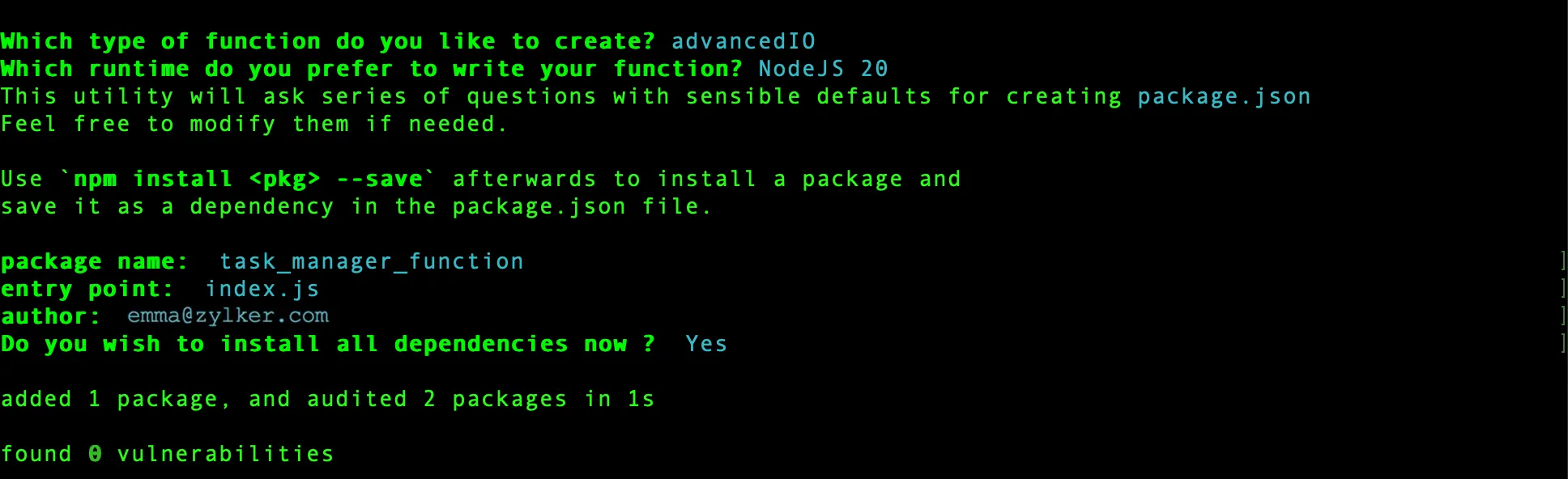
The CLI will now initiate the client setup. -
Select React web app and press Enter to initialize your client as a React web app.

-
Select JavaScript as the React app type and press Enter.

-
Enter “task-manager-client” as the name of your client package and click Enter. You can also provide any name of your choice. All of the required React packages, such as “react,” “react-dom,” and “react-scripts” will be installed through the Catalyst React plugin (zcatalyst-cli-plugin-react).

The client is now successfully initialized as a React web application.
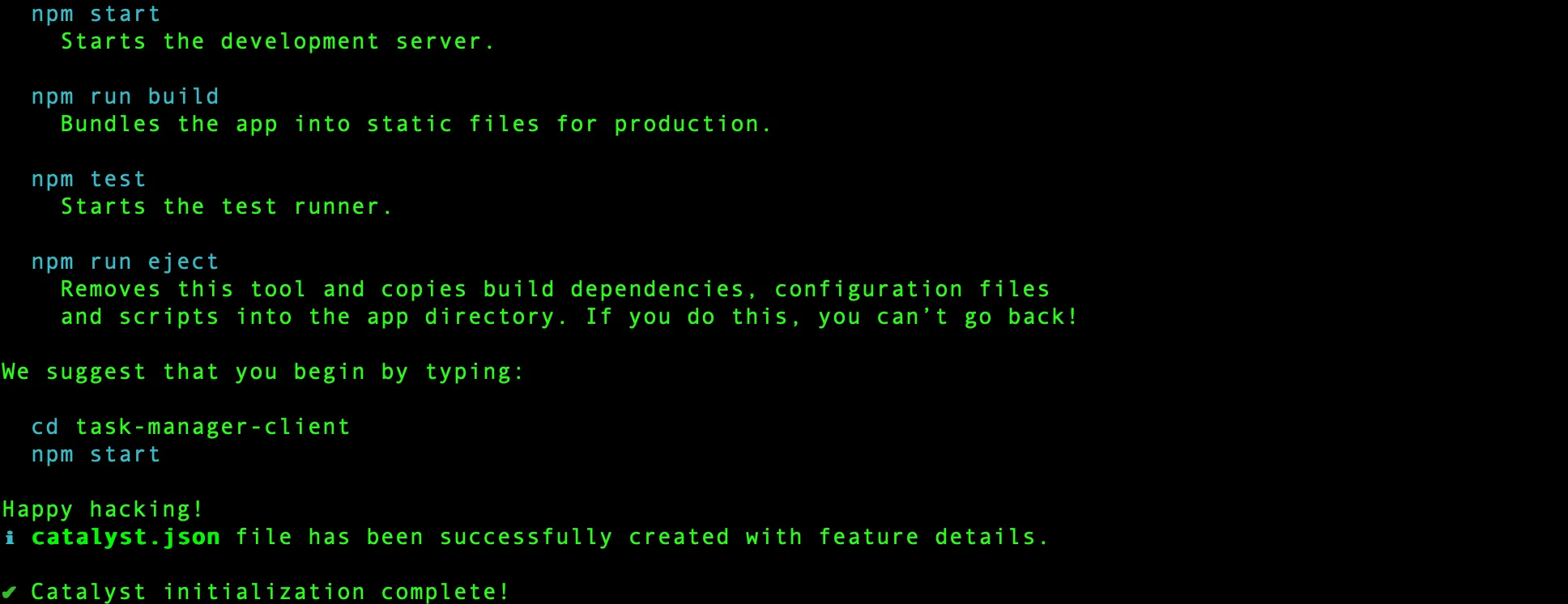
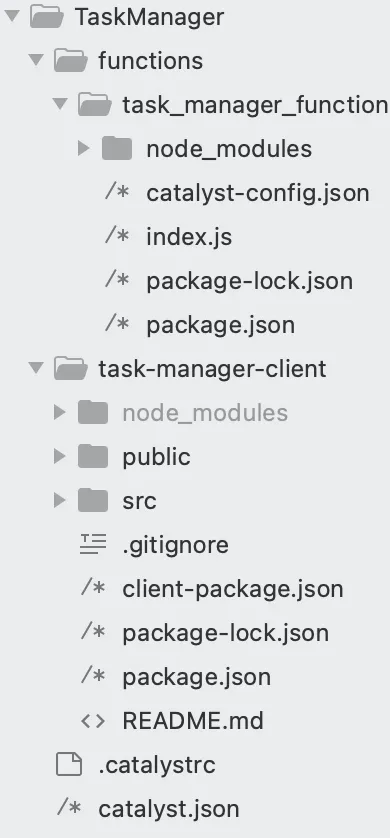
The client directory will be created in the standard structure in the project directory.
This is the structure of the TaskManager project’s directory if the client is initialized as a React app.
Catalyst initialization is now complete.
Last Updated 2025-11-26 15:38:32 +0530 IST