Movie review classification
Introduction
This tutorial will guide you through building a movie recommendation model using Catalyst QuickML. The model predicts movies that a user is most likely to enjoy by analyzing historical interactions between users and movies. We’ll provide you with a sample dataset that can be used as the data source for the model.
Before proceeding with the steps, let’s understand the basics of a recommendation system.
A recommendation system is a branch of machine learning that focuses on predicting user preferences and delivering personalized suggestions. It does this by analyzing factors such as past user interactions, behavior patterns, item attributes, and demographic data. These systems are widely applied in domains like ecommerce, media streaming, and social networking, helping users discover relevant products, movies, books, or other content tailored to their interests.
By providing personalized suggestions, recommendation systems enhance user satisfaction, boost engagement, improve retention, and drive business growth by presenting the most relevant options for each user.
To learn more about recommendation models, their types, and evaluation metrics, refer to our help document.
Now, let’s have a quick overview of the tutorial.
-
Pre-process the Dataset Begin by cleaning and preparing the datasets — typically a Item features dataset (movie attributes), Interaction dataset (movie rating attributes), and User features dataset (user attributes). This step involves handling missing values, encoding categorical fields, and applying necessary data transformations to make the data ready for training.
-
Build the Unified Recommendation Pipeline In Catalyst QuickML, you can create a single pipeline for a recommendation model that integrates both data preprocessing and ML operations. Use node operations to perform tasks such as selecting or dropping fields and applying the appropriate encoder to transform categorical variables. Next, link the processed datasets directly to your chosen recommendation algorithm within the same pipeline. QuickML will then automatically evaluate the trained model to assess its accuracy and recommendation quality—delivering a unified, reusable workflow for your end-to-end process.
-
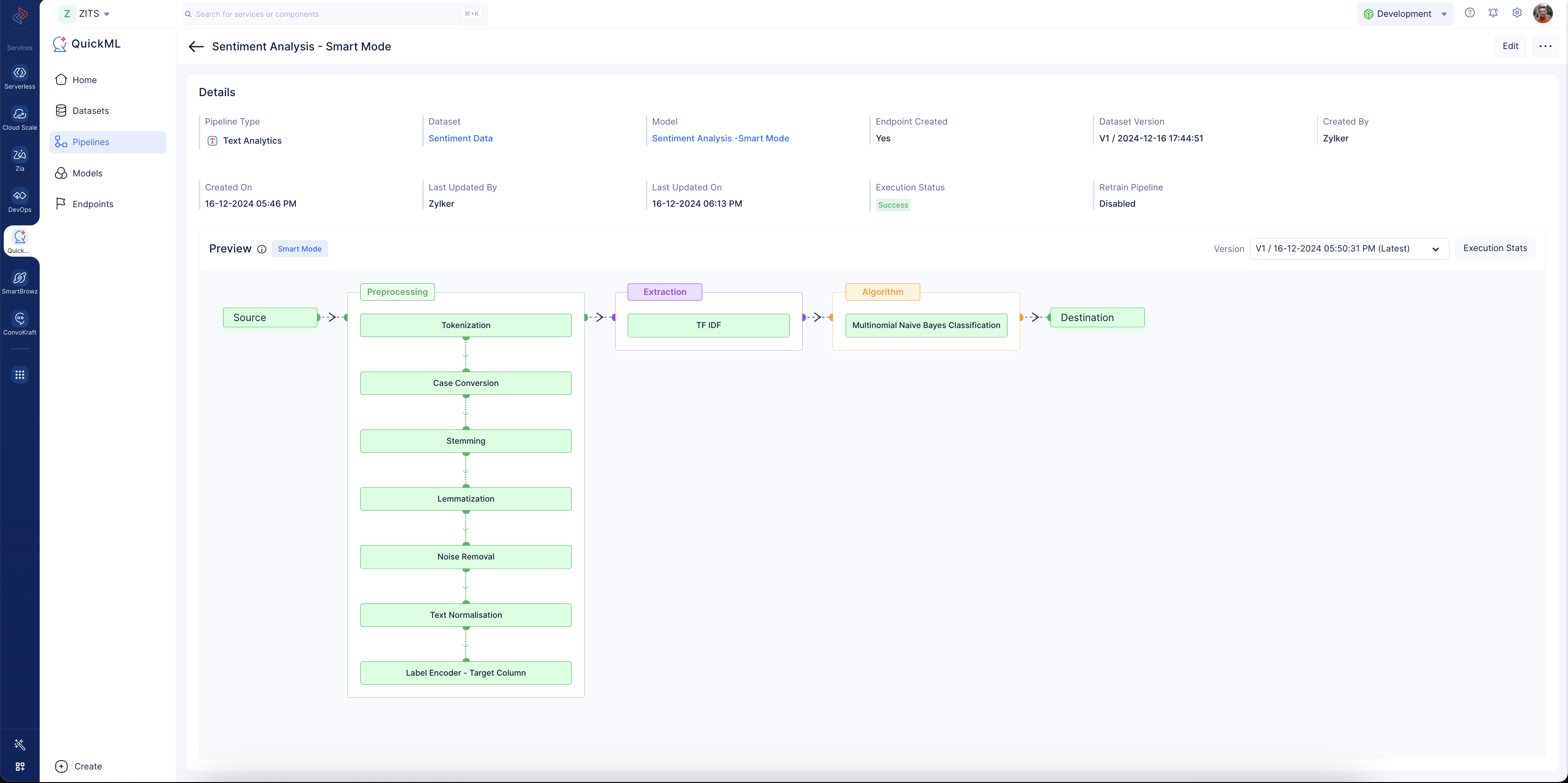
Deploy the Model via Endpoint Once trained, generate an endpoint URL in QuickML. This endpoint allows external applications to send user or item data and receive real-time movie recommendations from the model. The final output, after creating all of the required data and ML pipelines in the Catalyst console, will look like this:
Last Updated 2026-08-20 12:42:54 +0530 IST