Deploy The Application
To deploy your Catalyst project from the CLI to the Catalyst console in the cloud, run the following command in your terminal from your project directory:
copy
$
catalyst deploy

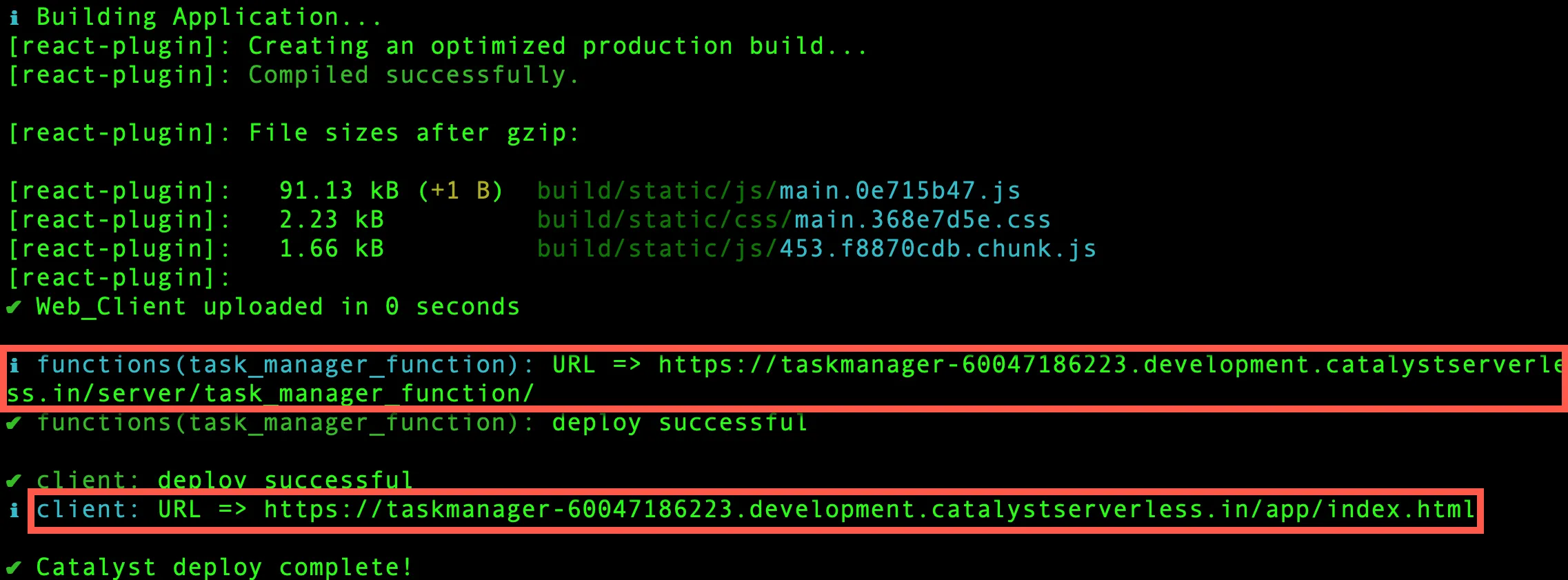
The function is deployed first, followed by the client component. The URL endpoints of the components will be displayed in the CLI.
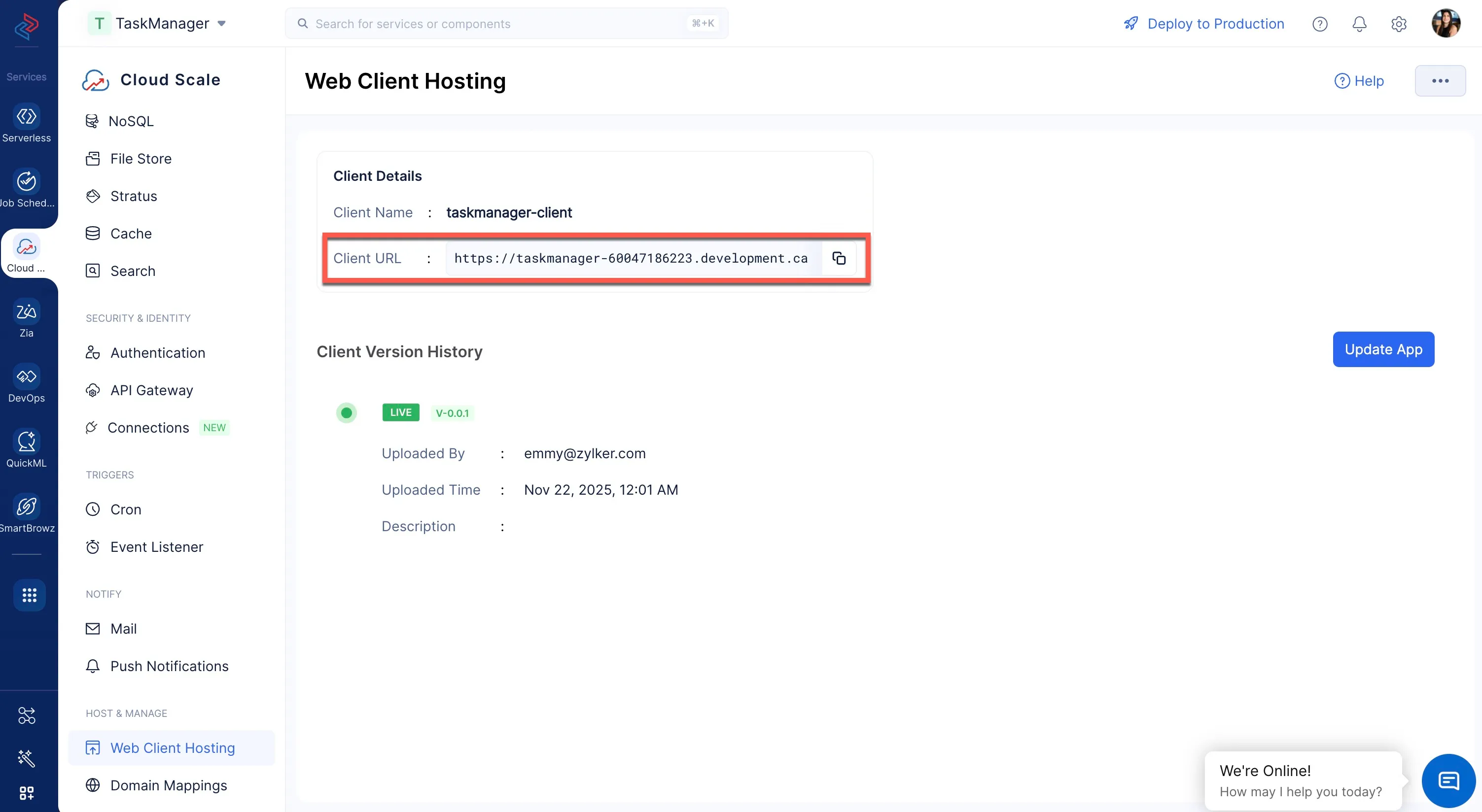
You can access the deployed application from the Web Client Hosting component present in the CloudScale service section under the HOST & MANAGE section.
You can now open the client component’s URL in a browser to access the deployed application. The Task Manager application can now be accessed from its web app URL.
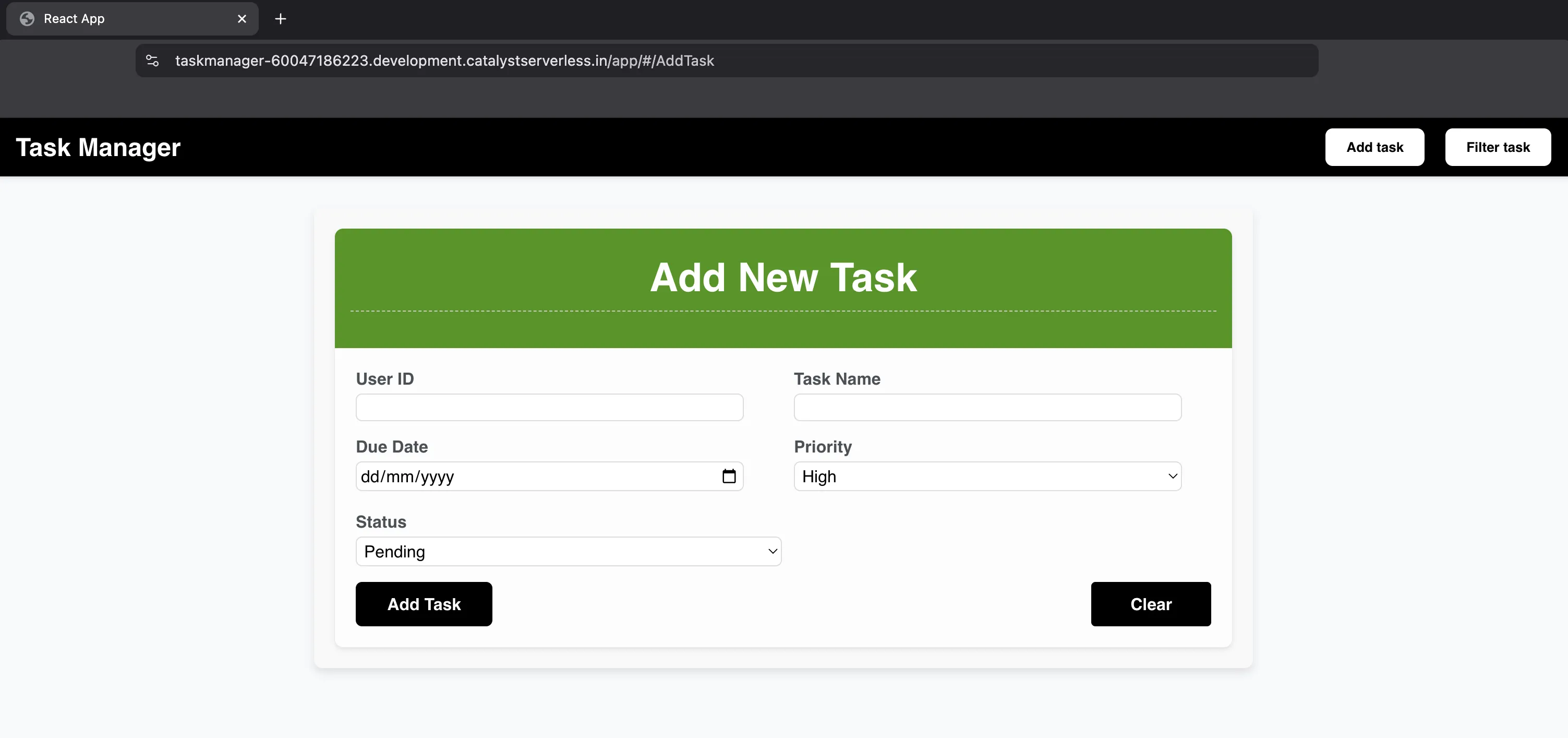
The Task Manager application is now functional and will work without any errors.
Last Updated 2025-11-26 15:38:32 +0530 IST