Create a Project
Let’s create a Catalyst project from the Catalyst console.
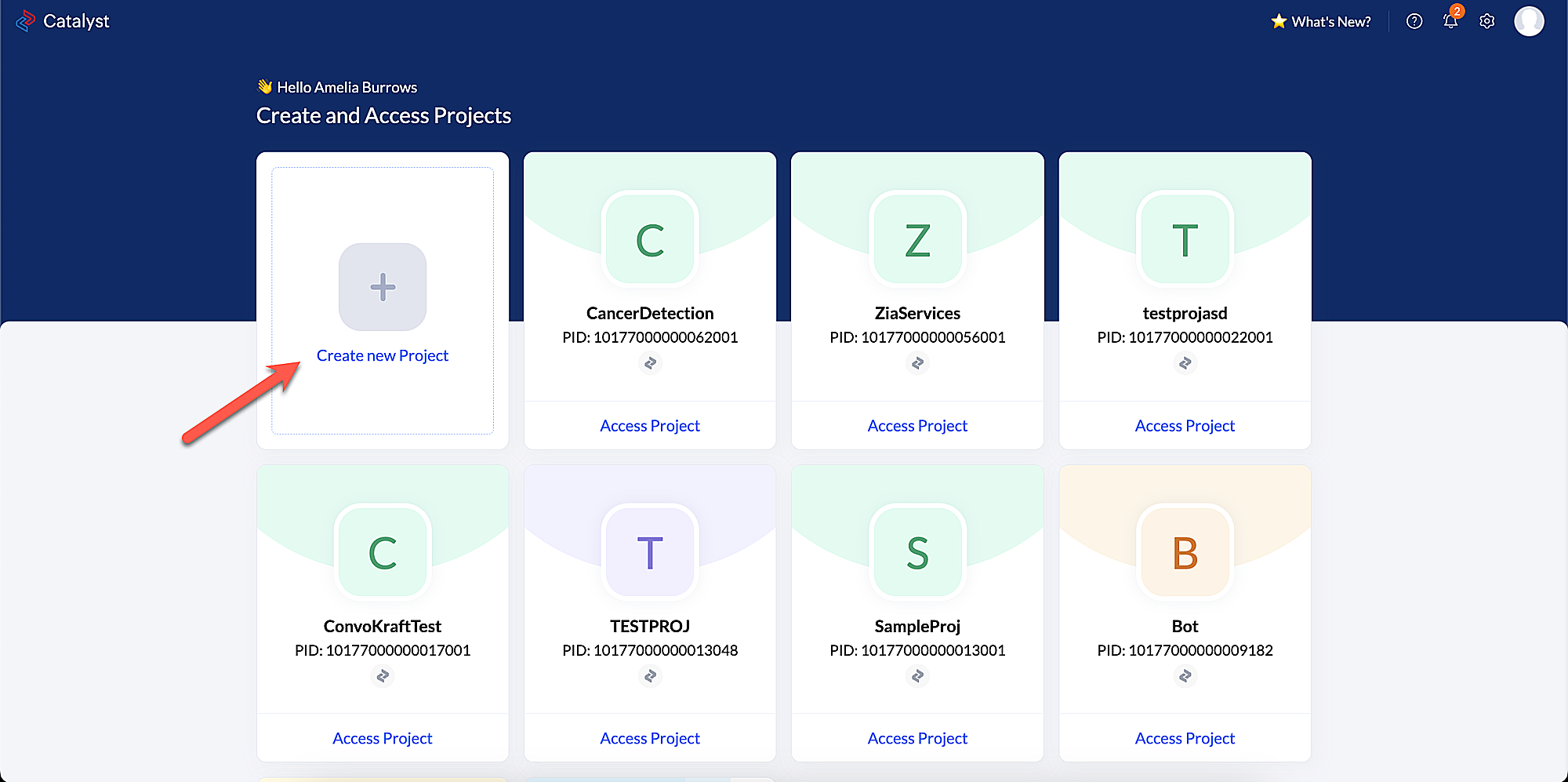
- Log in to the Catalyst console, then click Create new Project.
- Enter the desired project name. Here, you can enter it as ChurnPrediction in the pop-up window that appears.
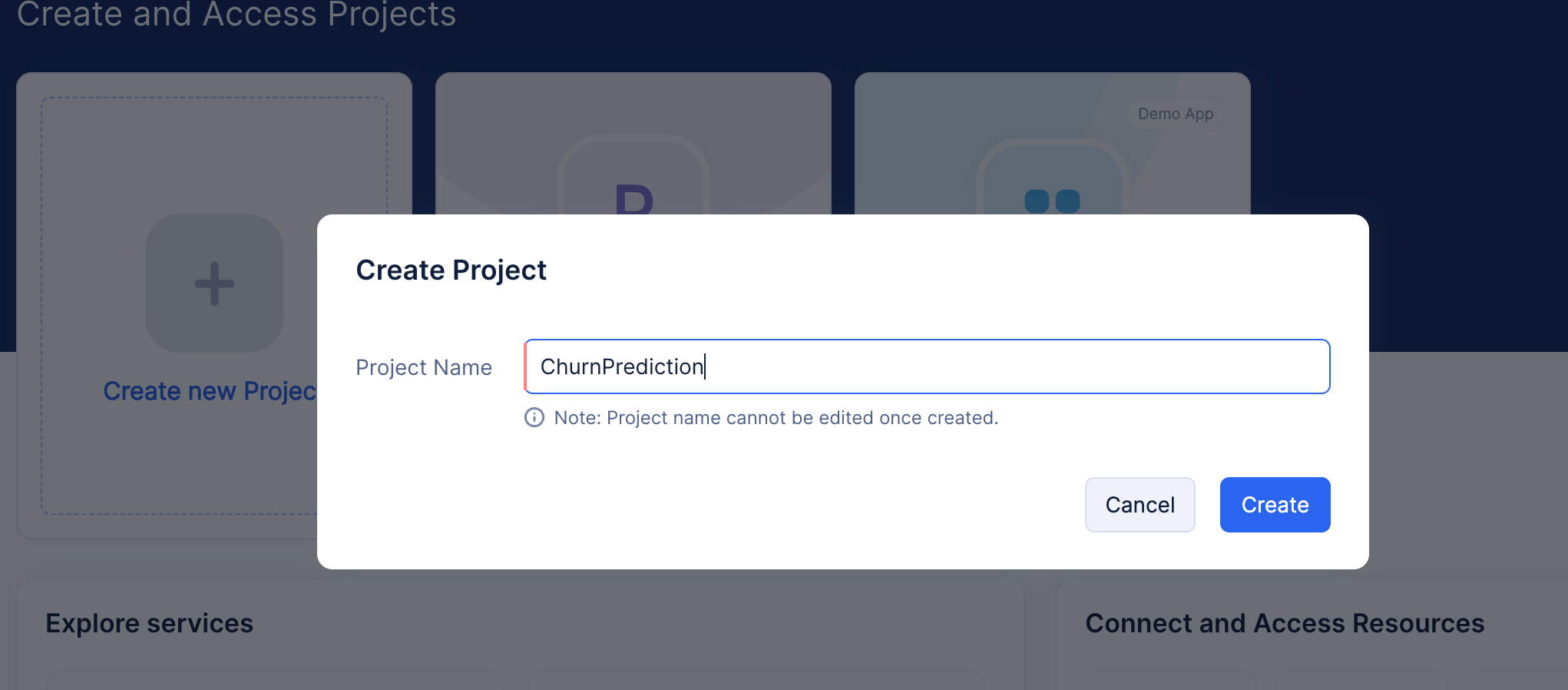
- Click on Create button. Your project will be created.
Last Updated 2026-09-29 11:31:01 +0530 IST