Create a NoSQL Table
Let’s create a table in NoSQL. This table will be used to store the unstructured or semi-structured JSON data generated in the application through user inputs.
To create a NoSQL table:
-
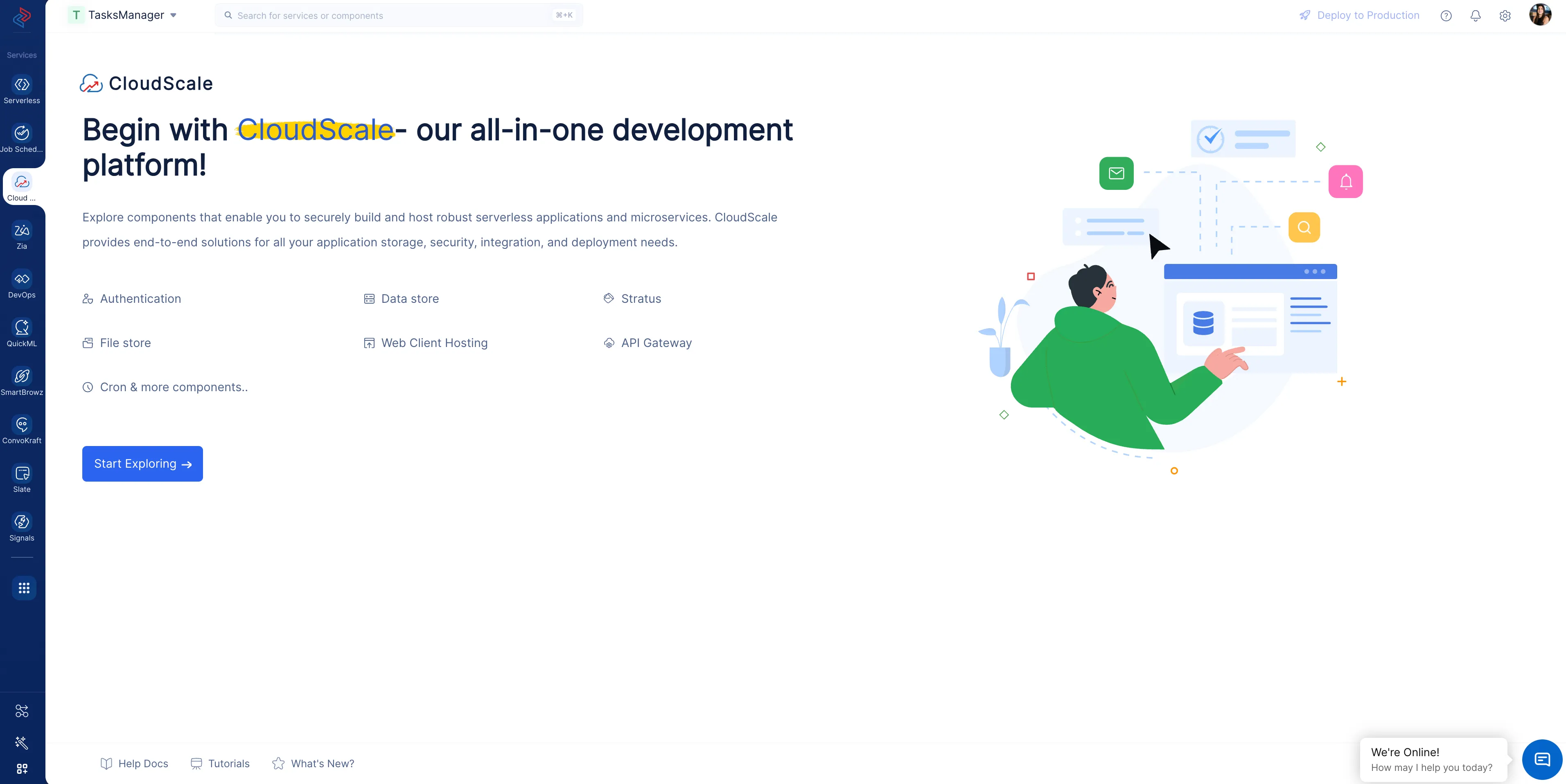
Navigate to the Catalyst CloudScale service section in the console and click Start Exploring.
-
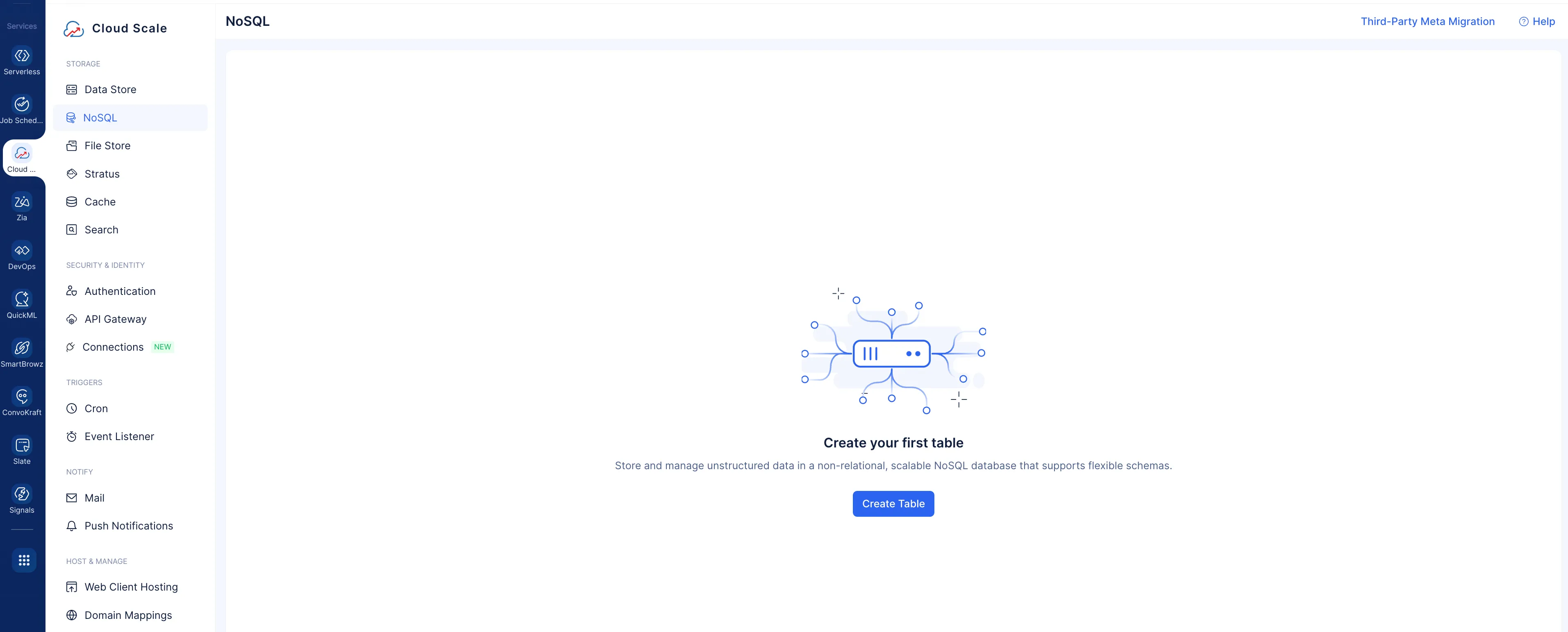
Navigate to the NoSQL component under STORAGE, and click Create Table.
-
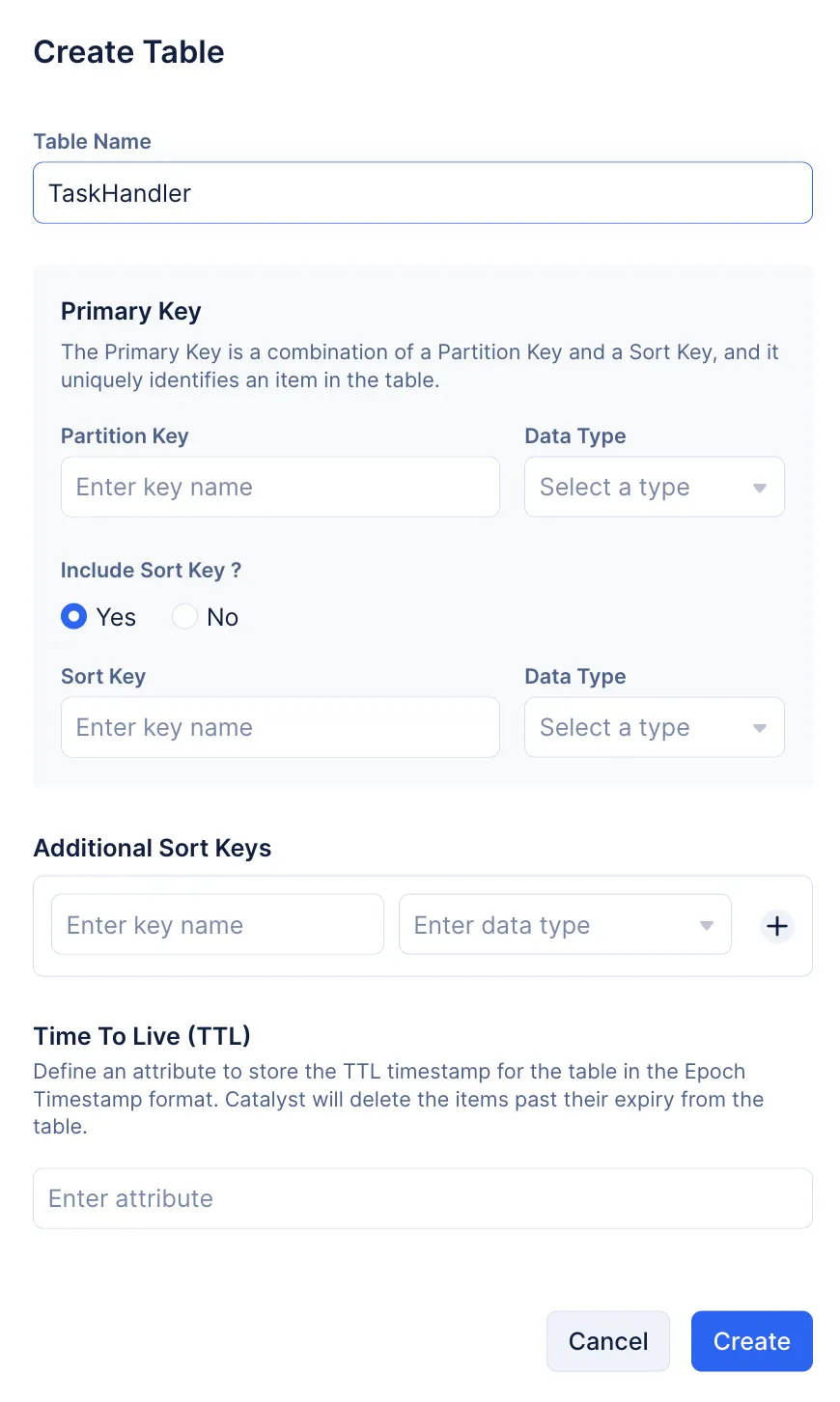
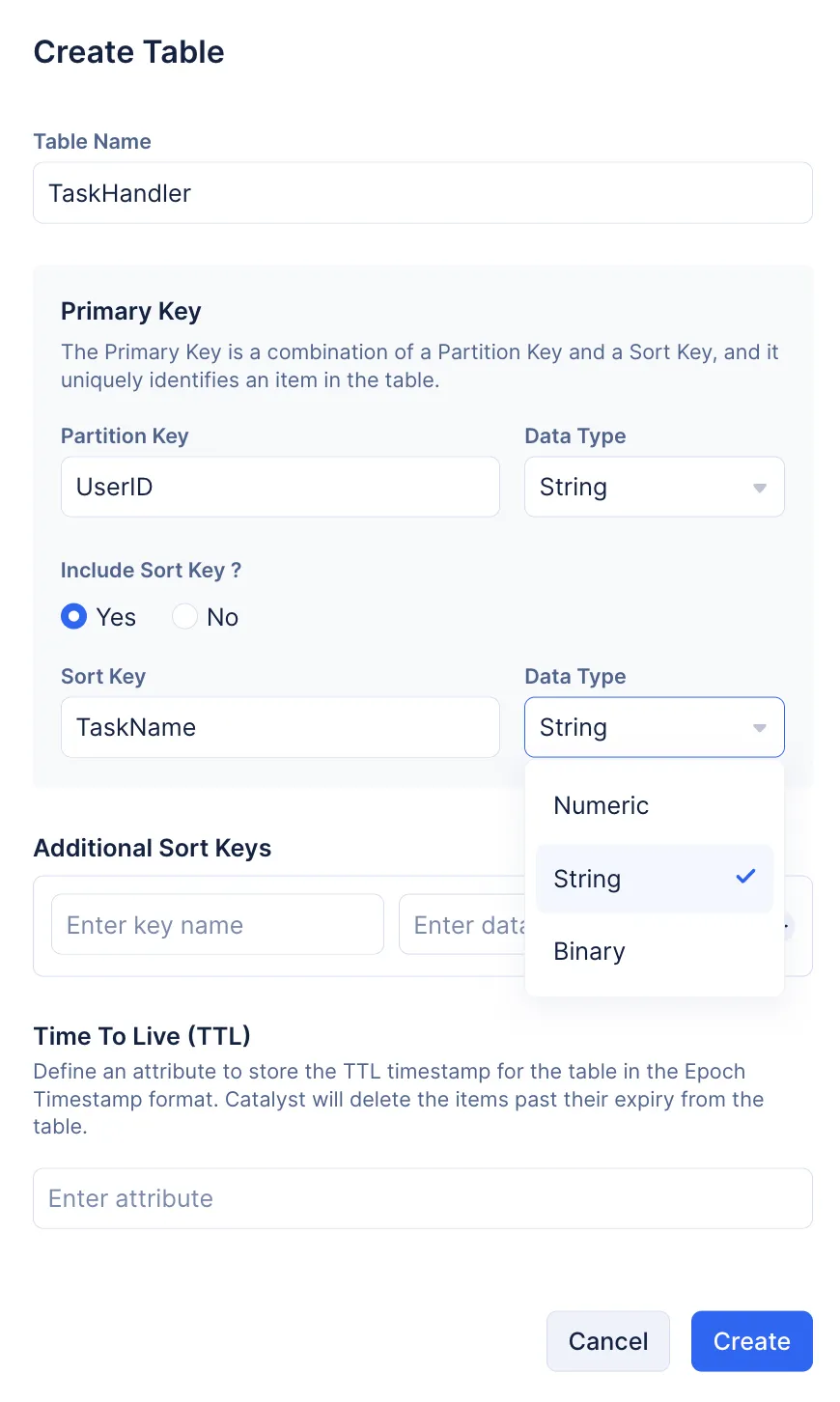
Name your table “TaskHandler”.
-
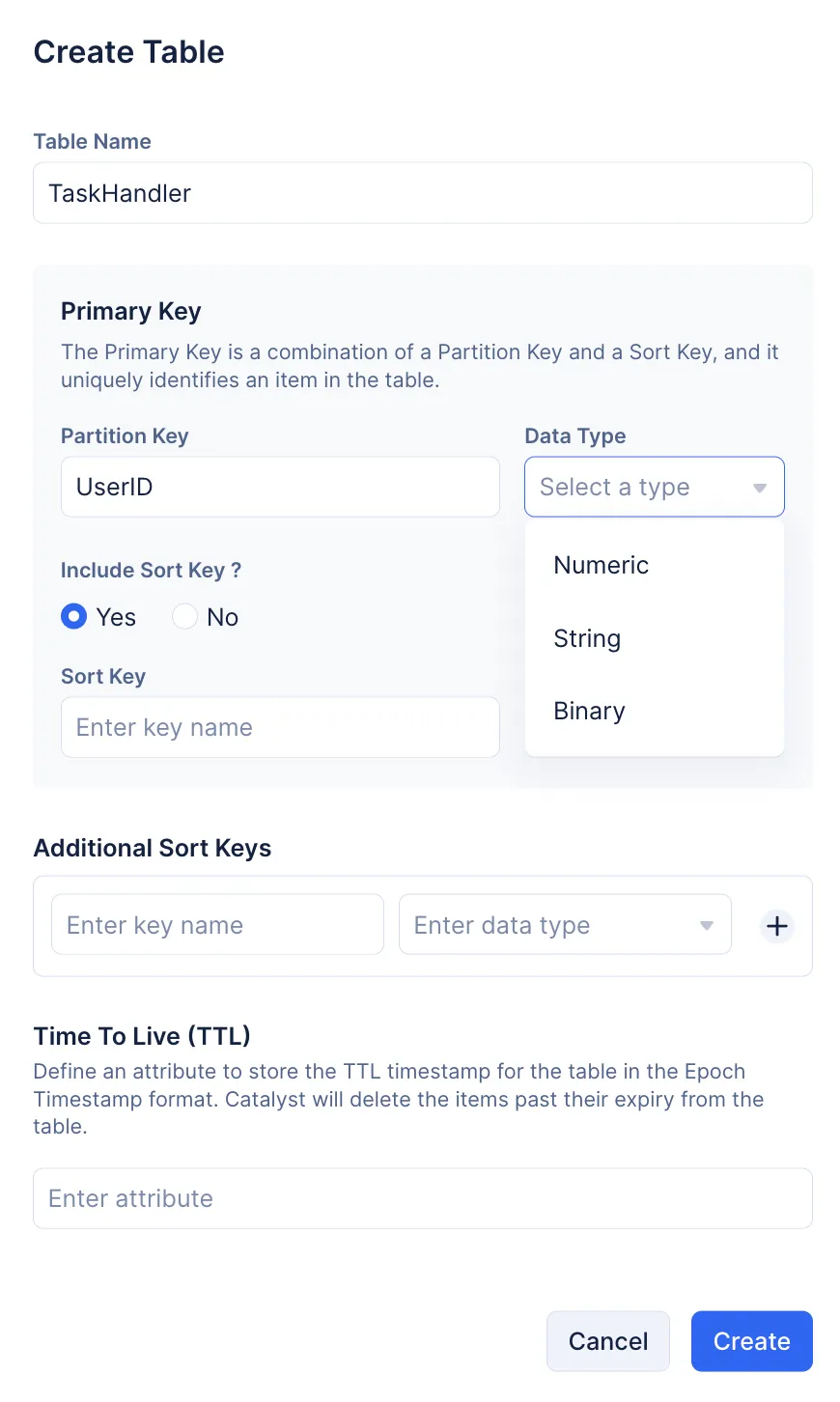
Enter “UserID” as the Partition Key, and select String as the Data Type. You can use the UserID field to represent an individual who creates and manages their tasks. This should be kept unique for each user.
-
Select Yes to include Sort Key. Enter “TaskName” as the Sort Key, and select String as the Data Type.
-
Click Create.
-
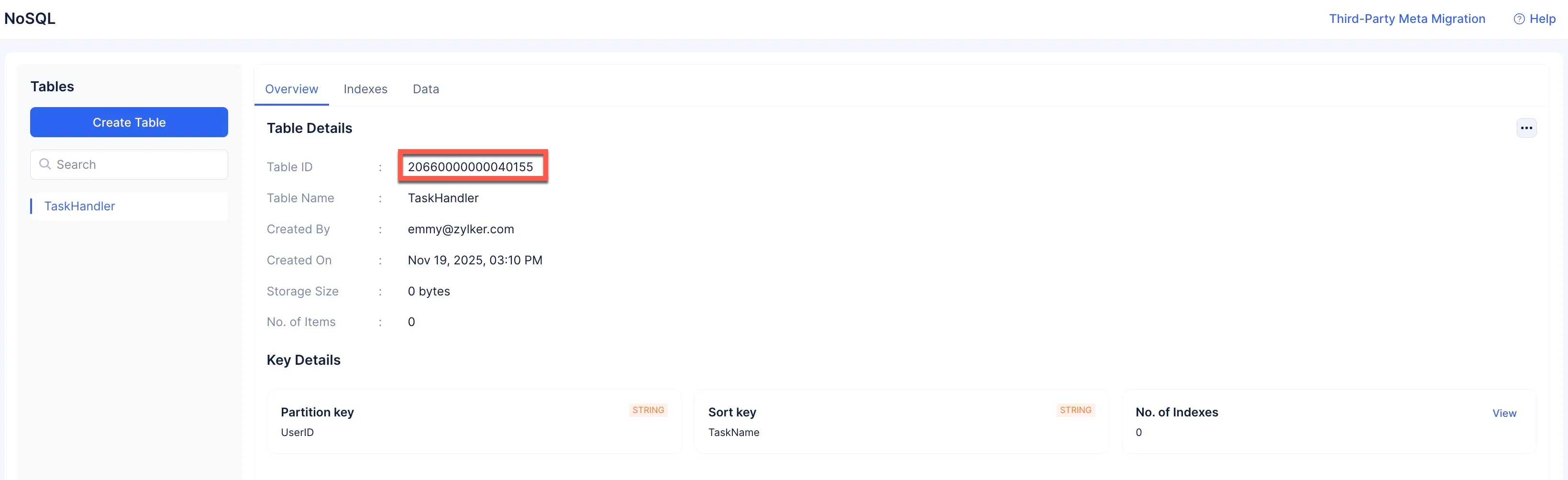
We do not require any additional Sort Keys or need to make use of the TTL feature for the purposes of this tutorial.
The table will be created and a unique Table ID will be generated by Catalyst to refer to the table.
Configure Table Indexes
Next, we are going to configure indexes for the NoSQL table. Indexes are required to create other attributes that can be used to search for data stored in the table.
To create an Index:
-
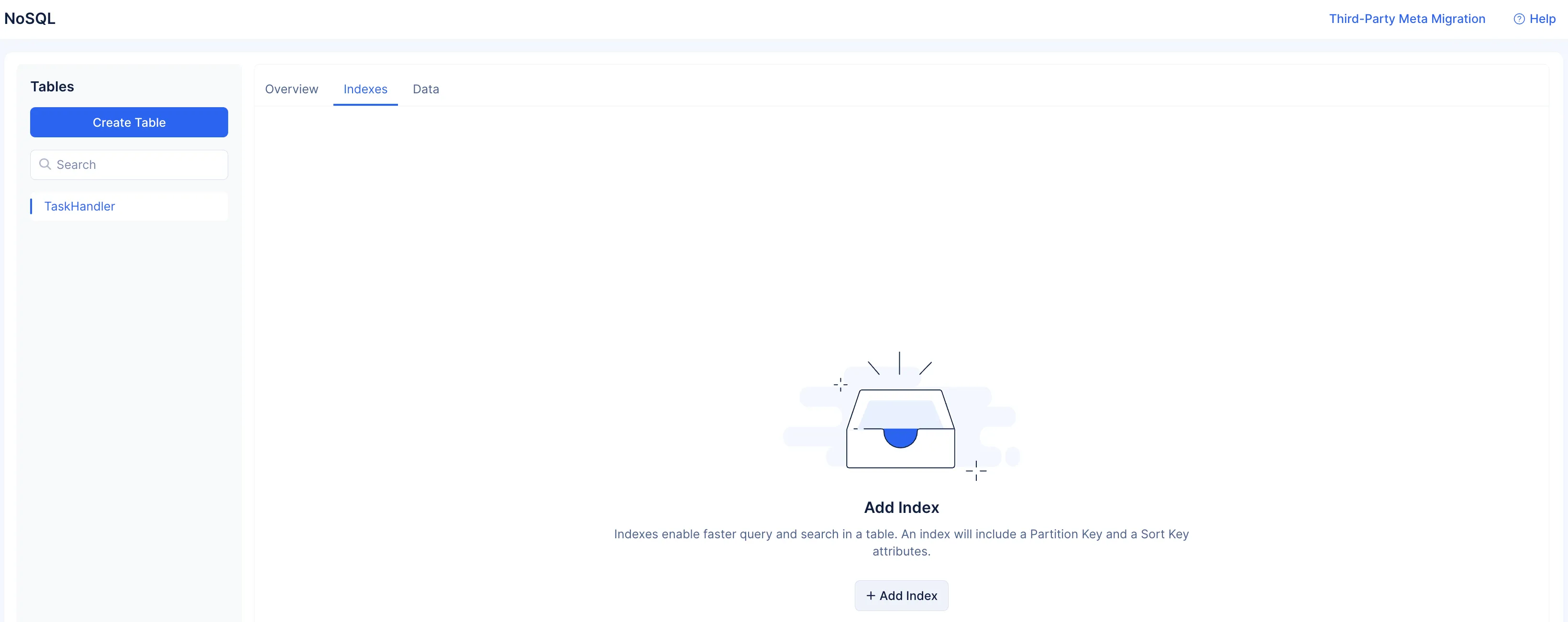
Navigate to the Indexes tab, and click Add Index.
-
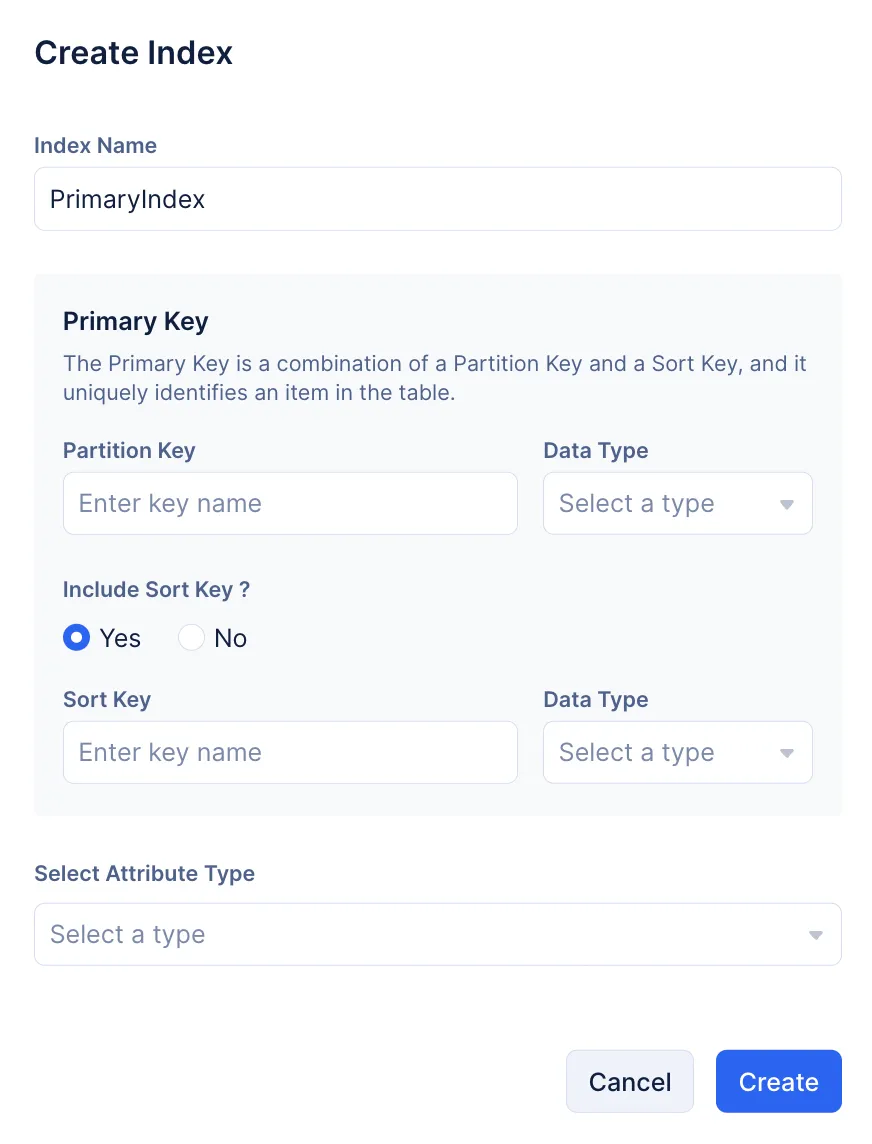
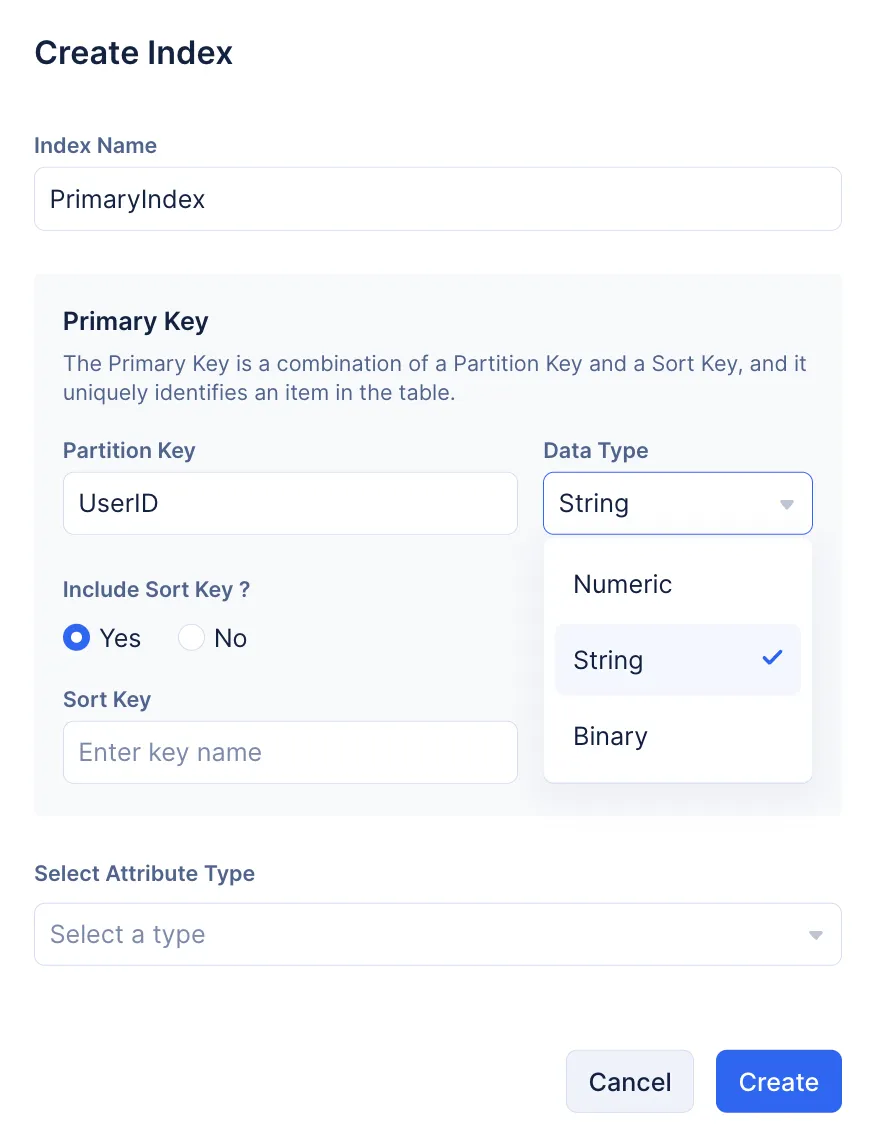
Enter “PrimaryIndex” as the name of the index.
-
Enter “UserID” as the name of the Partition Key and select String as the Data Type.
-
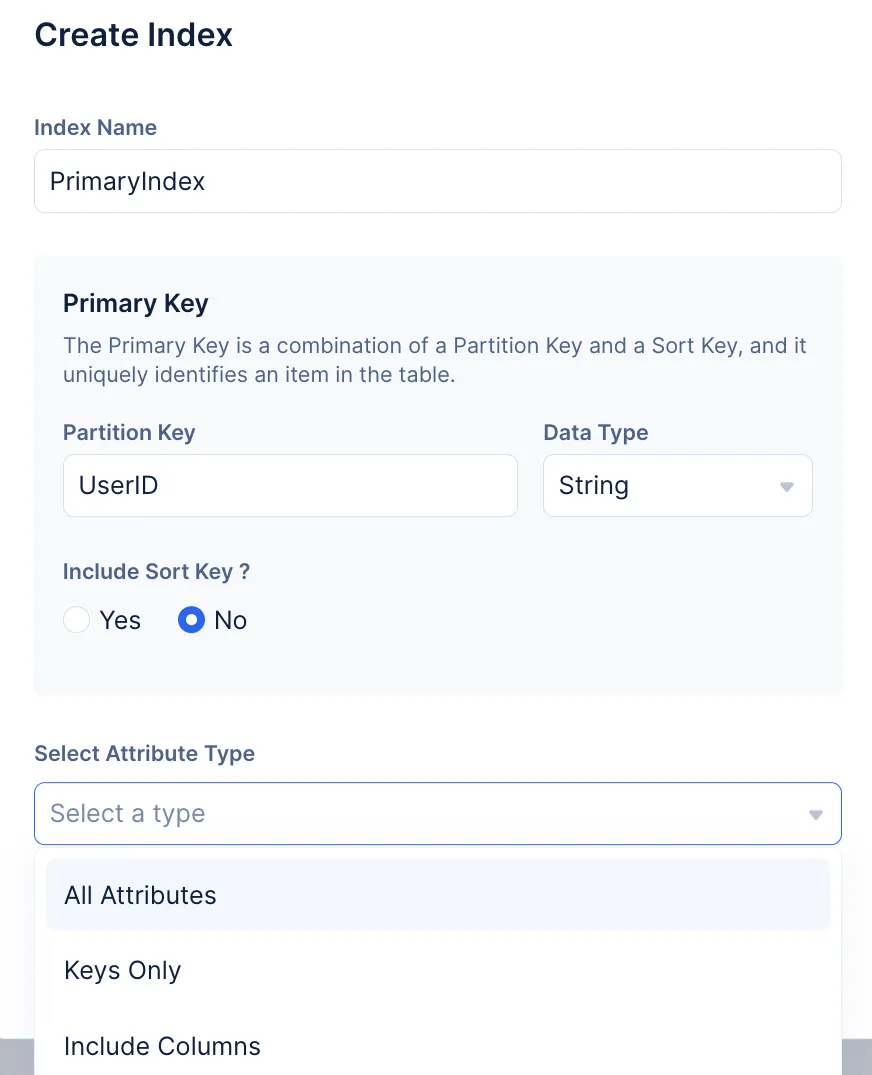
Select No, as no additional Sort Keys are required for the index, select All Attributes as the Attribute Type, and click Create.
The required index has been created.
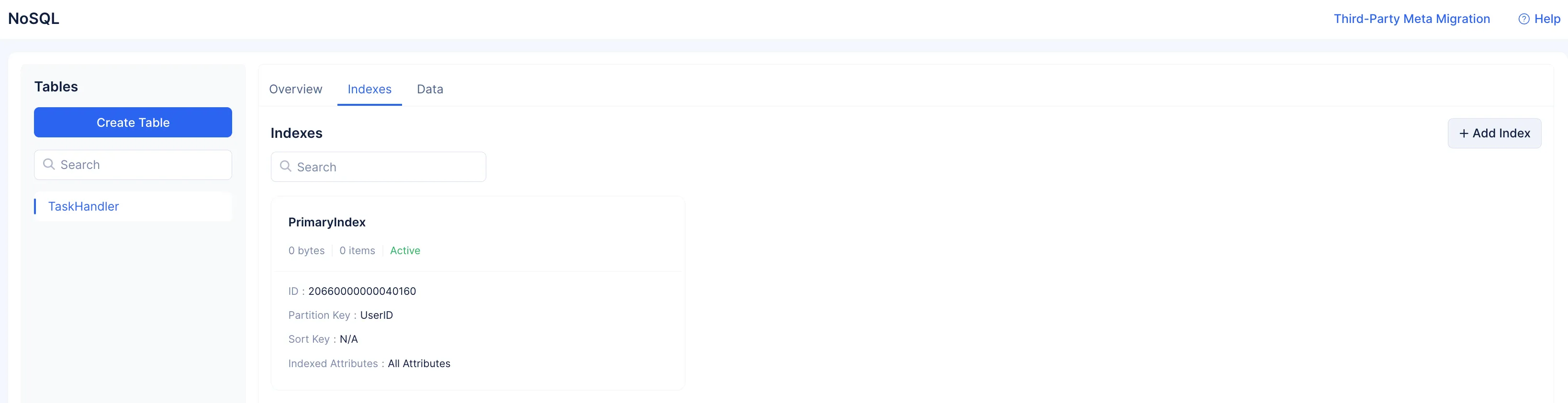
The NoSQL component has been configured for the application.
Last Updated 2025-11-26 15:38:32 +0530 IST