Enable Zoho Sign-in
The Lead Manager application contains a login page where you must provide valid credentials to access your Zoho CRM account. You can implement a signup functionality for this application by yourself, if needed.
Otherwise, you can also integrate the Zoho sign-in feature that will enable you to sign in to the client application directly using your Zoho account.
To configure Zoho sign-in for the Lead Manager application from the console:
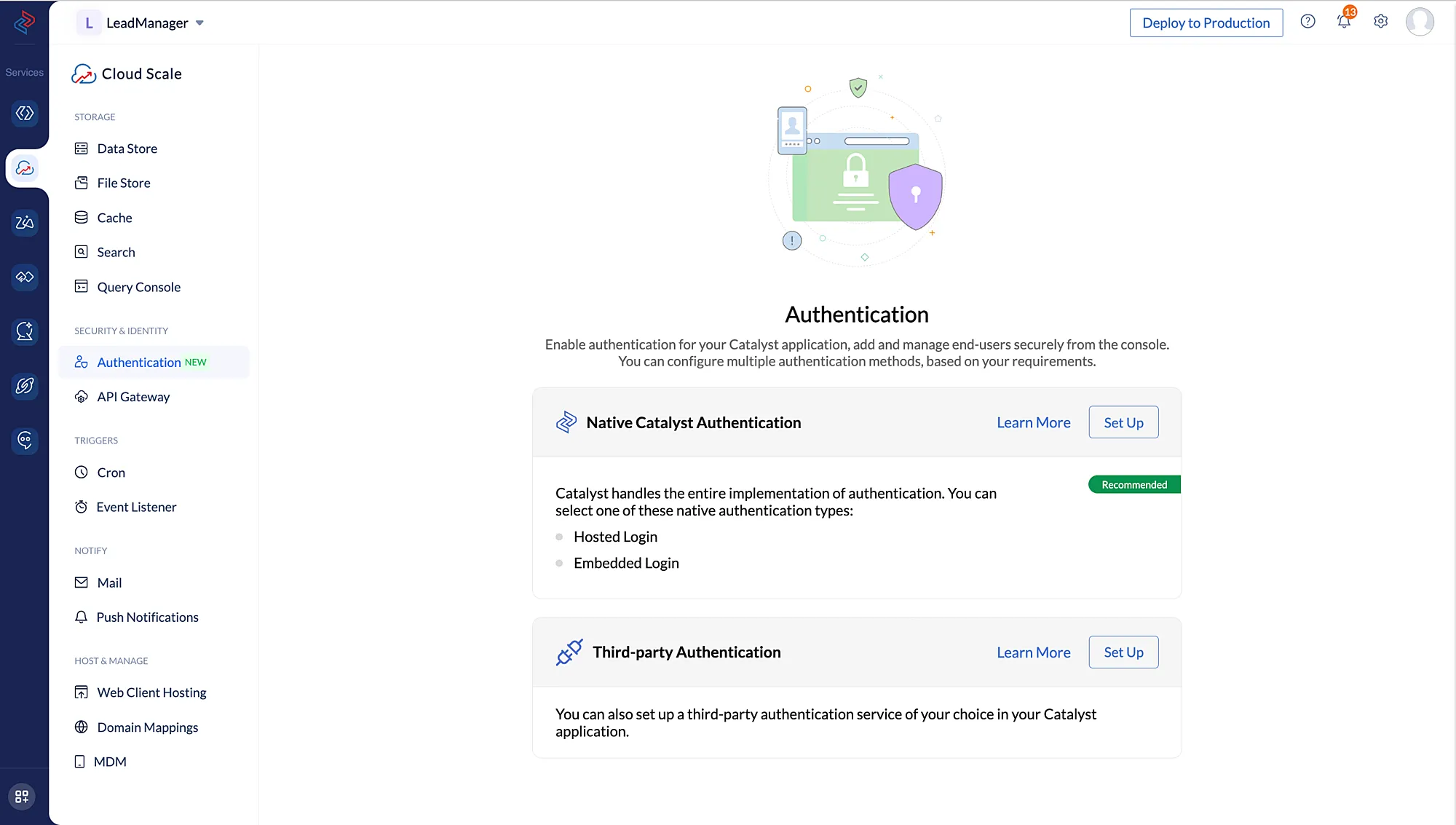
Navigate to Authentication under the Security & Identity section, click Setup in the Native Catalyst Authentication tab.
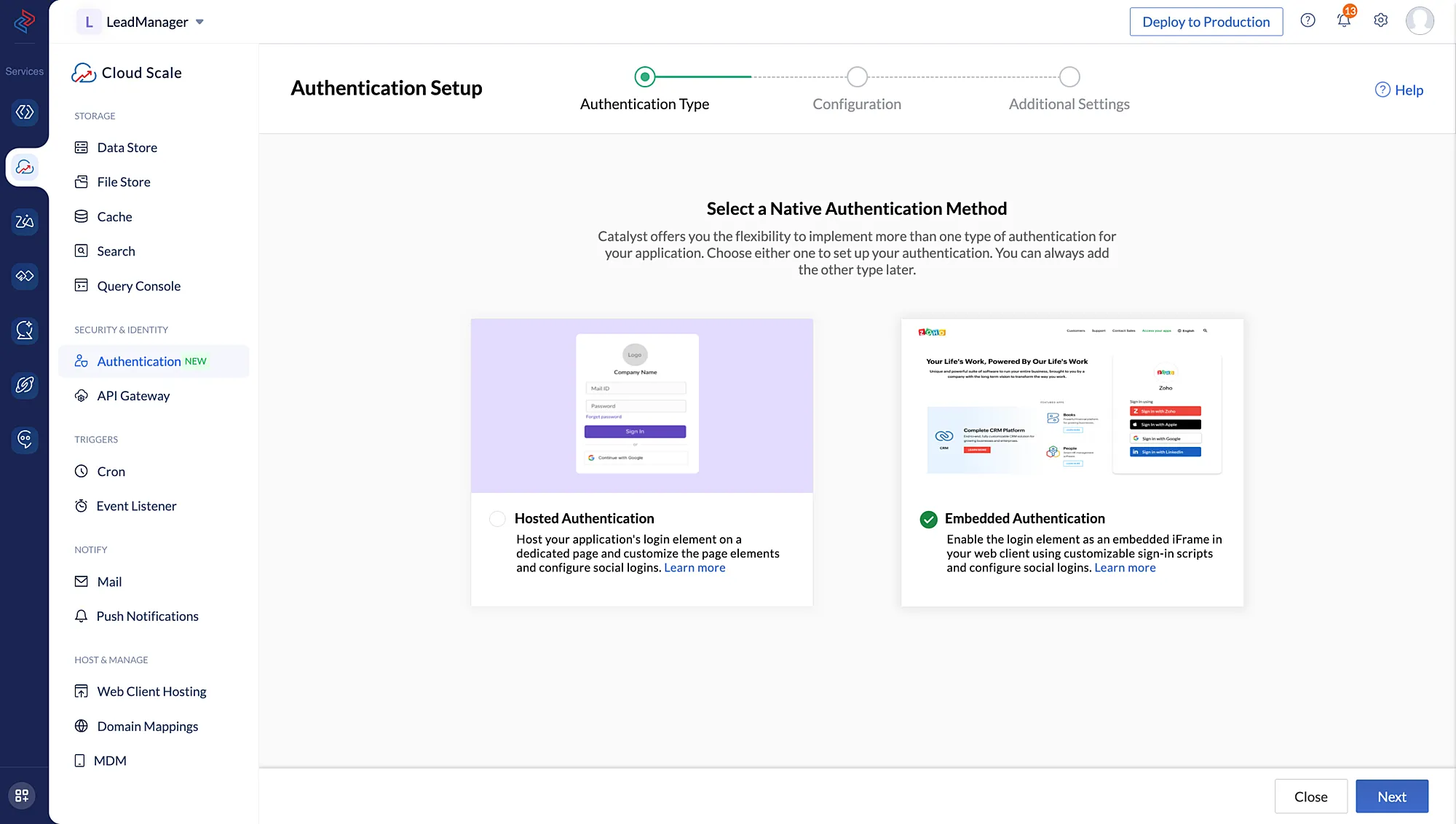
Select Embedded Authentication. Click Next.
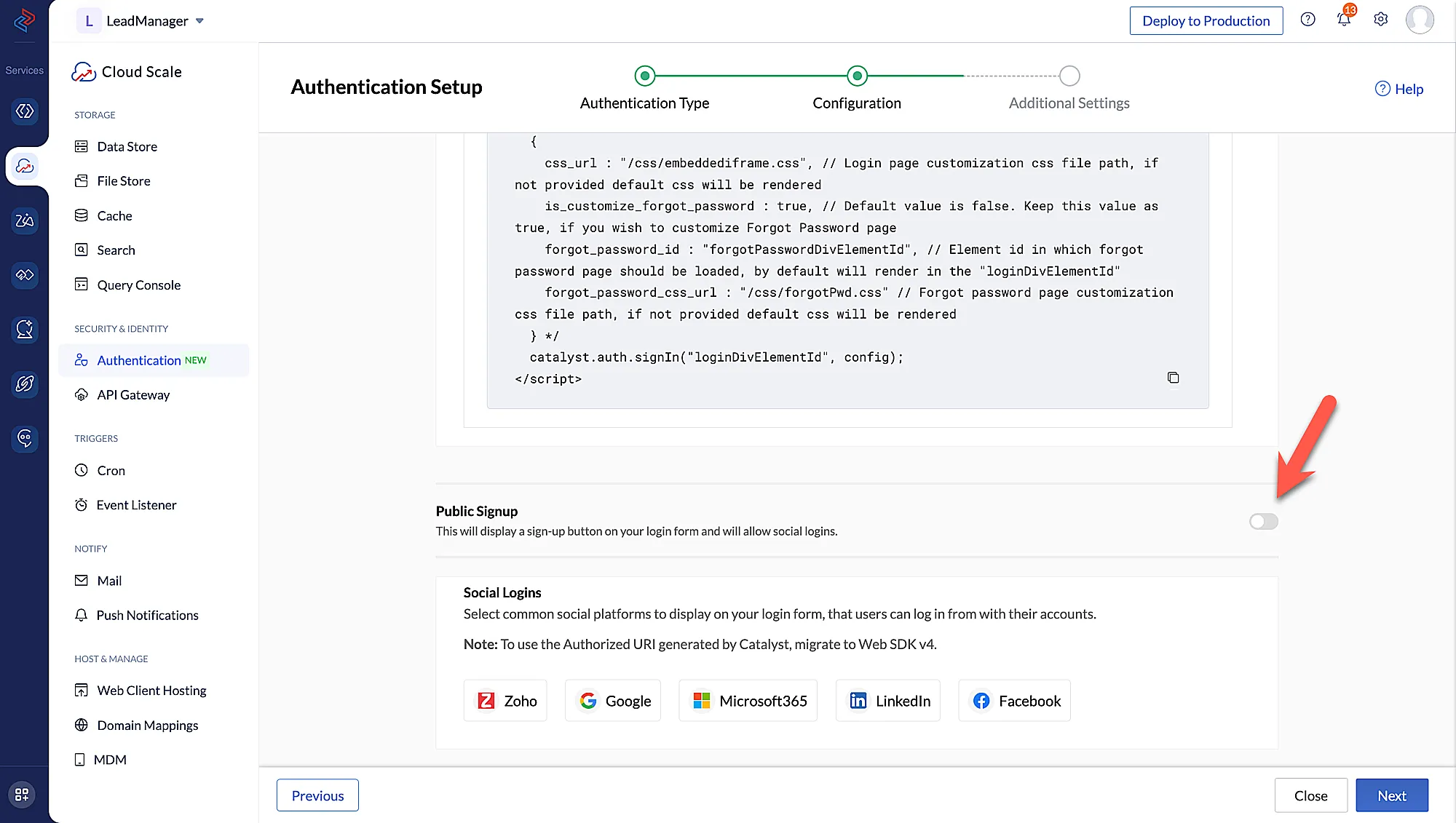
In the Authentication Setup page, enable Public Signup and click Zoho.
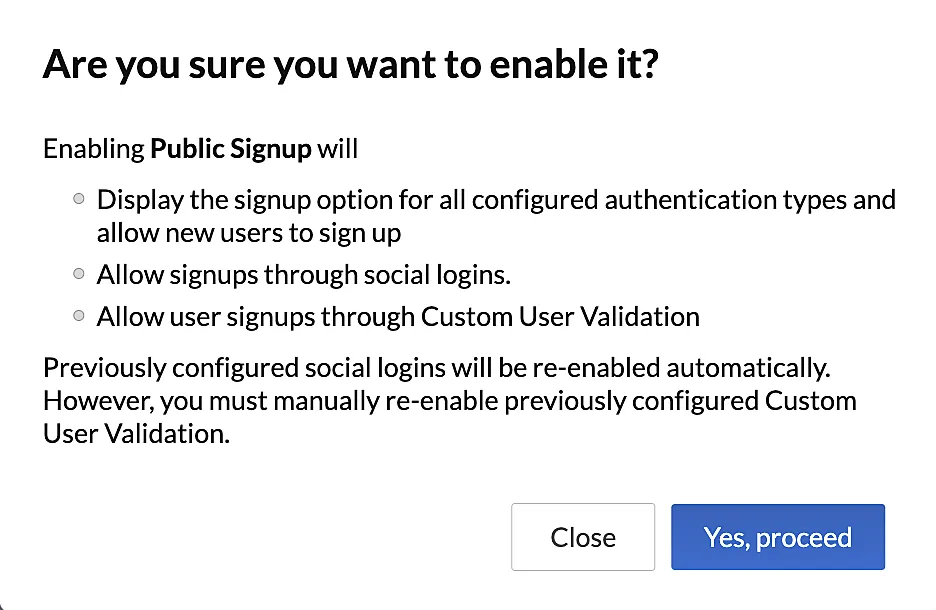
In the dialog box that appears, click Yes, proceed.
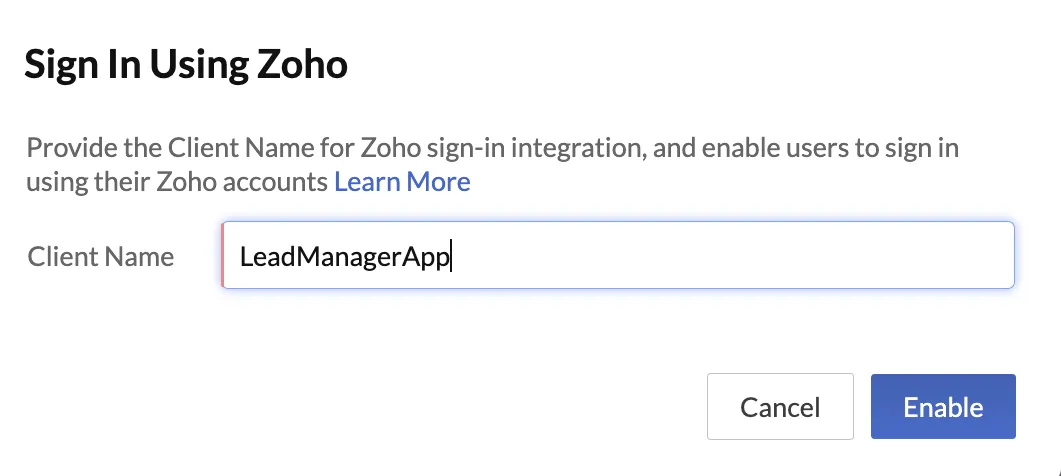
Provide the Client Name as “LeadManagerApp” and click Enable.
- We will not be configuring any additional authentication settings for our application. Click Finish
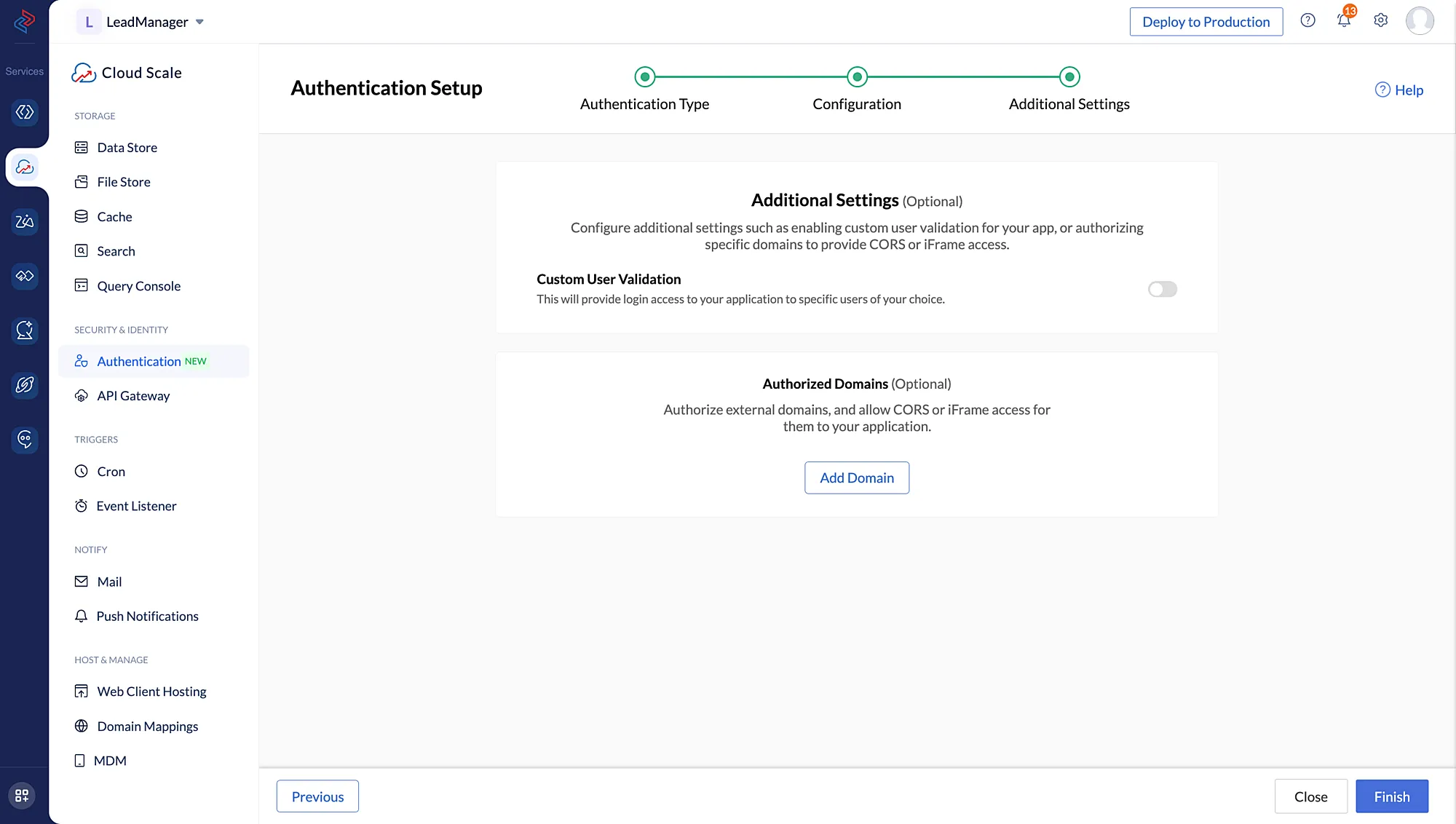
Zoho sign-in will now be available for the client application.
Last Updated 2026-11-04 15:40:44 +0530 IST