Test the Application
Before you deploy the application to the remote console, you can test the application on a local server and check if everything works using the Catalyst CLI.
To serve the Catalyst project locally, execute the following command from your project directory:
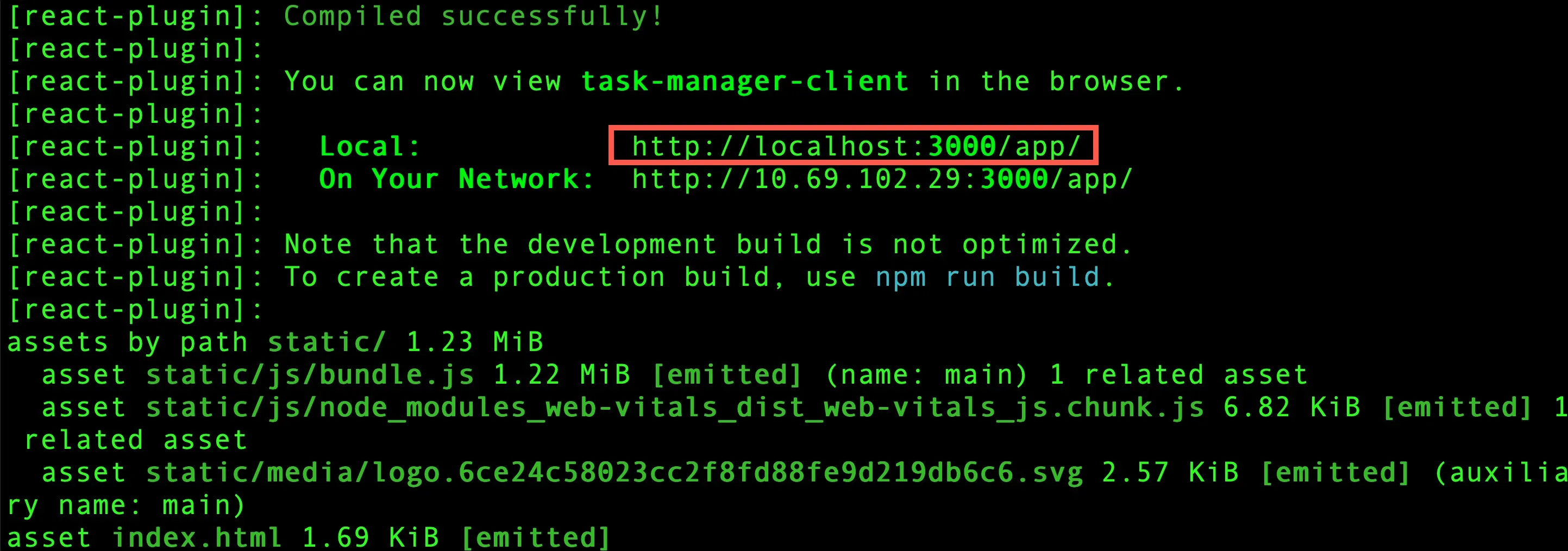
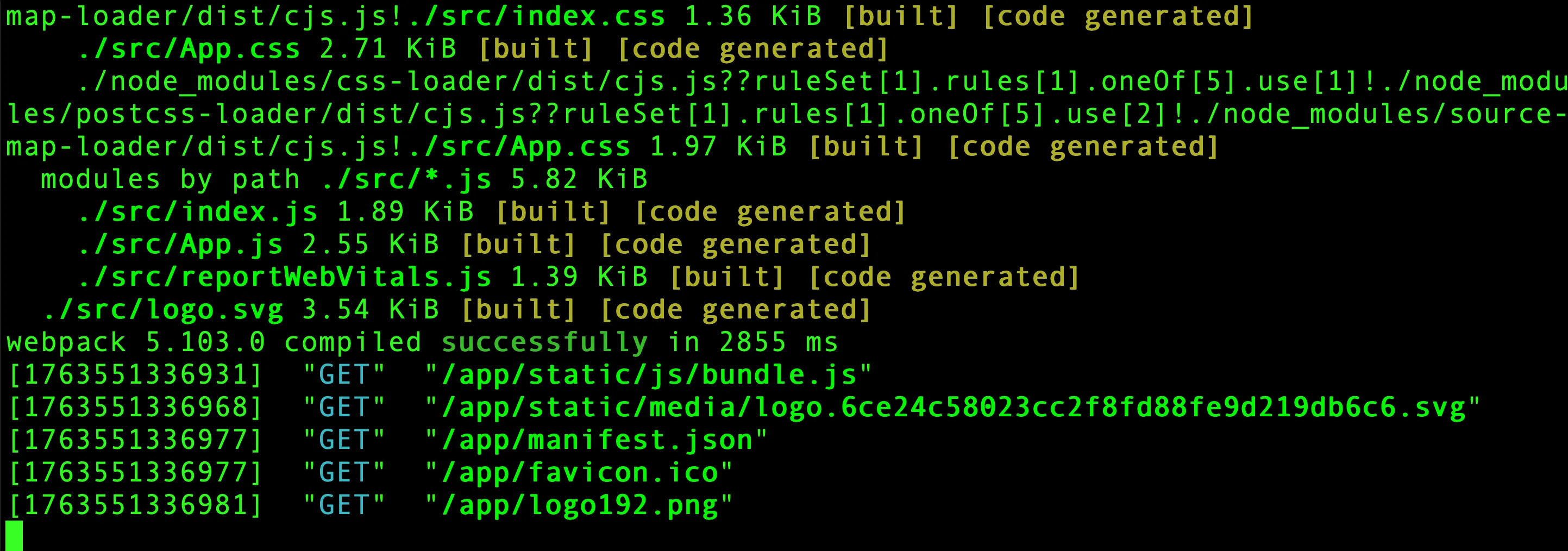
You can now open the application’s localhost URL in a browser to access the Task Manager application.
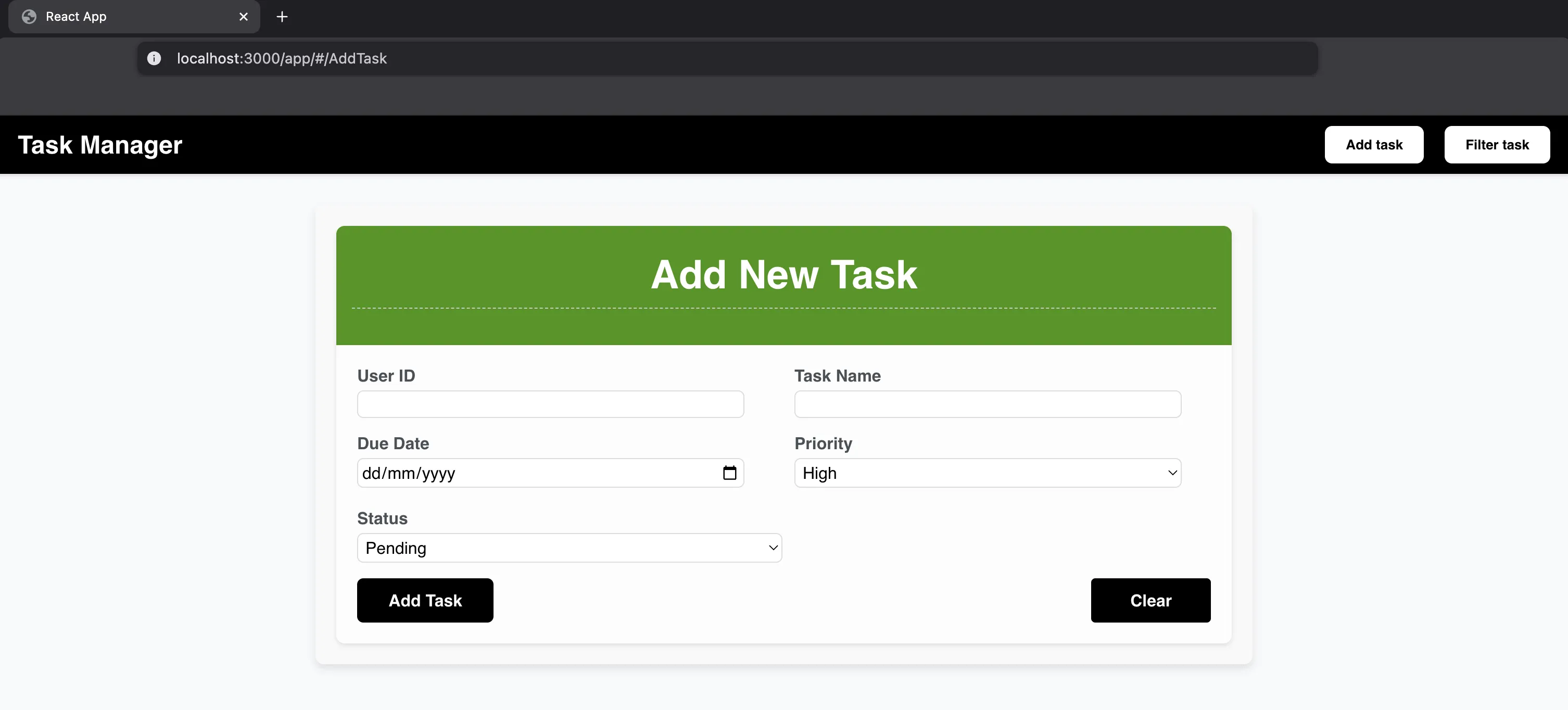
Test Create Functionality
-
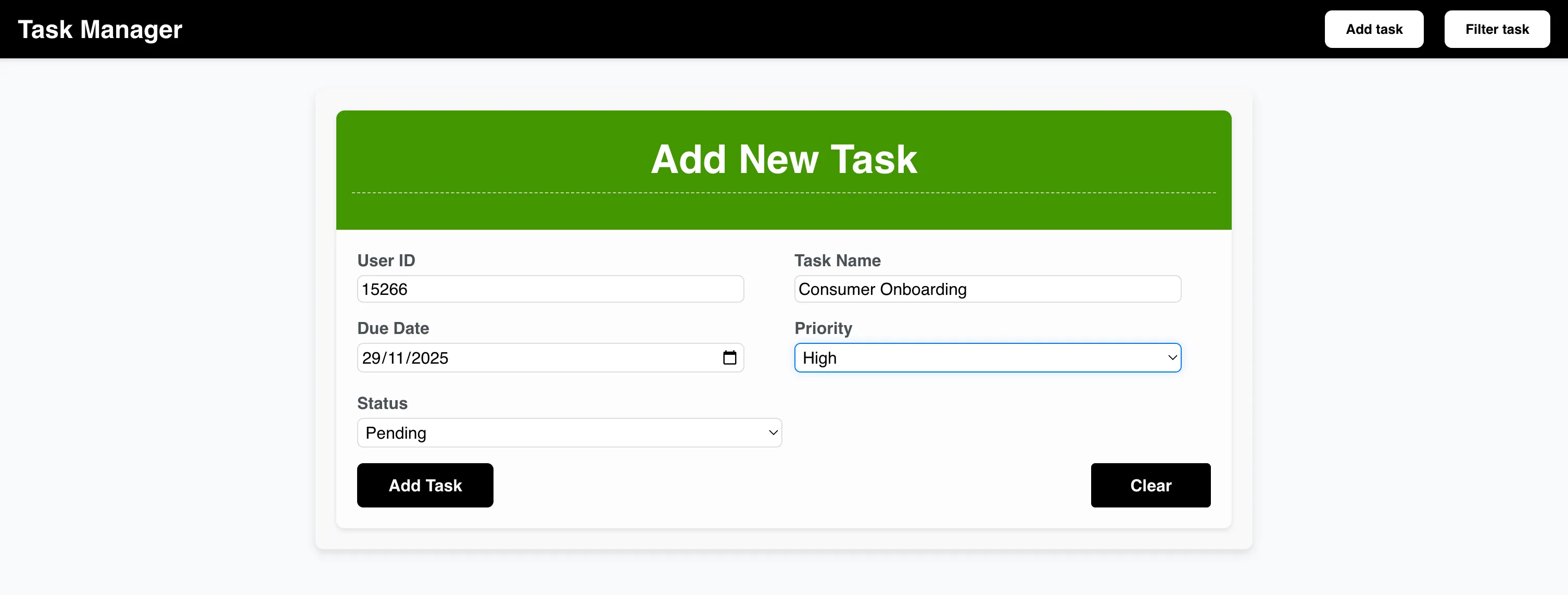
Populate the required fields and click Add Task, to create a task.
-
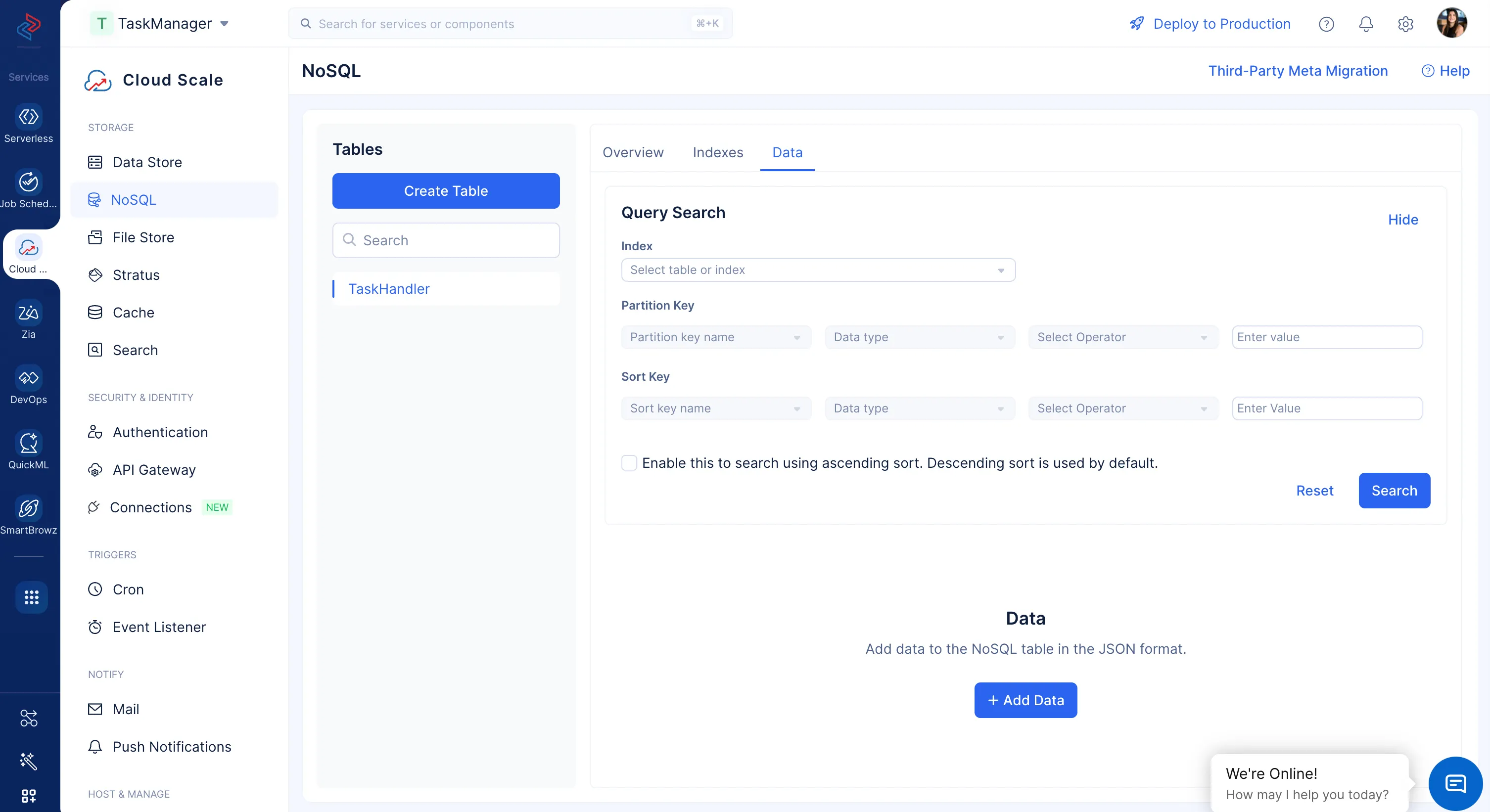
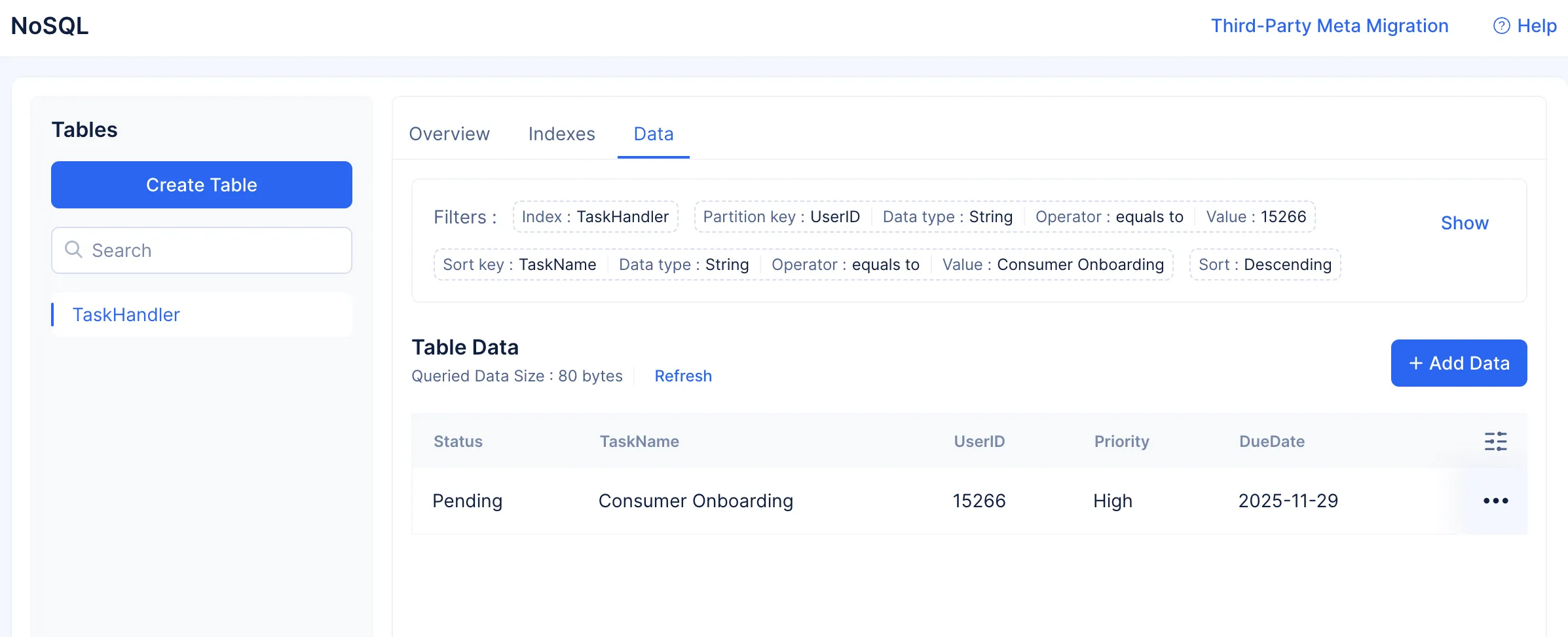
The task will be created. You can verify, if your task has been created by searching for the data in the NoSQL table present in the console.
-
Choose the table TaskHandler from the Index drop-down, and search using either the UserID (Partition Key), or Task Name (Sort Key). Provide values for the required attributes to search by.
Test Filter Functionality
-
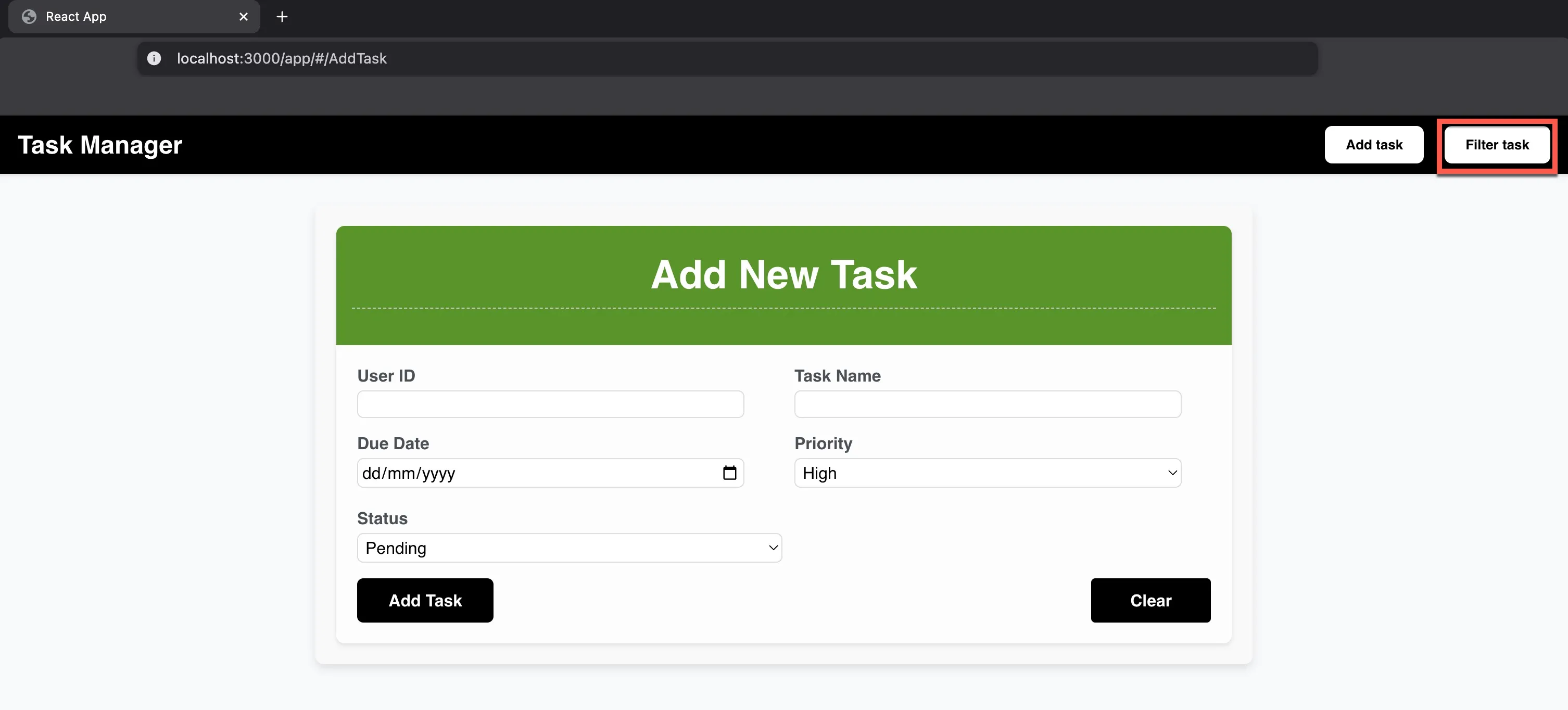
Click the Filter Task button in the client app to navigate to the filter operations section. You can search for tasks that match the criteria of the filters you provide.
-
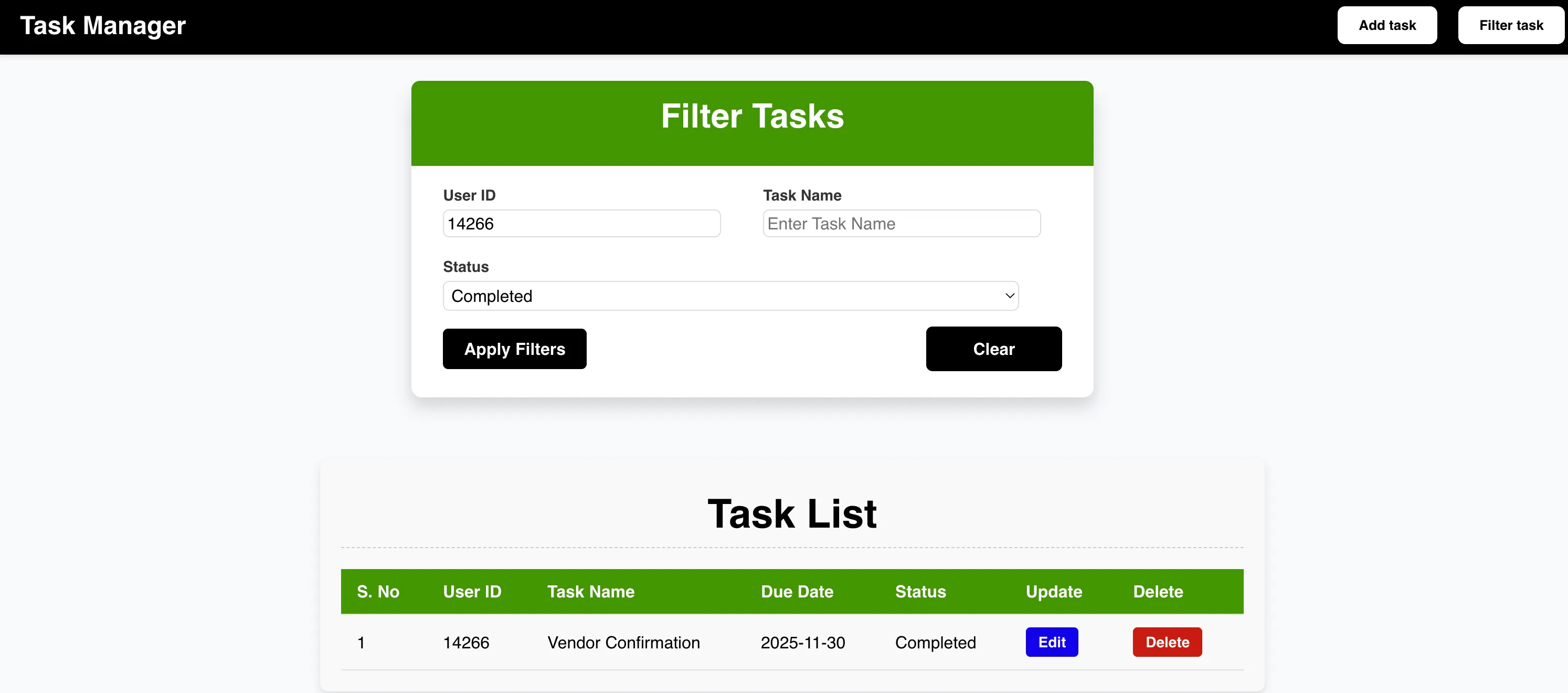
Enter the required inputs and click Apply Filters, to view the filtered results.
Test Edit and Delete Operations
After you’ve queried for a task, you can perform edit and delete operations on the task.
To edit a task:
-
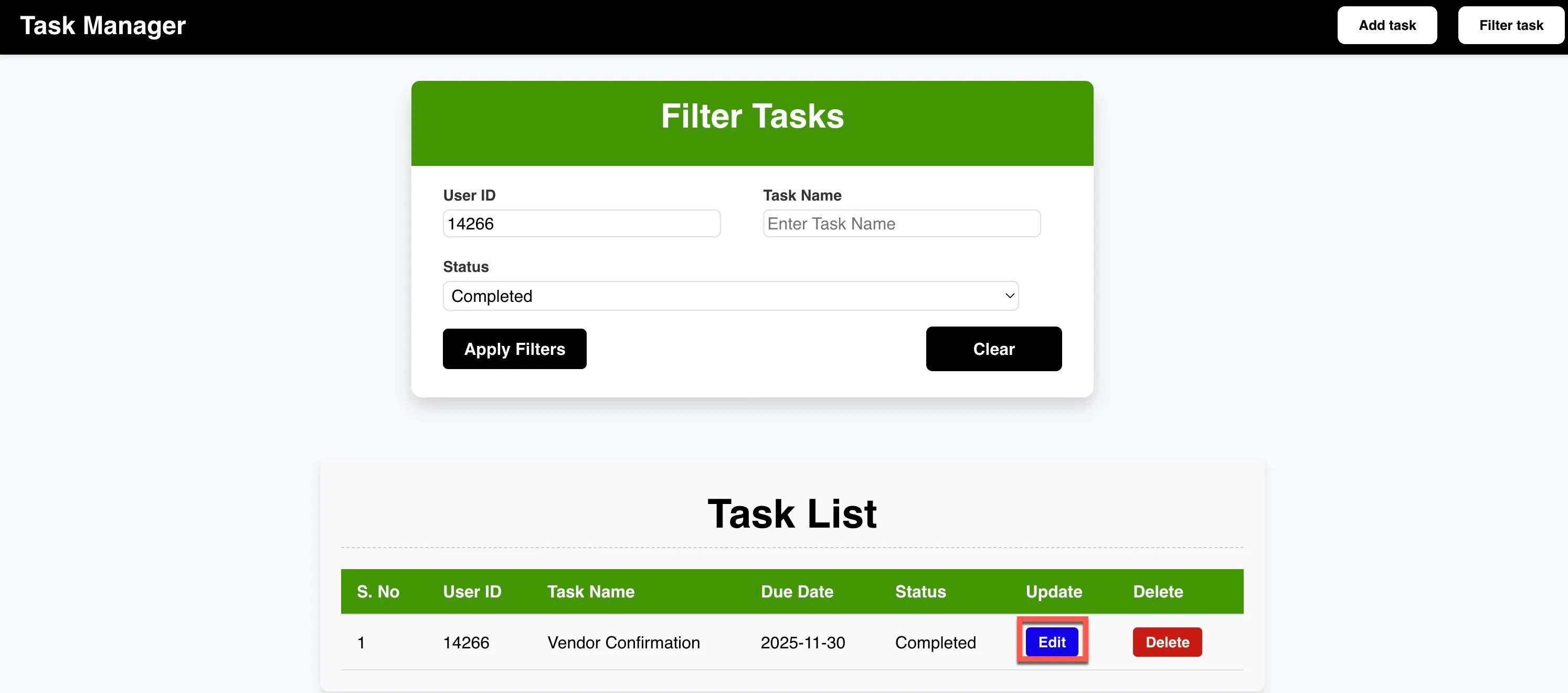
Click Edit to edit the task.
-
Click Submit once you’ve updated the task.
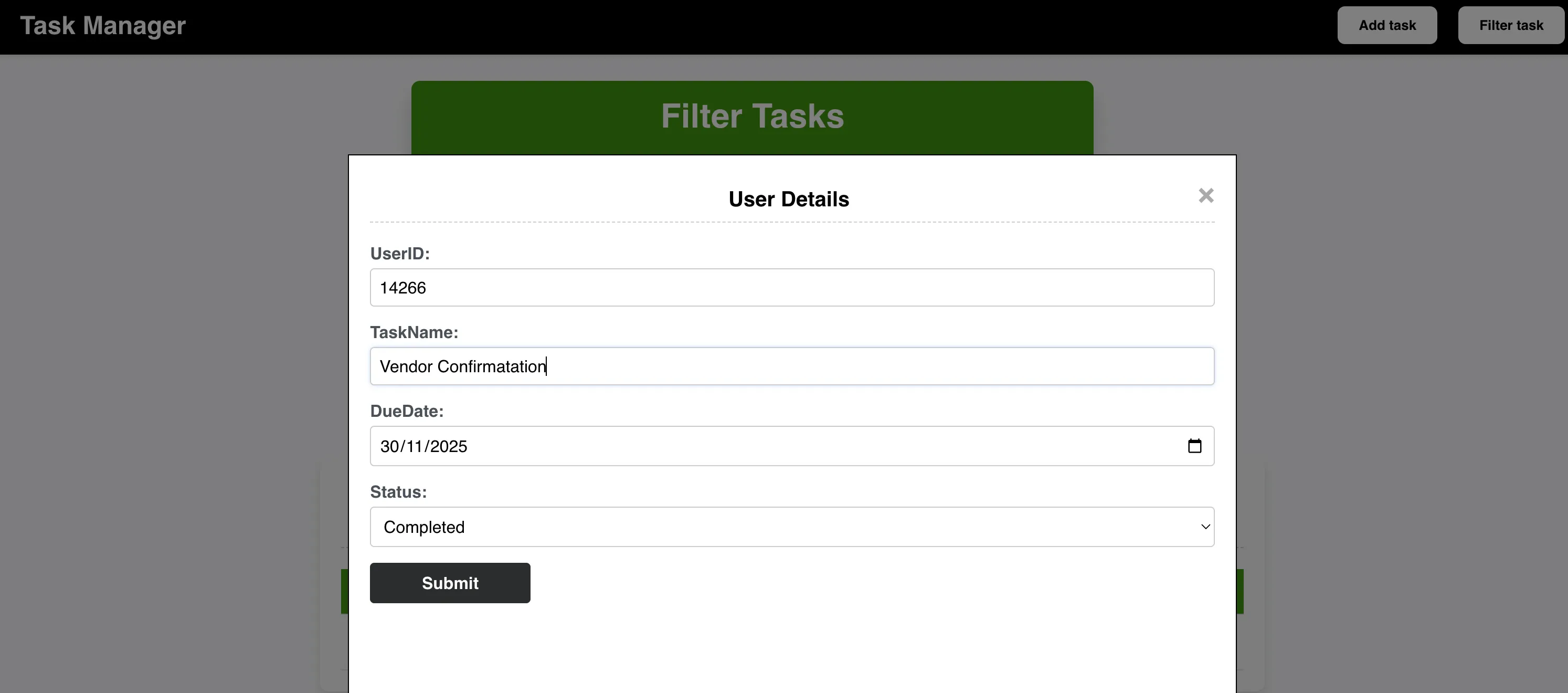
The task will be updated.
To delete a task:
-
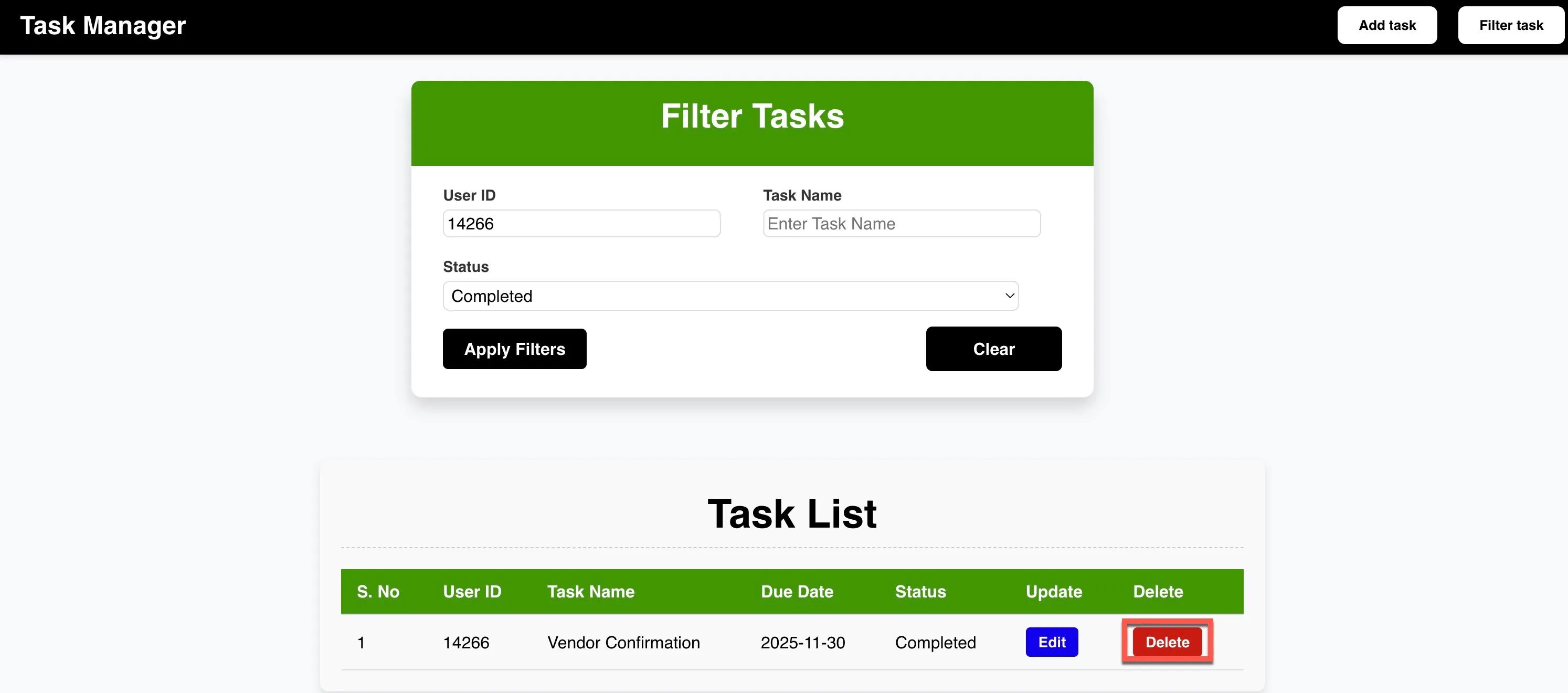
Click Delete on the task you no longer require.
-
Click OK to confirm the delete operation.
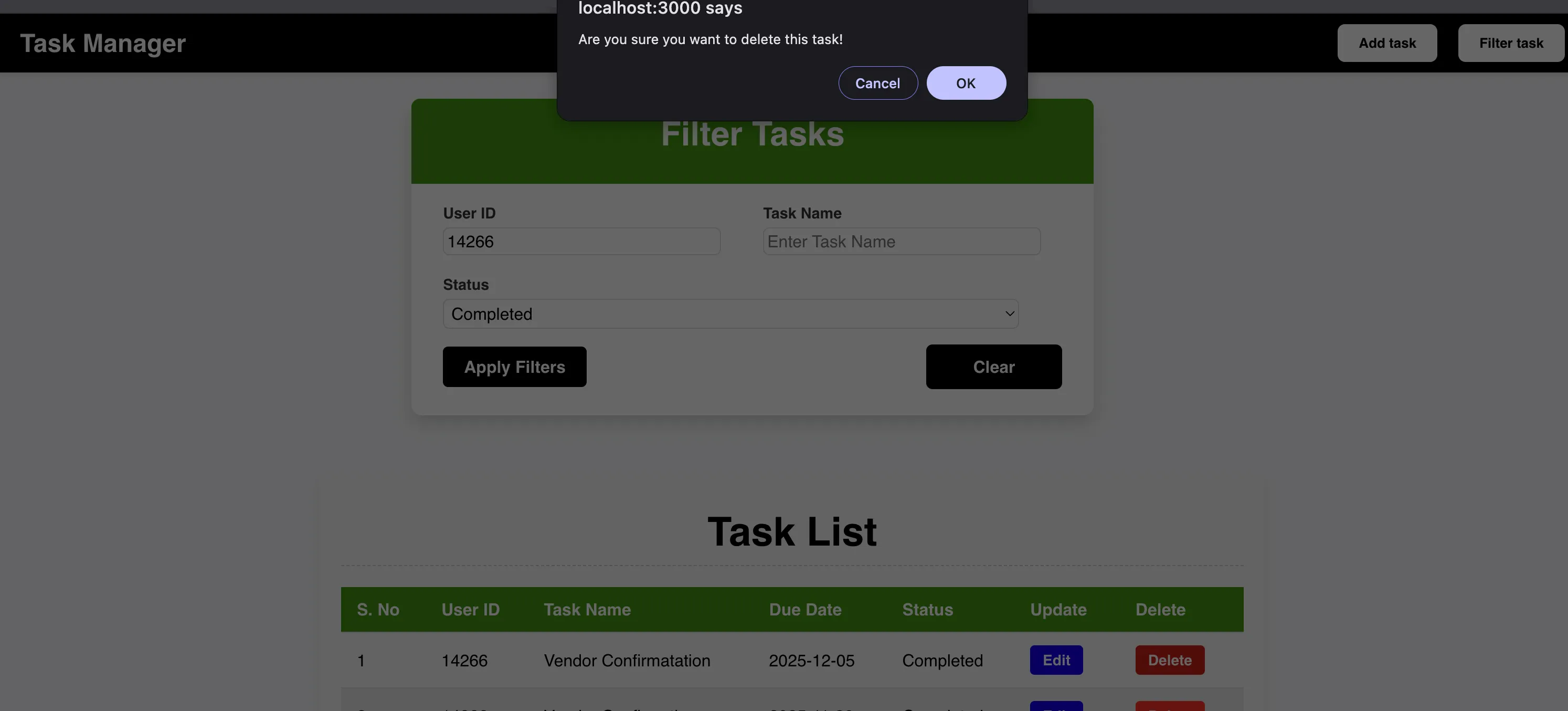
The task will be permanently deleted from the NoSQL table, and from the application. You can open NoSQL in your console to check if these updates were made.
If the application is working as defined in this page, then you can deploy the application.
Last Updated 2025-11-26 15:38:32 +0530 IST