Test the Application
You can test the functionality of your application on a local server using the Catalyst CLI.
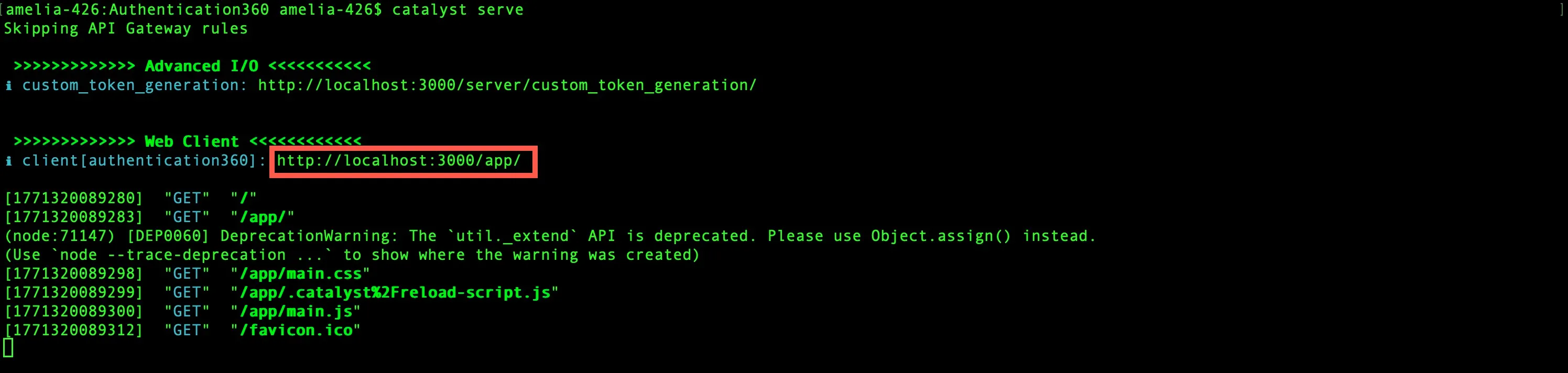
To server the Catalyst project locally, execute the following command in your Catalyst CLI:
The application will typically be served in the default port 3000. The local endpoint URLs of the components will be displayed in the CLI.
-
To ensure you are able to locally test your application, you need to add your local endpoint URIs in the Auth0 configuration section, for example:
- http://localhost:3000/app/index.html
- http://localhost:3000/app/home.html
-
Every time you access the homepage or any of the sub-pages of your client, or the function, the CLI will display a live log of the accessed URL, along with the HTTP method that is used to access it.
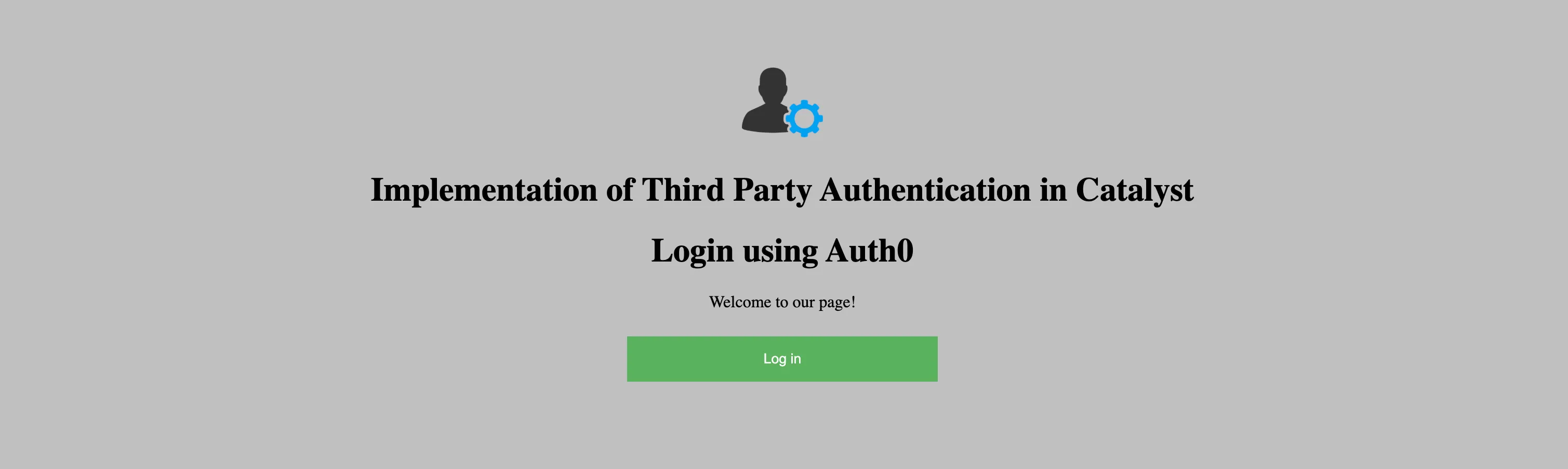
You can now open the client component’s local URL in a browser to access the application. Click Log in.
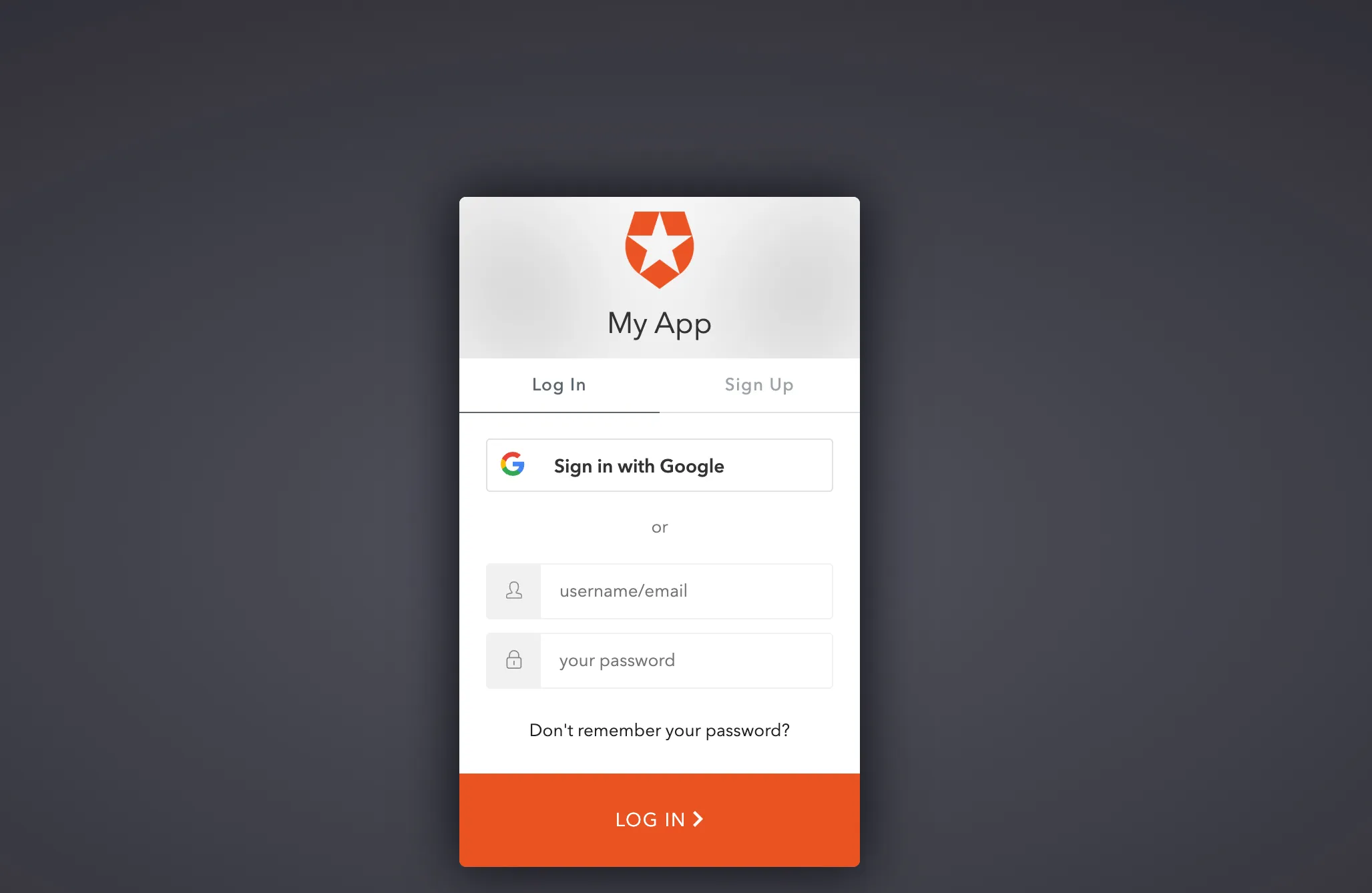
You will be directed to the Auth0 login elements. You can either input the required user details or attempt to sign in to the application using the Google Social Login button.
Click the Get Catalyst Logged in User Details button to add the user details to the Catalyst backend.
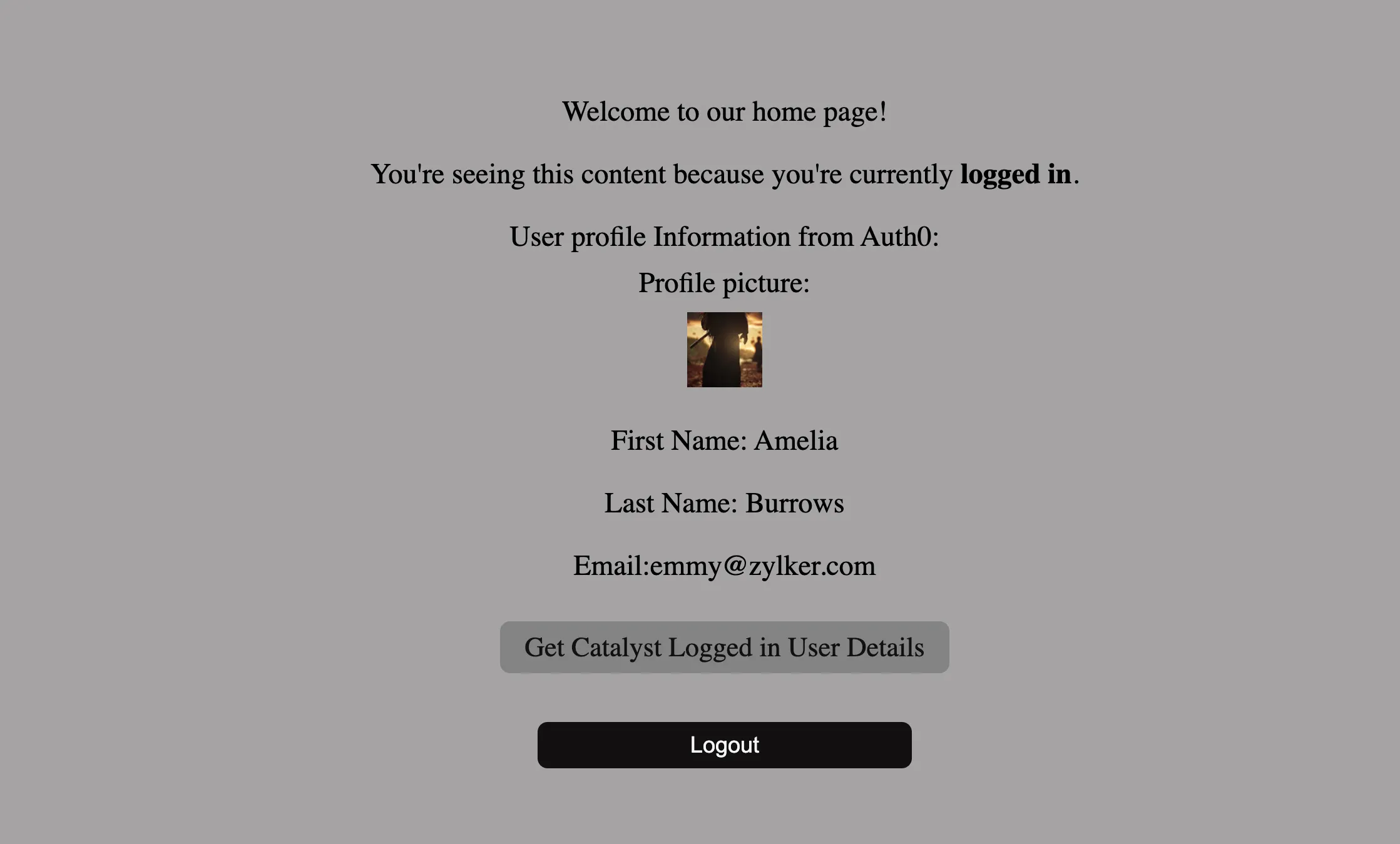
The user has now been authenticated using Auth0 and added their details have been added to the Catalyst backend.
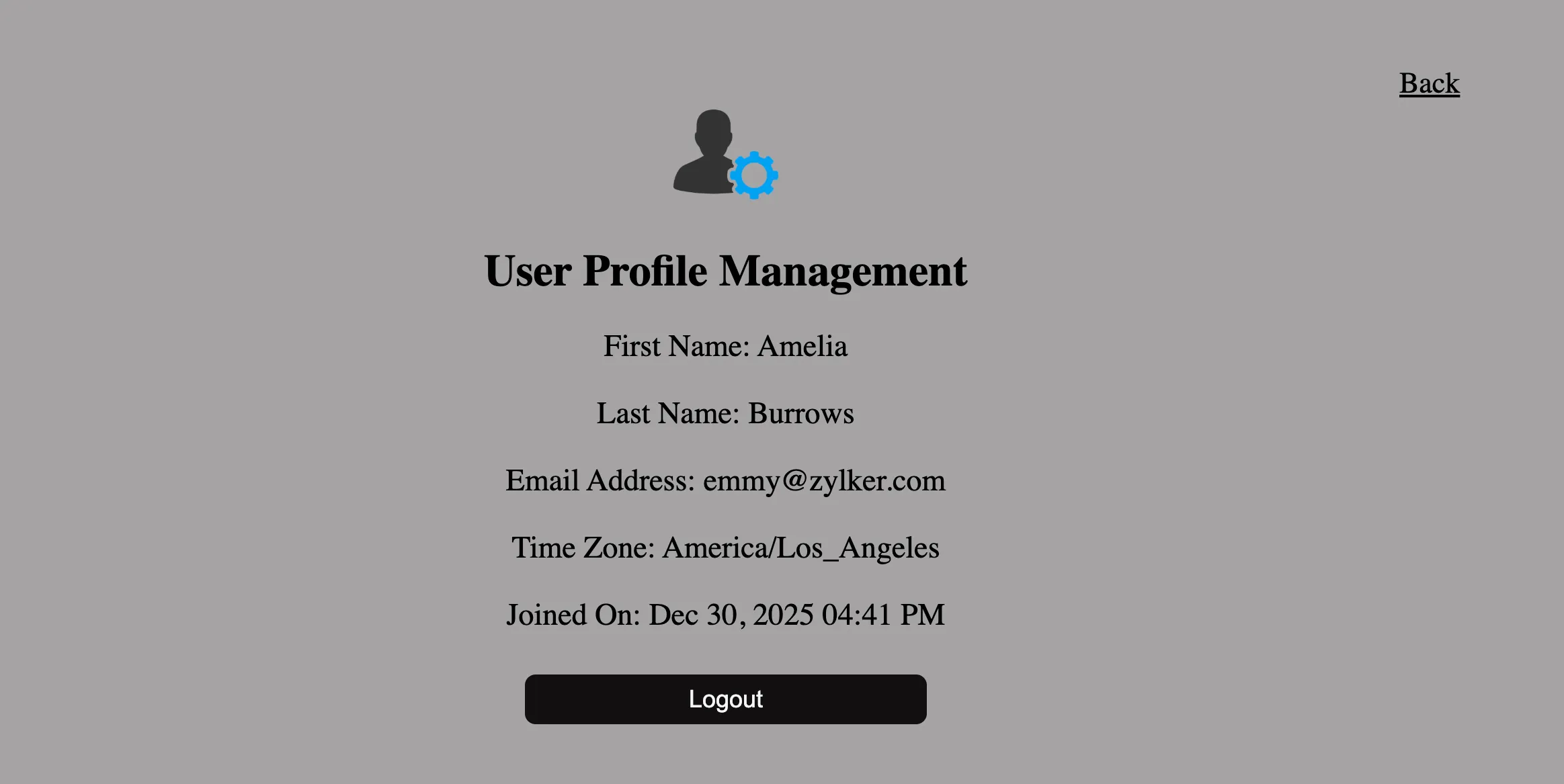
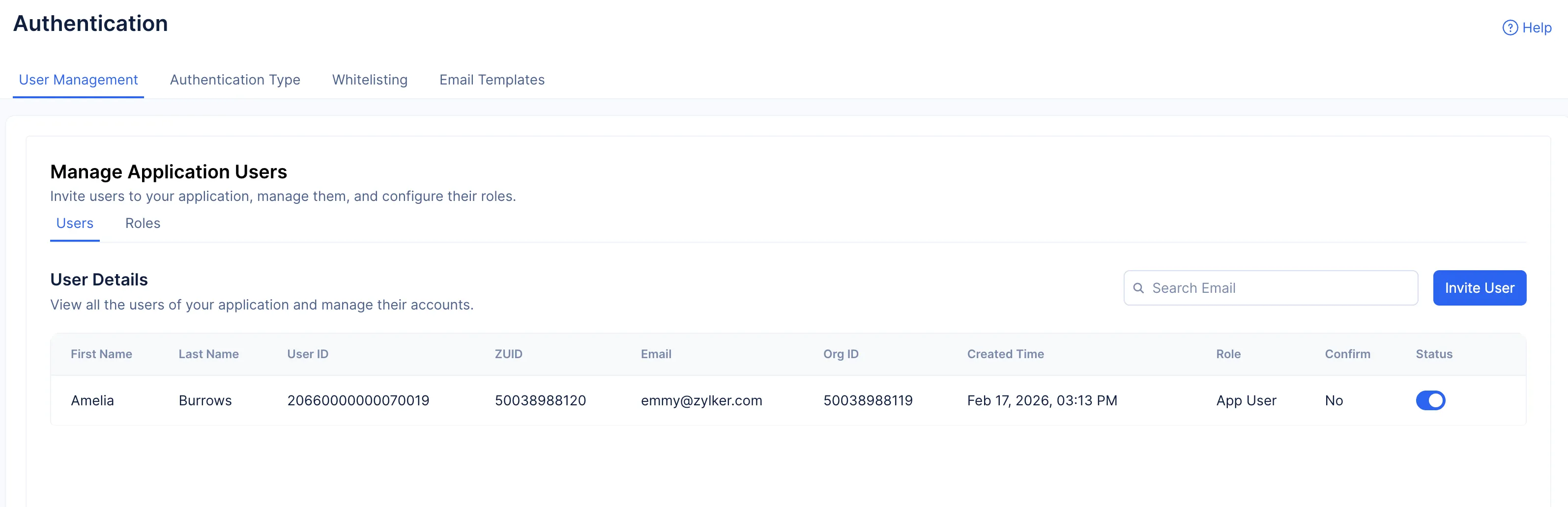
You can verify that the user has been added to your Catalyst application by navigating to the User Management section in the Authentication component.
The application is working as intended.
Last Updated 2026-02-23 22:17:04 +0530 IST